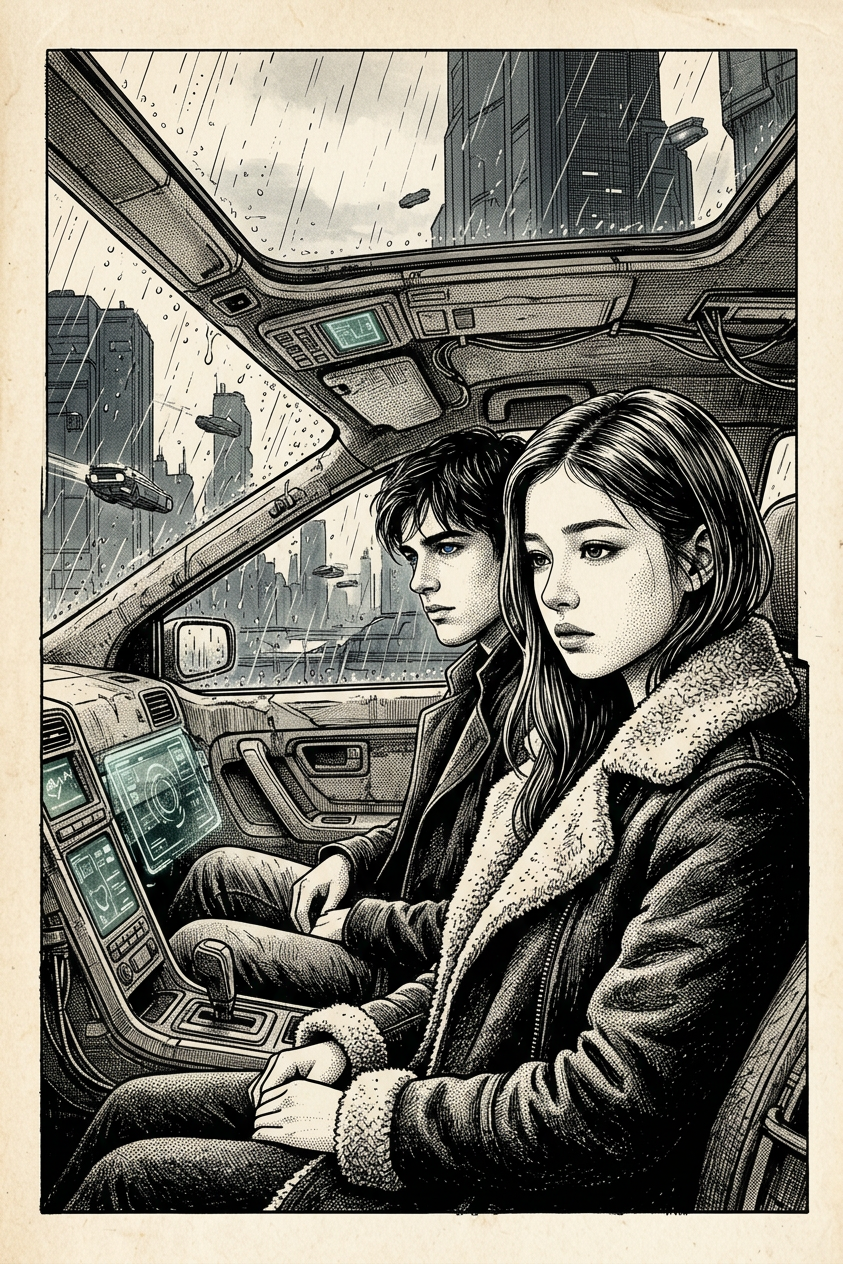
Ink art
Any aspect ratio
A medium close-up cinematic still of two subjects seated inside a futuristic vehicle, inspired by a Blade Runner 2049 atmosphere. One subject sits in the driver’s seat in the foreground, wearing a dark, heavy, shearling-lined coat, with a contemplative, melancholic expression, looking slightly to the side. The second subject sits beside them, partially visible. The environment shows a rainy, overcast futuristic city through the window. Eye-level composition. Soft, diffused natural daylight filters in from outside. Ink / line art style with detailed linework, expressive strokes, high contrast, minimal shading, and a moody, atmospheric tone.
Tags
stylesOverview
Embark on a creative journey with the Ink Art template, a feature of our AI Image Editor. Dive into the world of ink art, capturing the gritty, high-contrast aesthetic reminiscent of classic cinematics with a futuristic twist. The Ink Art template is powered by the cutting-edge nano-banana-2 model, ensuring precise and atmospheric results.
What It Does
This template transforms your images into stunning ink art pieces. It features a medium close-up scene with two subjects in a futuristic vehicle, drawing inspiration from the atmospheric tones of films like Blade Runner 2049. The expressive strokes and high-detail linework create a moody, cinematic effect. Utilize the AI Image Upscaler for sharp details and enhanced resolution.
Who It's For
The Ink Art template is ideal for artists, filmmakers, and creators seeking to explore dramatic storytelling through visuals. It is perfect for content creators in the sci-fi genre, graphic novel illustrators, and promotional marketers aiming for a unique, sophisticated aesthetic.
Summary
With the Ink Art template, effortlessly convert your digital projects into captivating ink-style imagery. Experience the power of our AI tools, like AI GIF Generator, to bring static scenes to life, or pair with the AI Video Generator for dynamic video content.
How to Use
Choose Your Template

Customize Your Inputs

Generate Your Art

Use Cases
Graphic Novel Illustration
- Visual storytelling enhancements
- Unique artistic style
Sci-Fi Promotional Material
- Futuristic visual appeal
- Captivating first impression
Social Media Art
- Eye-catching designs
- Consistent aesthetic theme
Best Practices
Leverage Contrast
Maximize the effectiveness of the ink art style by adjusting contrast levels to emphasize linework and shading.Focus on Details
Ensure subjects and environmental elements are well-defined to capture the essence of the scene in detail.Consider Composition
Use the eye-level composition to maintain the cinematic feel, engaging viewers directly.