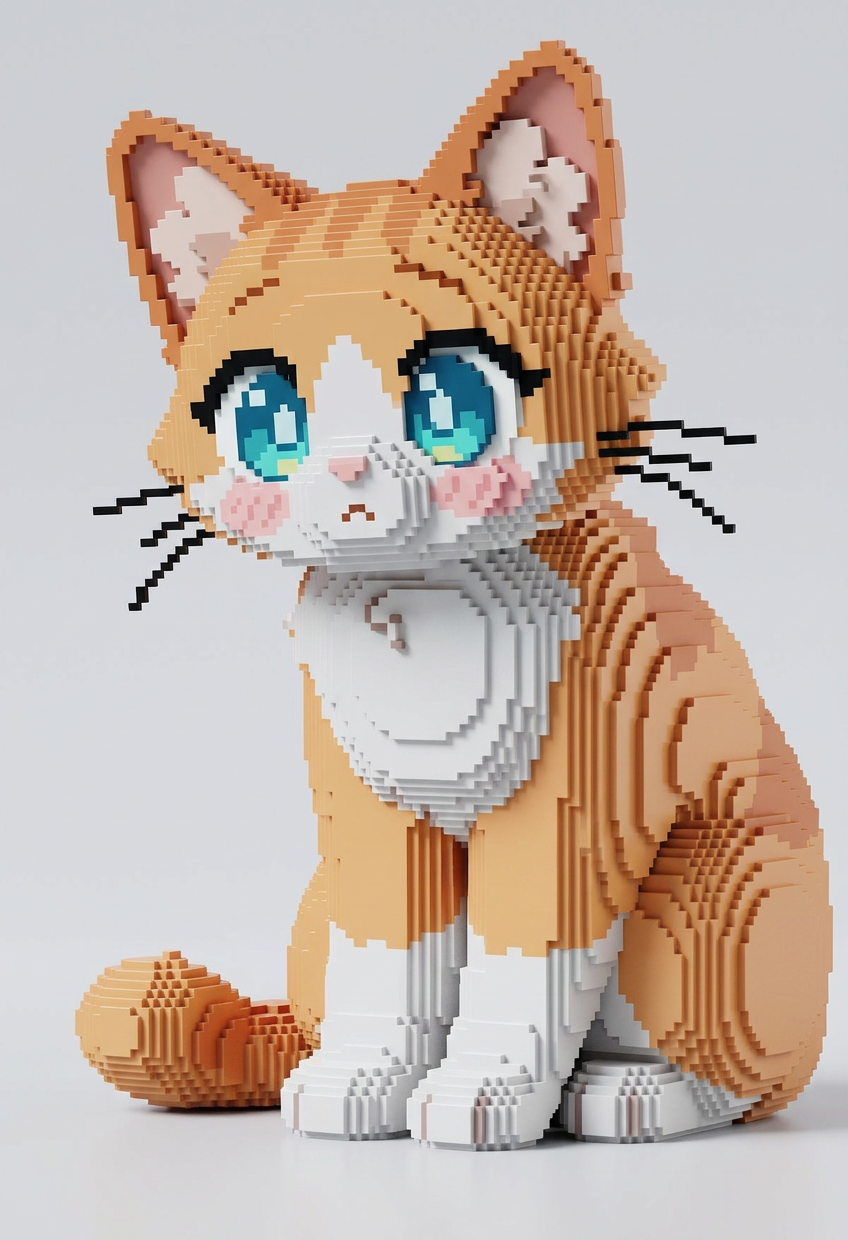
Voxel Icon Conversion
Any aspect ratio
Take the icon on the right and convert it into a voxel-style 3D icon matching the style of the icons on the left. Rebuild the form using clean cubic voxels with consistent grid structure and simplified geometry. Preserve the original shape and key details while adapting to a blocky aesthetic. Render with Octane-style lighting, global illumination, soft shadows, and subtle reflections. High detail, crisp edges, vibrant colors, and ultra-high resolution (8K).
Overview
The Voxel Icon Conversion template transforms flat icons into dynamic voxel-style 3D art. Perfect for those looking to give their graphics a distinct, gaming-inspired look, this tool leverages the power of the AI Image Editor with the nano-banana-2 model. Experience ultra-high resolution output with vibrant colors and crisp edges.
What It Does
This template takes a standard 2D icon and converts it into a voxel-style 3D icon. The output features clean cubic voxels, consistent grid structure, and simplified geometry. Rendering with Octane-style lighting provides soft shadows and global illumination, ensuring a polished and professional appearance. Ideal for creative and gaming projects, the conversion maintains the original icon's shape and key details.
Who It's For
Designed for creators, game developers, and designers, the Voxel Icon Conversion template is perfect for anyone needing to transform icons into engaging 3D voxel art. Those in the fields of animation and game design can benefit greatly, as can marketers looking to create eye-catching visuals for social media or branding initiatives.
Summary
The Voxel Icon Conversion template is an advanced tool for turning flat icons into stunning voxel-based 3D representations. This template is part of our broader suite of creative tools, including the AI Product Photography tool, offering dynamic and high-impact design capabilities for various applications.
How to Use the Template
Choose Your Template

Customize Your Input

Generate Your Voxel Icon

Use Cases
Game Design
- Creating unique game currencies
- Designing power-up icons
- Developing avatar items
Creative Marketing
- Promotional graphics
- Brand logos with a retro twist
- Social media content creation
Educational Tools
- Interactive learning materials
- Visual aids for lectures
- Explaining complex ideas with simple graphics
Best Practices
Maintain Detail
Keep original icon detail in mind during the customization phase to ensure clarity in voxel form.Explore Lighting Options
Experiment with lighting settings to achieve the desired aesthetic, enhancing the voxel appearance.Use Consistent Styles
Ensure the voxel icons match the style of your overall project design to create a cohesive look.