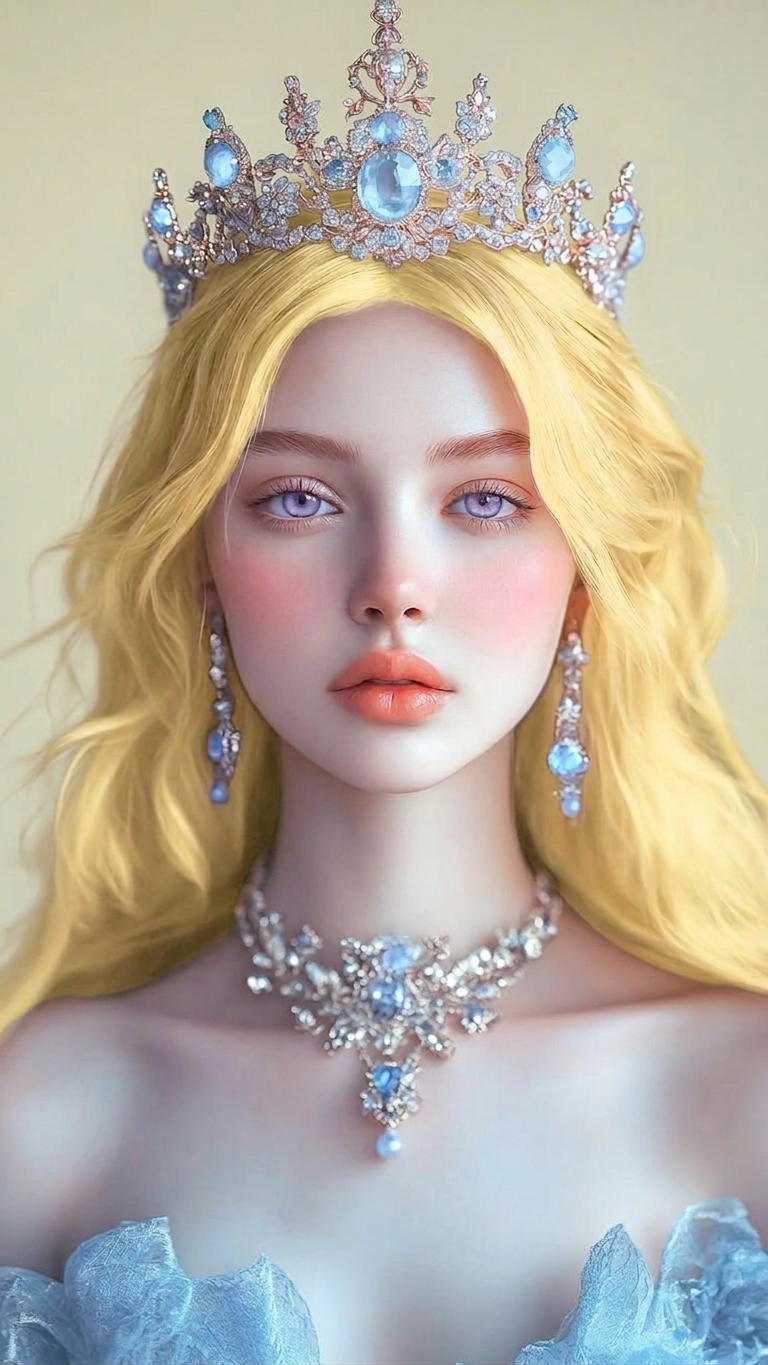
Palette Transfer Accuracy
Any aspect ratio
Apply the exact color palette from Figure 2 to the character in Figure 1. Match colors precisely to corresponding areas while preserving shading, lighting, and form. Ensure consistent tones and seamless integration without altering the character’s structure or details.
Overview
The Palette Transfer Accuracy template is part of our AI Image Editor suite, harnessing the power of the nano-banana-2 model. This template allows creators to apply exact color palettes from one image to another, ensuring precision and consistency in tone and integration, without altering the image’s structure or detail.
What It Does
This template focuses on accurately transferring color palettes between images. By applying the color themes of one figure onto another, it matches colors precisely to corresponding areas, ensuring no loss of shading or lighting nuances. This process is ideal for achieving professional-grade color consistency in creative projects.
Who It's For
Designers and artists looking to maintain consistent color schemes across multiple images will find this tool invaluable. It's tailored for professionals needing meticulous color management, such as those involved in branding, product photography, and graphic design. It also supports creators using the AI Image Upscaler for detailed imagery work.
Summary
Using the Palette Transfer Accuracy template, creators can ensure that colors are flawlessly transferred between images, enhancing visual coherence. By leveraging our tools like the AI Video Generator, users can integrate these color adjustments into larger multimedia projects, expanding their creative possibilities.
How to Use
Choose the Template

Customize Your Images

Generate and Download

Use Cases
Branding Consistency
- Logo adaptations
- Merchandise designs
Product Photography
- E-commerce
- Brochure layouts
Art and Illustration
- Digital paintings
- Comic book creations
Best Practices
Select High-Quality Images
Using high-resolution images enhances color transfer quality and preserves detail.Fine-Tune Prompt Inputs
Adjust the prompt details to better guide the AI in achieving desired results, especially with complex color schemes.Review Before Finalizing
Check the output for any areas needing manual adjustments, particularly in intricate designs.