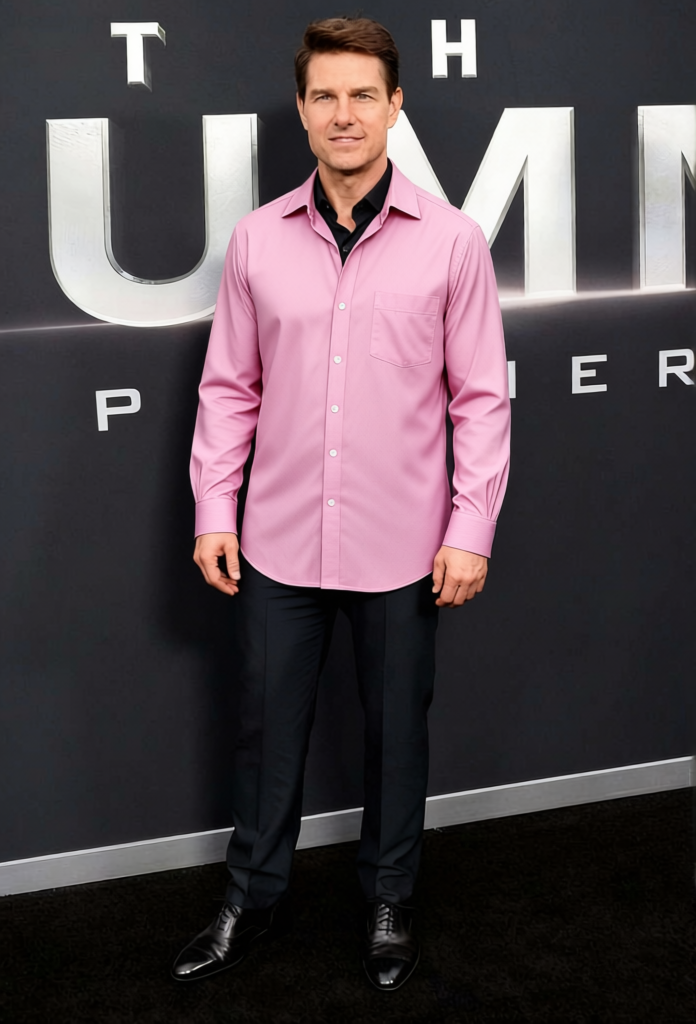
Tom Cruise Risky Business White Button Down With Sunglasses
Any aspect ratio
Overview
Step into the iconic shoes of Tom Cruise with this "Risky Business" clothes changer. This template transforms your outfit into the classic white button-down shirt and sunglasses look from the famous movie scene. Whether you're making a fun video or showcasing a character, this clothes changer template provides a quick way to change your attire and let you channel some Hollywood charm.
What It Does
This template exchanges your current outfit for Tom Cruise's iconic look using state-of-the-art AI technology. By simply selecting the "AI Clothes Changer" tool, it overlays the white button-down and sunglasses, maintaining realistic body proportions and textures. It's the perfect tool for video enthusiasts looking to add a pop culture reference to their content.
Who It's For
Ideal for video creators, marketers, and pop culture enthusiasts, the Tom Cruise clothes changer template is great for anyone wanting to add a classic movie reference to their material. It's also useful for brands aiming to capture audience attention with iconic, easy-to-recognize styles, perfect for skits, parodies, and social media posts.
Summary
Upgrade your outfit instantly with this clothes changer template. Through the "Risky Business" look, engage a nostalgic or fun theme, making your content stand out by evoking one of Hollywood's most iconic scenes. For further creative options, consider integrating with our AI Talking Photo or AI Video Generator to create cohesive and engaging media content.
How To
Choose the Template

Customize Your Inputs

Generate Your New Look

Use Cases
Social Media Content
Branding & Marketing
Entertainment Production
Best Practices
Select High-Resolution Media
Ensure the input image or video is of high quality for the best result with AI overlays.Adjust the Positioning
Proper alignment with the existing body and proportions is key for realistic output.Combine with Voice Effects
Use alongside the AI Voice Changer for a more immersive transformation experience.