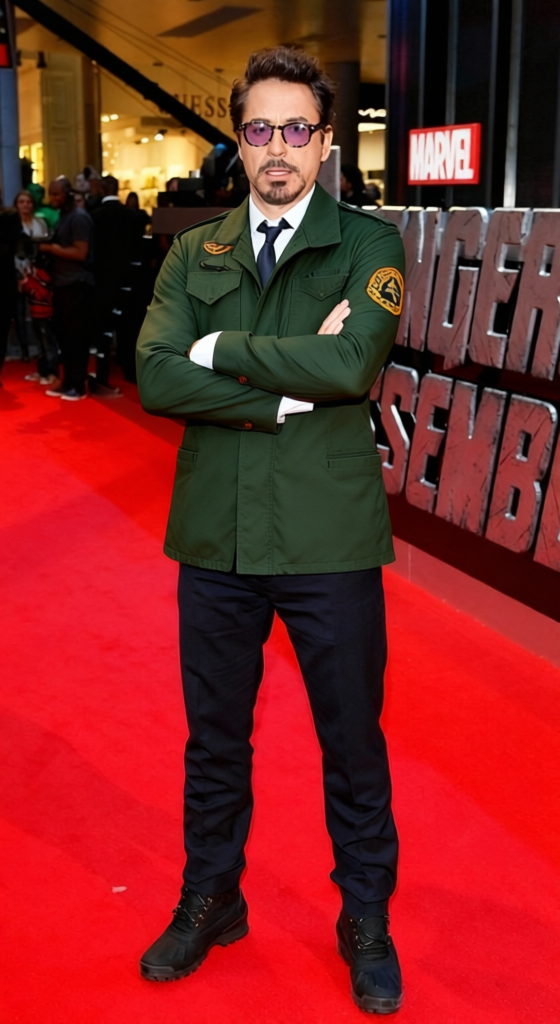
Robert De Niro Taxi Driver Green Army Jacket With Mohawk
Any aspect ratio
Overview
Bring the iconic look of Robert De Niro from Taxi Driver to your images with the "Green Army Jacket With Mohawk" template. Transform your appearance into this memorable character effortlessly by changing your clothing to the signature green army jacket and adding a classic mohawk hairstyle.
What It Does
This Clothes Changer template allows you to modify any image to mimic the famous Robert De Niro's look from Taxi Driver. With just a few clicks, it adds the distinct green army jacket and mohawk to your photo, providing a lifelike transformation that maintains the integrity and detail of your original image.
Who It's For
This template is perfect for film enthusiasts, cosplay artists, and anyone looking to infuse a little cinematic flair into their images. Whether you're creating content for social media, engaged in character-based art projects, or simply having fun with creative recreations, this tool is designed for you.
Summary
Embrace your inner De Niro and let your photo embody the energy of one of cinema's most recognizable anti-heroes. The "Green Army Jacket With Mohawk" template provides a seamless way to shift appearances, ensuring high-quality results. Expand your image editing capabilities with the remarkable accuracy of AI-driven transformations.
How-To
Choose the Template

Customize Your Inputs

Generate and Download

Use Cases
Cosplay Creations
- Prepare assets for cosplay events
- Create stunning visual content for followers
- Generate engaging promotional graphics
Social Media Content
- Share timeless styles with followers
- Engage in themed challenges
- Work with trending classic movie themes
Character Art
- Develop character studies
- Integrate into narrative projects
- Enhance character-based visual storytelling
Best Practices
Choose High-Quality Images
Ensure the original image is of high quality to make the transformation as detailed as possible.Adjust Lighting and Angles
Consider the lighting and angles of your original photo to match the transformation for a cohesive look.Experiment with Settings
Utilize different settings within the template to perfectly align the jacket and mohawk with the original image.