Overview
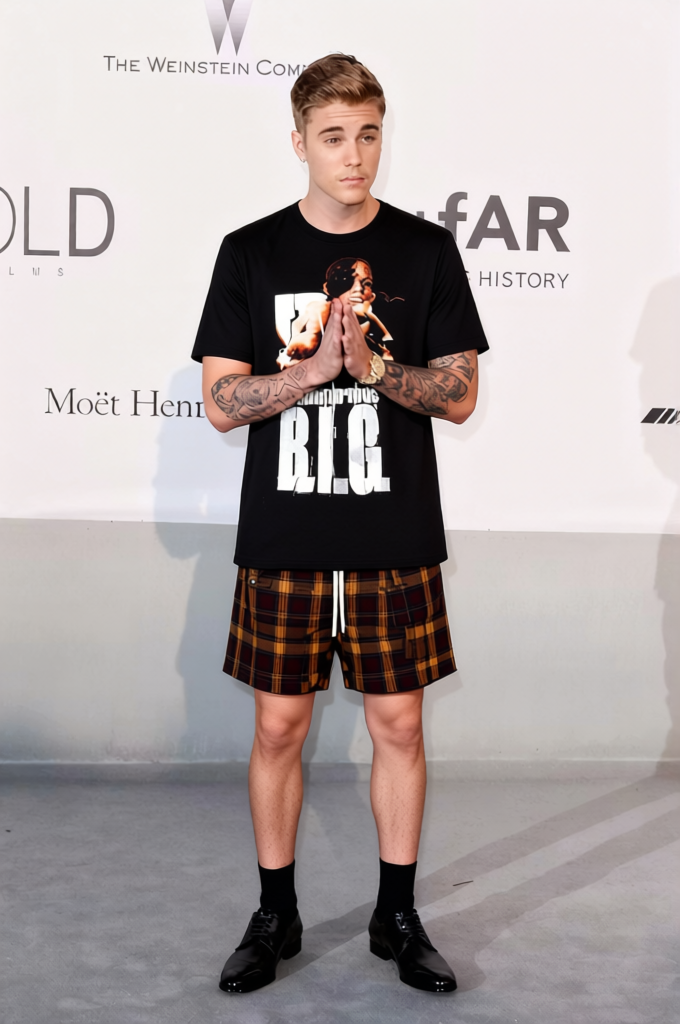
The Justin Bieber Purpose Tour Tee With Ripped Jeans 2 template is a powerful tool designed to modify the attire in your images, replacing existing outfits with a trendy Justin Bieber tour tee and stylish ripped jeans. Ideal for fashion enthusiasts and content creators, this tool provides a fresh look without the need for a wardrobe change.
What It Does
This AI Clothes Changer template transforms your existing outfit in an image to a contemporary look featuring a Justin Bieber tee and ripped jeans. You can apply this transformation quickly, creating high-quality fashion content for social media or other marketing platforms. The tool supports common file formats, ensuring flexibility across different digital media projects.
Who It's For
This template is perfect for fashion bloggers, social media influencers, and marketing professionals looking to elevate their visual content. Whether you are involved in ecommerce ads or creating engaging content for platforms like Instagram, this tool can help enhance your imagery and engage your audience with popular fashion trends.
Summary
By harnessing the capabilities of the Clothing Changer technology, users can transform images efficiently and effectively. Complement this tool with the AI Image Editor to further refine your images for exceptional results. Easy to use with high-quality output, it's a valuable asset in any creative toolkit.
How To
Choose Your Template

Customize Your Image

Generate and Download

Use Cases
Fashion Blog Visuals
- Create on-trend fashion posts
- Reduce time spent on fashion shoots
- Capture diverse looks with one model
Social Media Campaigns
- Enhance social media presence
- Easily create content for Instagram and TikTok
- Showcase diverse style effortlessly
Best Practices
Select High-Quality Images
For best results, use high-resolution images to ensure clarity and detail when changing outfits.Consistent Lighting
Ensure consistent lighting across the image for seamless clothes changing results.Use Complementary Tools
Pair with the AI Image Upscaler for enhanced image quality, especially when sharing across platforms.