Pixar Father Son Shoulder
Any aspect ratio
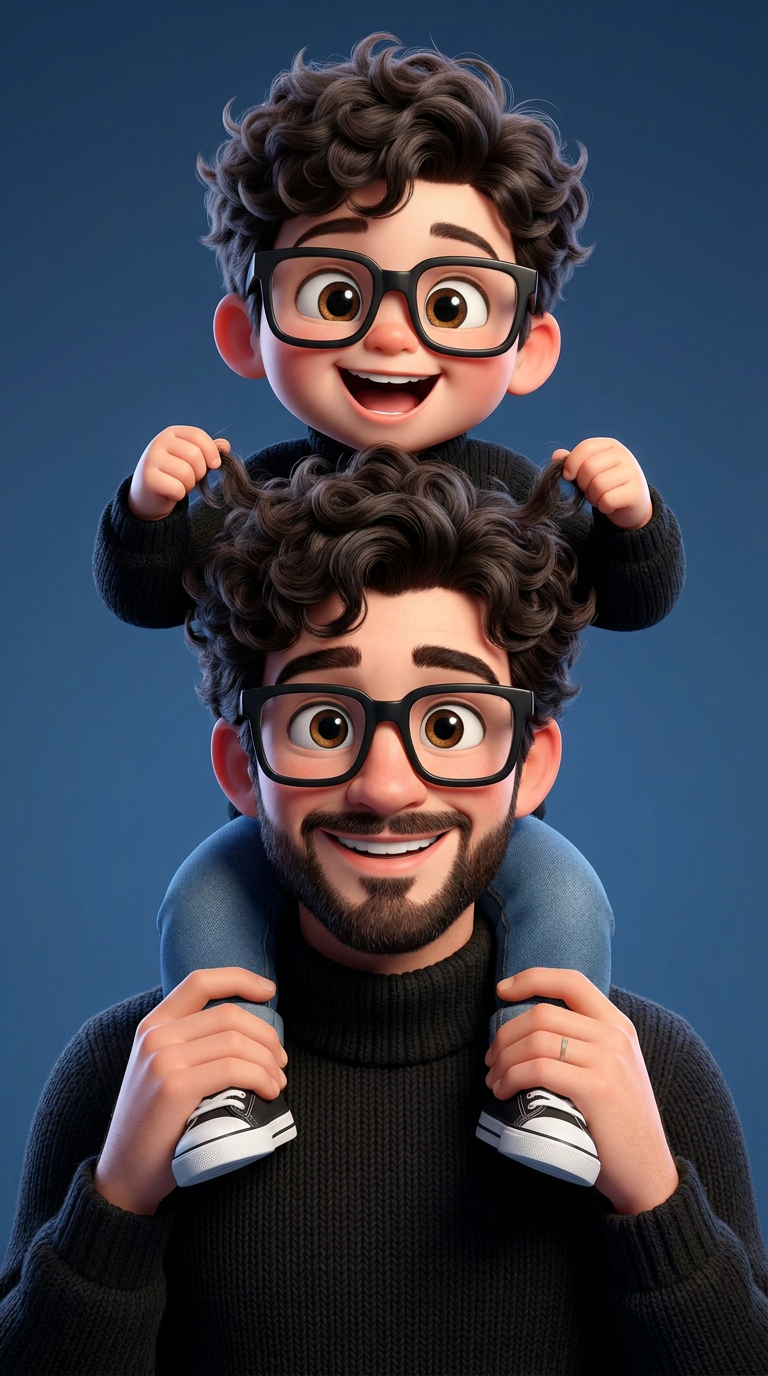
A cheerful 3D cartoon-style father carrying his adorable young son on his shoulders. Both have fluffy curly dark hair, oversized black square glasses, huge expressive brown eyes, bright joyful smiles, and detailed facial features. The father has a neatly trimmed beard and wears a cozy black knitted turtleneck sweater, while the child wears a black sweater, blue jeans, and black-and-white sneakers. The child playfully holds the father's curly hair while laughing. Clean deep-blue studio background, soft cinematic lighting, vibrant Pixar-inspired animation style, ultra-detailed skin and hair, realistic fabric textures, perfectly symmetrical composition, warm family bond, playful expressions, depth of field, HDR, 8K resolution, masterpiece quality, highly detailed, vibrant colors, polished 3D character design.
Tags
stylesOverview
Create magical and heartwarming cartoon images with the Pixar Father Son Shoulder template. This AI Image Editor template lets you transform your images into vibrant 3D cartoon-style artworks, perfect for capturing joyful family moments.
What It Does
This template uses advanced AI technology to convert your photos into cinematic 3D animations. With detailed features like fluffy hair, expressive eyes, and realistic fabric textures, your images will embody a Pixar-style appeal. The template ensures ultra-detailed skin and vibrant colors, granting a polished and engaging look to your creations.
Who It's For
Ideal for creators looking to add a Pixar-style charm to family photos, professional illustrators, and social media content creators. Whether you're updating your family album or creating eye-catching social media posts, this template is designed to bring out the playful, warm bond captured in images.
Summary
The Pixar Father Son Shoulder template offers a unique blend of realistic and cartoonish elements, helping portray animated family moments with high detail and color richness. This template stands out with its capability to deliver a masterpiece quality image in a simple workflow.
How To
Choose Your Template

Customize Your Image

Generate Your Cartoon

Use Cases
Family Photo Transformations
- Bring unique style to family albums.
- Create artistic gifts for loved ones.
Social Media Content
- Engage followers with vibrant visuals.
- Enhance storytelling with animated effects.
Illustration Enhancement
- Add depth and detail to promotional artwork.
- Update portfolios with polished digital art.
Best Practices
Focus on Facial Expressions
Use crisp photos where facial expressions are clear to maximize the emotive impact of the cartoon transformation.Adjust Lighting and Background
Ensure the background and lighting in your original photo are suitable for adjustment, keeping in mind the soft cinematic lighting suggested.Experiment with Textures
Consider trying different fabric textures and styles within the template to emphasize the 3D effect.