Pearl
Any aspect ratio
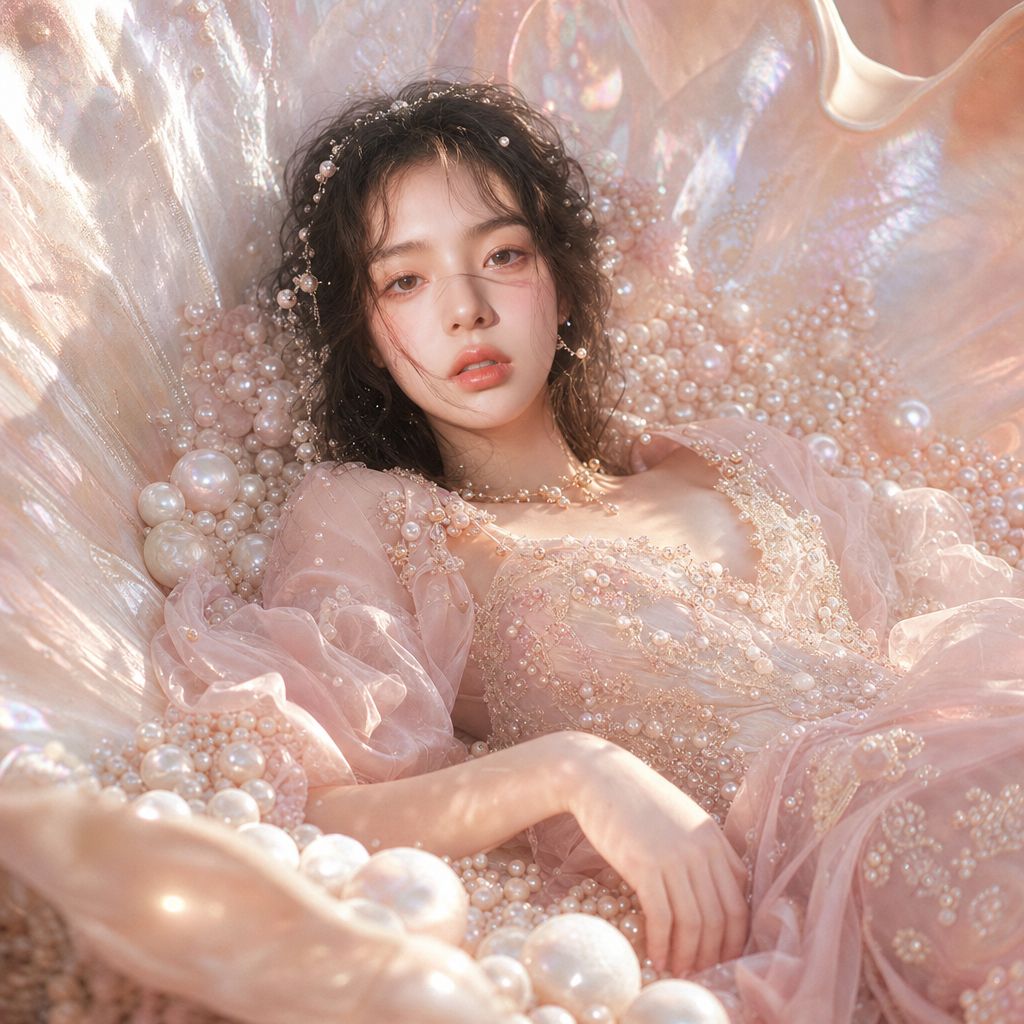
A cinematic fashion editorial scene in a dreamy pearl fantasy aesthetic: a character lies inside a huge, open mother-of-pearl shell filled with sparkling pearls. A soft pink couture look with silk, pearl embroidery, and airy drapes, a soft warm pearl glow light, a pastel pearl palette, an ultra-realistic Vogue fantasy aesthetic with the atmosphere of an elegant sea goddess.
Overview
The "Pearl" template offers a remarkable fusion of fashion and fantasy in an AI-driven image editing experience. Built on the powerful gpt-image-2 model, this template creates cinematic fashion scenes with a dreamy pearl fantasy aesthetic. Whether you're an artist or a brand, "Pearl" opens the door to stunningly realistic image transformations.
What It Does
This template crafts your image into a highly detailed, cinematic setting featuring a glamorous fashion look within a pearlescent world. It emphasizes a pastel pearl palette, offering ultra-realistic edits with a warm glow reminiscent of an elegant sea goddess. Transform your visuals into something worthy of a high-fashion editorial.
Who It's For
"Pearl" is ideal for fashion photographers, stylists, and creative directors looking to elevate their imagery with a touch of fantasy. It's also perfect for brands wanting to inject a luxurious, whimsical aesthetic into their campaigns. Additionally, anyone interested in producing artistic, high-fashion visuals will find this tool invaluable.
Summary
With the "Pearl" template, users can seamlessly create a dreamy pearl fantasy setting for their fashion photography. The integration of AI Image Editor aids in producing ultra-realistic results, enriching images with intricate details like silk and pearl embroidery. This tool transforms any simple photograph into a vogue-worthy masterpiece.
How-To
Choose

Customize

Generate

Use Cases
Fashion Editorials
- Cinematic settings
- Dreamy pearl fantasy aesthetic
Brand Campaigns
- Elegant themes
- High-fashion looks
Social Media Content
- Instagram-worthy
- Unique color palettes
Best Practices
Select High-Resolution Images
For best results, use high-resolution images to capture fine details.Experiment with Lighting
Try different lighting effects to see how they interact with the pearlescent elements.Focus on Detail
Use the template to emphasize intricate details like embroidery and textures for superior realism.