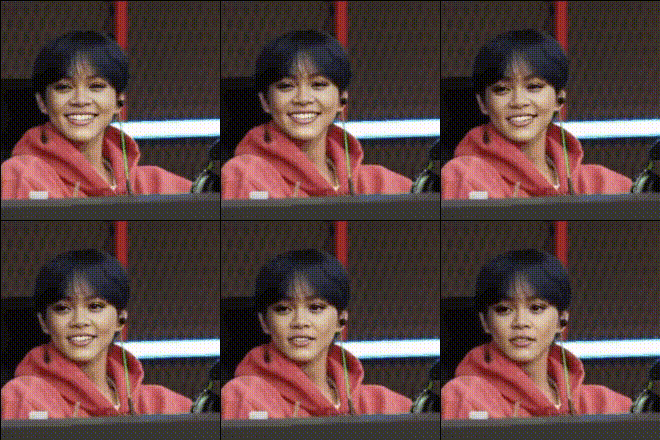
Overview
The Yang Jungwon Closeup template allows creators to perform detailed face swaps in their videos, focusing on close-up shots. This Video Face Swap template is perfect for those looking to integrate familiar faces into video projects seamlessly. Designed for easy use, it leverages advanced Video Face Swap technology to maintain realism and dynamic expression transfer.
What It Does
This template lets you replace the face in a video with Yang Jungwon's face. The tool preserves intricate details like lighting and textures, ensuring the new face looks naturally integrated. It is particularly effective in projects where facial expressions play a critical role, ensuring each eyebrow raise or subtle smile maps perfectly.
Who It's For
Content creators in the entertainment, marketing, and social media industries will find this template invaluable. Fans of Yang Jungwon looking to create personalized content, or marketers aiming to engage fans with celebrity-integrated ads, can both benefit. Additionally, it's ideal for those creating video content for platforms that thrive on unique and viral media, such as TikTok or Instagram.
Summary
With the Yang Jungwon Closeup template, achieving a believable face swap in videos is straightforward. Perfect for both amateur and professional projects, it makes video editing efficient and fun. Try this template if you’re looking to innovate your video content with advanced Face Swap and AI Video Generation techniques.
How To Use
Choose Your Template

Customize Your Inputs

Generate Your Video

Use Cases
Social Media Content
- Generate viral dance clips with a twist
- Create interactive fan content
Marketing Campaigns
- Personalized video ads
- Celebrity endorsement style videos
Film and TV Production
- Storyboard enhancements
- Pre-visualization for directors
Best Practices
Use High-Quality Source Videos
For the most realistic face swaps, ensure the original footage is high resolution and well-lit, minimizing shadows for best results.Focus on Close-Ups
This template is optimized for close-ups. Maintain camera focus so intricate facial details are captured accurately.Pair with Other Tools
Combine with the AI Image Editor for any post-editing needs, like adjusting colors and enhancing features.