Overview
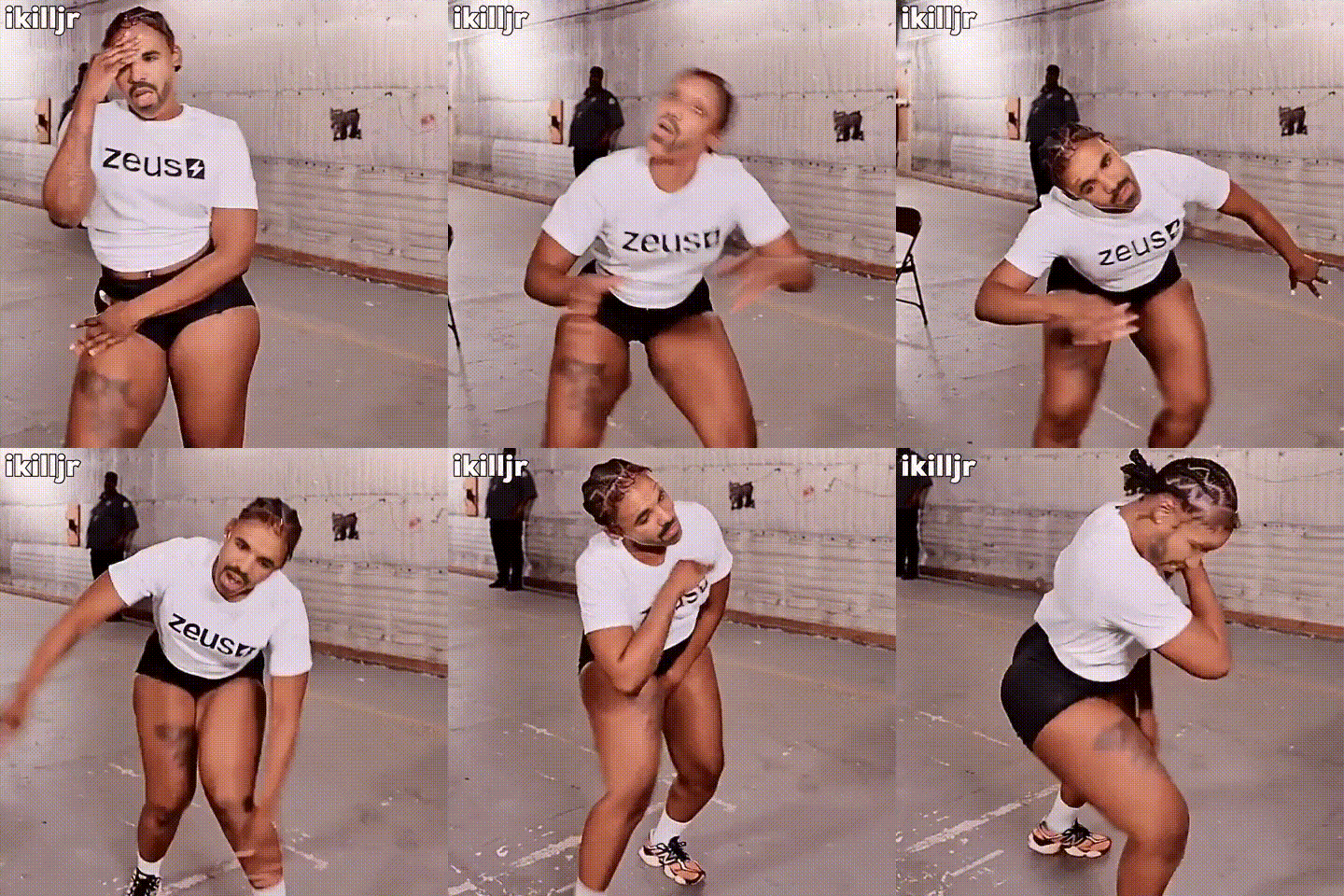
Step into the world of vibrant videos with our Zeus Shirt Video Face Swap template. This powerful tool lets you transform dance videos by swapping faces with a Zeus-shirt character. Elevate your creativity and turn ordinary clips into viral sensations.
What It Does
The Video Face Swap template merges your footage with high-quality overlays, replacing faces with dynamic Zeus-themed elements. The result is a captivating video designed to engage viewers and boost social media presence.
Who It's For
This template is ideal for content creators striving to make a mark on platforms like TikTok or Instagram. It's perfect for digital marketers, influencers, and anyone eager to incorporate lively visual effects into their productions. For more on integrating fun visuals into your projects, explore our Image to Video and AI GIF Generator tools.
Summary
Transform your videos to grab more attention with the Zeus shirt-themed face swap. This template offers a straightforward approach to creating spectacular, engaging content in just a few steps. Consider using alongside our AI Video Generator for even more dynamic results.
How To
Choose Your Template

Customize Your Inputs

Generate and Download

Use Cases
Social Media Content
- Engage audiences with striking visuals
- Boost video shares and likes
Marketing Campaigns
- Enhance brand visibility
- Capture target demographics' attention
Personal Entertainment
- Create humorous content
- Impress friends with unique edits
Best Practices
Select High-quality Footage
Ensure your original video is clear for the best face swap results. For enhancement, consider the AI Image Upscaler.Focus on Lighting
Good lighting helps in producing a more realistic swap. Adjust lighting in your video setup or use an image editor if needed.Experiment with Angles
Try different angles to see which gives the most natural look with the swapped face. Explore our AI Multi-angle Generator for varied perspectives.