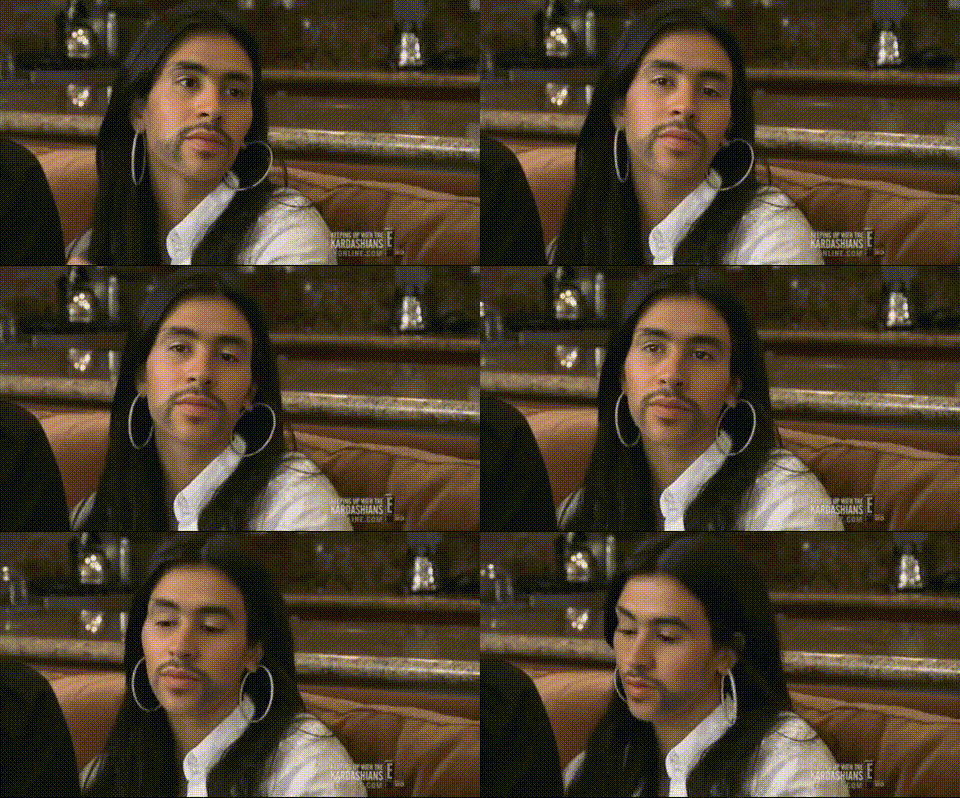
Overview
Experience the fun of transforming videos using the Kim Kardashian Looking Sideways template. This video face swap tool lets you add a celebrity twist to your creations. Ideal for injecting a dose of humor into your video projects, it's a perfect fit for sharing on social media platforms.
What It Does
This Video Face Swap template uses advanced AI to interchange faces in your videos, specifically providing a Kim Kardashian look. The tool maintains video quality while ensuring the swapped face moves with natural expression and alignment.
For those interested in static images, consider our AI Image Editor. If creating dynamic content or memes is your goal, the AI GIF Generator might be the perfect fit.
Who It’s For
This template is perfect for creative influencers, social media enthusiasts, and content creators who want to add a celebrity touch to their videos. It's also ideal for brands looking to increase engagement through humorous and shareable content.
Summary
How-To
Choose Template

Customize Inputs

Generate Video

Use Cases
Social Media Content
- Facebook Stories
- Instagram Reels
- TikTok
Personal Entertainment
- Birthday parties
- Wedding videos
- Holiday greetings
Best Practices
Select High-Quality Videos
Ensure your video is of high resolution to maintain the quality after the face swap.Use Clear Facial Images
Faces that are clear and well-lit offer the best results during the swap process.Experiment with Angles
Try different video angles to achieve a more realistic and dynamic face swap in various scenes.