Overview
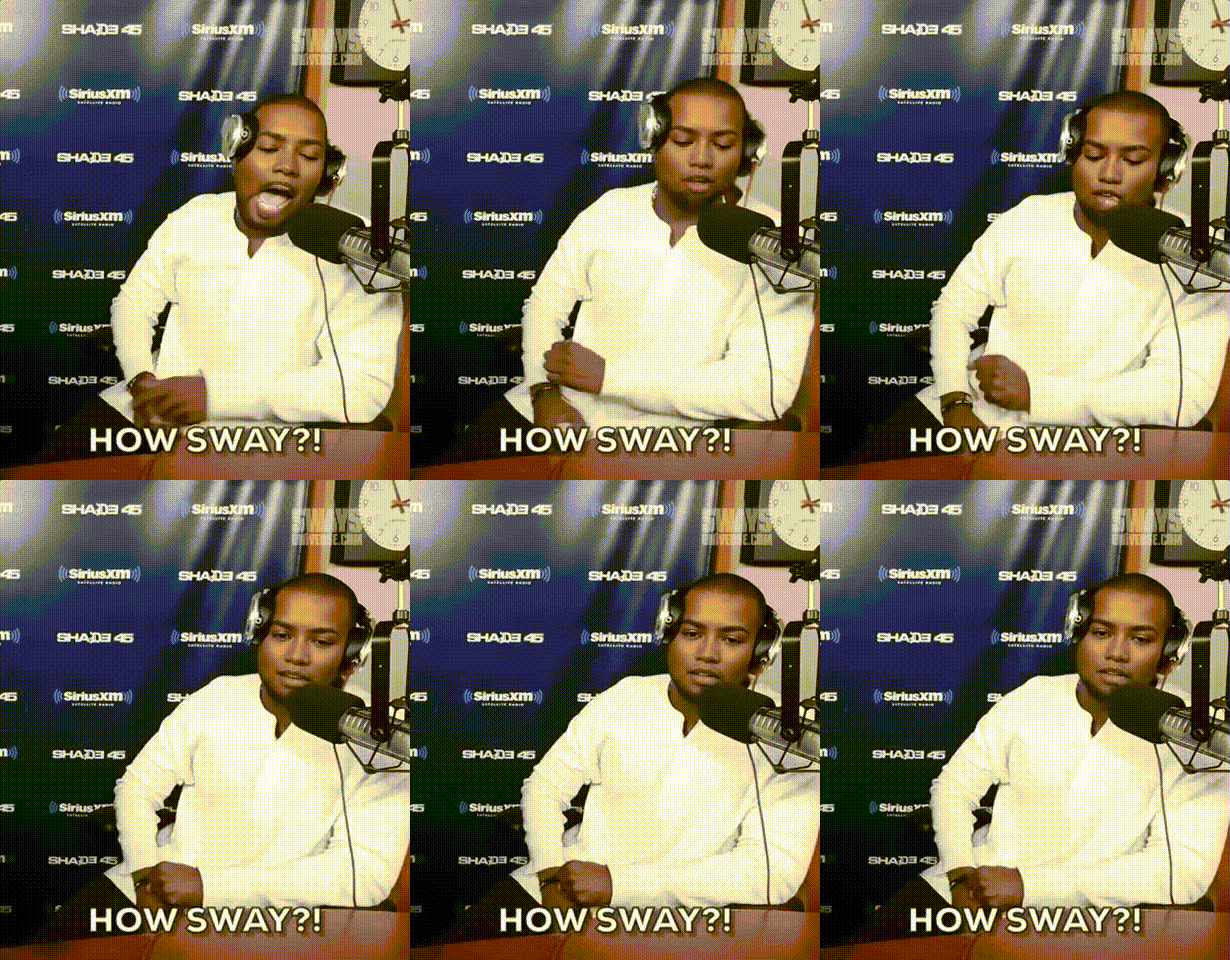
The Kanye West Radio Interview template uses the Video Face Swap technology to bring your video content to life. By swapping faces onto Kanye West in a radio studio setting, you can craft amusing clips perfect for social sharing.
What It Does
This template allows users to replace Kanye West's face with anyone else's, opening up possibilities for creative storytelling and viral video campaigns. Ideal for light-hearted, playful content, the template ensures smooth integration of facial features into existing video patterns.
Who It's For
This video face swap template is designed for creators looking for a fun way to reach audiences on social media. It's perfect for influencers, marketers, and creative enthusiasts eager to produce engaging content with a humorous twist. If you're exploring other kinds of humorous transformations, check out our AI Meme Generator to amplify your campaign.
Summary
Transform any standard video into a share-worthy clip by swapping faces with Kanye West in a radio interview scene. The results are hilarious and perfect for fostering engagement and reaching wider audiences. Explore other transformation tools like the AI Voice Changer to enhance your creative projects.
How to Use It
Choose the Template

Customize Your Inputs

Generate Your Video

Use Cases
Social Media Pranks
- Surprise a friend by putting their face on Kanye's body.
- Engage viewers with unexpected face swaps.
Viral Video Campaigns
- Customize campaigns with audience faces.
- Leverage trending personalities like Kanye for impact.
Creative Storytelling
- Craft fictional scenarios involving celebrities.
- Use face swap to satirize well-known interviews.
Best Practices
Select High-Quality Images
Ensure that the images you upload are of good quality to achieve seamless face swaps. This will improve the output's realism and overall reception.Consider Lighting and Angles
Use images with lighting and angles similar to the original video to enhance the face swap effect.Test Different Scenes
Experiment with various scenes and expressions to create a range of content that captures the audience's attention.