Overview
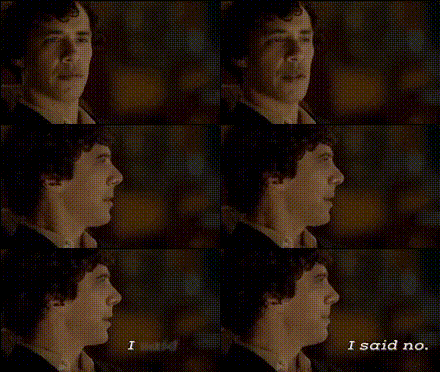
The "Hannibal And I Said No" template is a dynamic video face swap tool designed to inject creativity into your video content. Perfect for creators looking to add an unexpected twist by swapping faces in existing footage, this tool will help deliver engaging and entertaining visuals.
What It Does
This template overlays new faces onto selected videos, offering a novel take on your original content. By blending advanced video editing techniques with AI-driven face tracking, it creates seamless swaps that can be utilized for a variety of projects. Pair it with the Face Swap Video product to enhance your production capabilities.
Who It's For
The "Hannibal And I Said No" template is ideal for filmmakers, content creators, and social media marketers looking to captivate their audiences with fresh, humorous, or dramatic scenes. Whether you're into producing sharp comedy skits or engaging marketing material, this face swap tool can provide the right amount of flair.
Summary
Redefine your video content with "Hannibal And I Said No." Its powerful face swap capability is suited for various creative needs. To take your projects even further, consider exploring our AI Image Editor or Lip Sync tools for more editing options.
How-To
Choose Template

Customize Inputs

Generate and Download

Use Cases
Social Media Content
- Humorous shorts
- Creative challenges
Marketing Campaigns
- Brand storytelling
- Product demonstrations
Film and Television
- Scene recreation
- Parody videos
Best Practices
High-Quality Source Video
Ensure the original video is of high quality to achieve the best swap results.Clear Face Selection
Select clear and unobstructed views of the faces for better alignment.Complementary Tools
Use with the AI GIF Generator for creating shareable content or AI Meme Generator for viral marketing.