Overview
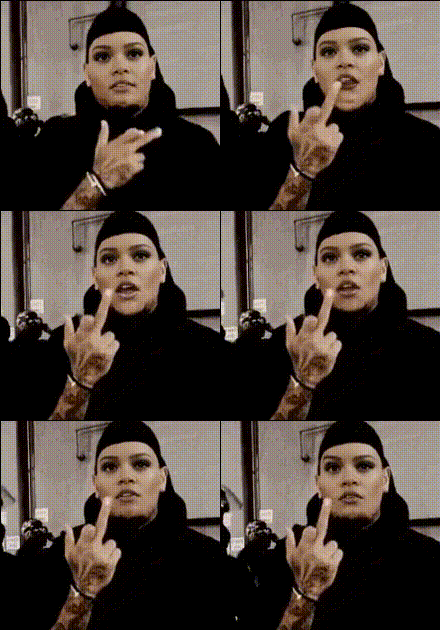
Inject some humor into your videos with the Chris Brown Giving Middle Finger template. This Video Face Swap tool lets you capture the iconic moment and add a fun twist by swapping faces with Chris Brown's gesture. Perfect for social media and personalized content, this template transforms your creative process.
What It Does
This template leverages advanced Video Face Swap technology to overlay a face of your choice onto Chris Brown's iconic middle finger gesture. Output your creation in popular video formats, ready for sharing on various platforms.
Who It's For
Ideal for social media influencers, meme creators, and anyone looking to add a cheeky twist to their video content. If you're familiar with using tools like the AI GIF Generator or the AI Meme Generator, you'll find this template a perfect addition to your toolkit.
Summary
With the Chris Brown Giving Middle Finger template, turning mundane moments into hilarious content is straightforward. Utilize Magic Hour's suite of AI products to enhance your creative projects and reach your audience in entertaining, memorable ways.
How-To
Choose Your Template

Customize Your Inputs

Generate and Download

Use Cases
Social Media Content
- Instagram Reels
- TikTok videos
- YouTube Shorts
Meme Creation
- Add humor to online conversations
- Share with friends and followers
Marketing Campaigns
- Enhance brand engagement
- Reach wider audiences
Best Practices
Select High-Quality Images
To ensure the best results, use high-resolution images for a clear and precise face swap.Align Faces Carefully
Check the alignment of the swap to maintain the natural look and feel of your video.Leverage Other Tools
Consider using the GIF version of Face Swap to create shareable snippets.