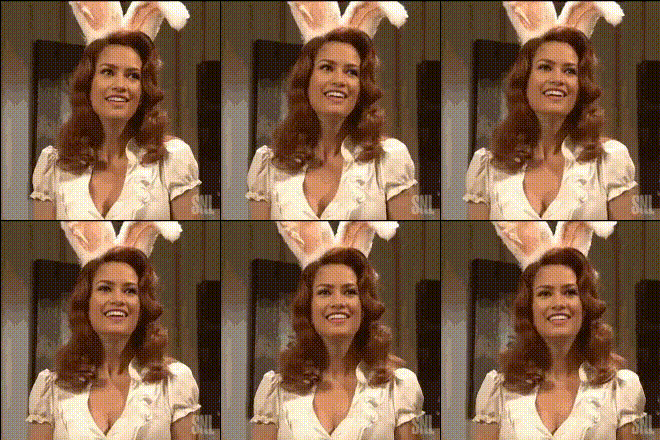
Overview
The Bunny Lady Iconic Close Up template offers a fresh way to captivate your audience with Video Face Swap technology. Transform any video by swapping faces seamlessly for that unforgettable iconic moment.
What It Does
By leveraging this Video Face Swap template, you can replace faces in videos with those of the famous Bunny Lady. It's an ideal tool for creating unique content that stands out, whether for entertainment or promotional purposes. Integration with the AI Image Editor ensures each frame is polished to perfection.
Who It's For
This template is perfect for content creators, digital marketers, and social media influencers aiming to enhance their video content. It's also beneficial for hobbyists looking to experiment with AI Video Generation techniques.
Summary
The Bunny Lady Iconic Close Up transforms mundane videos into eye-catching masterpieces. By using the advanced techniques available in our AI GIF Generator, users can further amplify their creative ideas.
How To
Choose the Template

Customize Your Inputs

Generate Your Video

Use Cases
Social Media Content
- Create viral videos on platforms like Instagram or TikTok
- Participate in video challenges with a humorous twist
Marketing Campaigns
- Boost brand visibility with unforgettable visuals
- Personalize advertisements with iconic characters
Best Practices
Ensure High-Quality Input
Use high-resolution videos for the best swap quality. This ensures clarity and a polished result.Experiment with Angles
Try different video angles to see how the Bunny Lady face integrates. This can enhance the storytelling in your video.Combine with Other AI Tools
Use alongside the AI Voice Changer for a complete audio-visual transformation.