Overview
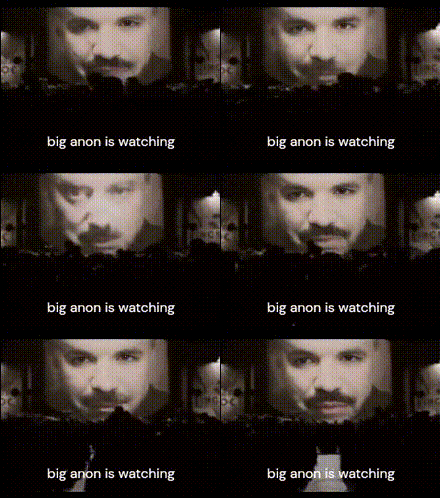
The Anon Face Close Up template is designed specifically for creating engaging video content by swapping faces in your camera's close-up shots. This Face Swap tool enables you to transform any video, bringing a new twist to your visual storytelling.
What It Does
This template utilizes advanced Video Face Swap technology to accurately replace facial features in high-resolution videos. It's an ideal way to create unique and playful content that stands out on social media platforms.
Who It's For
The Anon Face Close Up template is perfect for social media influencers, content creators, and anyone looking to add a creative edge to their videos. Whether you're launching a new product or creating content for a viral challenge, this AI Image Editor enabled tool can cater to your needs.
Summary
With the Anon Face Close Up Video Face Swap template, you can effortlessly craft fun and memorable videos. Ideal for both personal and professional use, this template makes high-quality video transformations accessible to everyone.
How To
Select the Template

Customize Your Inputs

Generate Your Video

Use Cases
Social Media Content
- Instagram Reels
- TikTok
Marketing Campaigns
- Brand awareness
- Product launches
Personal Entertainment
- Family gatherings
- Friendship videos
Best Practices
Choose High-Quality Videos
For best results, use videos with clear, close-up shots of the face you intend to swap.Check Lighting
Ensure consistent lighting between the face being swapped and the original video for realistic results.Review Outputs
After generation, review the video to ensure the swap appears natural and seamless before sharing.