Overview
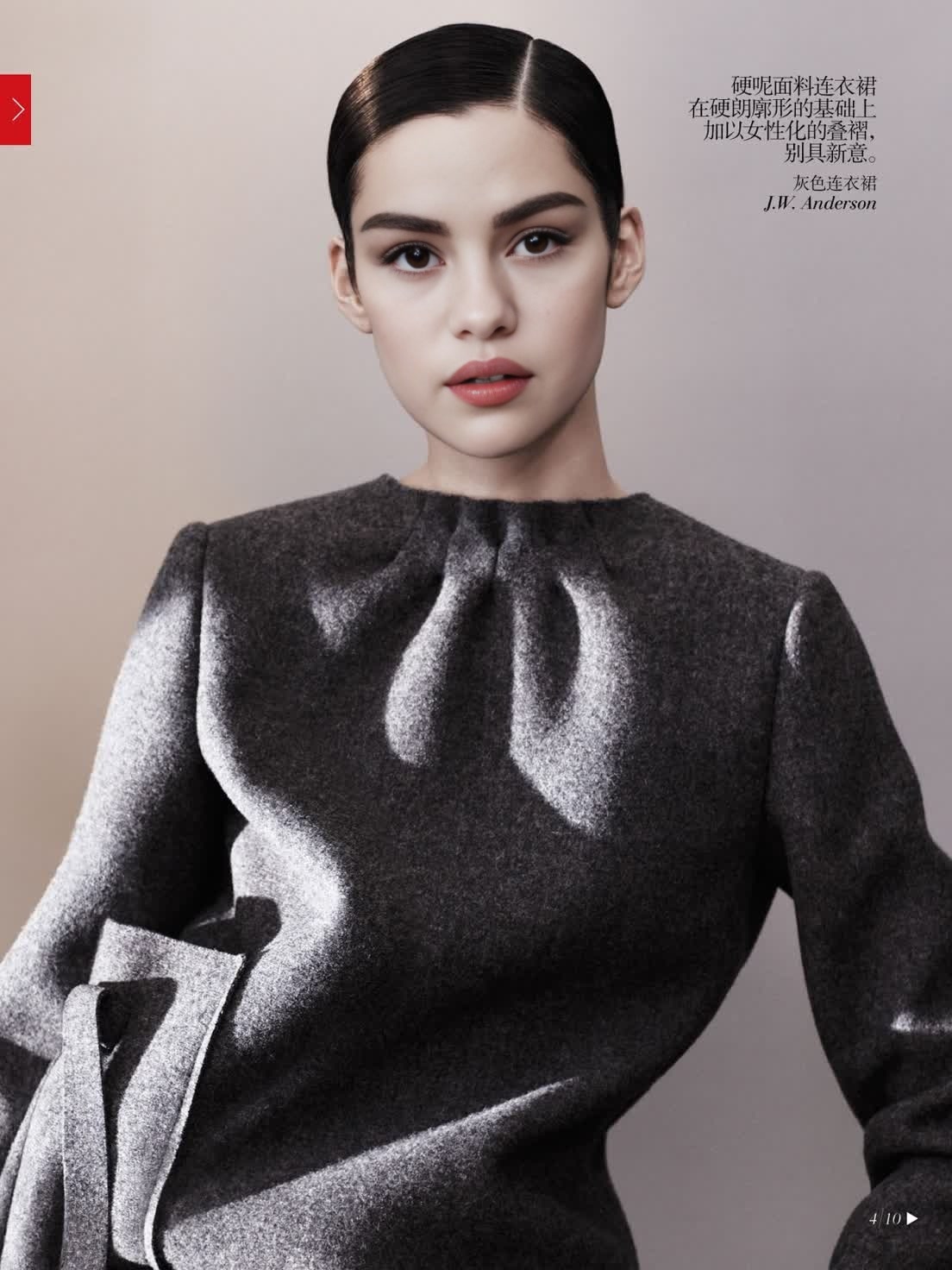
Transform your videos with the Video Face Swap template that showcases the elegance of Tao Okamoto in a Vogue editorial setting. This template is designed for creators looking to produce visually striking content without the need for extensive editing skills.
What It Does
This template allows you to insert any face into the iconic styles of Tao Okamoto's Vogue editorial shoots, creating high-fashion video content. By utilizing state-of-the-art face swap technology, users can produce professional-grade videos that maintain high visual fidelity.
Who It's For
Perfect for fashion enthusiasts, content creators, and marketers aiming to capture attention with eye-catching video. This tool is also great for brands seeking unique ways to leverage digital content within their campaigns, such as social media ads or AI video generators.
Summary
With this template, creating a captivating video with a Vogue vibe is simpler than ever. Choose a face, customize the scene with editorial precision, and generate content that stands out. Explore possibilities with other tools like our AI Image Editor to refine your visuals.
How To
Choose Your Template

Customize Your Content

Generate Your Video

Use Cases
Fashion Marketing
- Promotional videos for collections
- Engaging social media post visuals
- Digital window displays
Content Creation
- Editorial video blogs
- Style transformation tutorials
- Collaboration announcements
Brand Storytelling
- History videos with a modern twist
- Innovative ad campaigns
- Insightful product stories
Best Practices
Select High-Quality Images
Ensure the face you want to swap is in high resolution to retain clarity when integrated into the video.Match Lighting and Angles
Align the lighting and angle of the chosen face with Tao Okamoto's original setting for a seamless blend.Review Before Finalizing
Always preview the final video and make adjustments as necessary before generating the output.