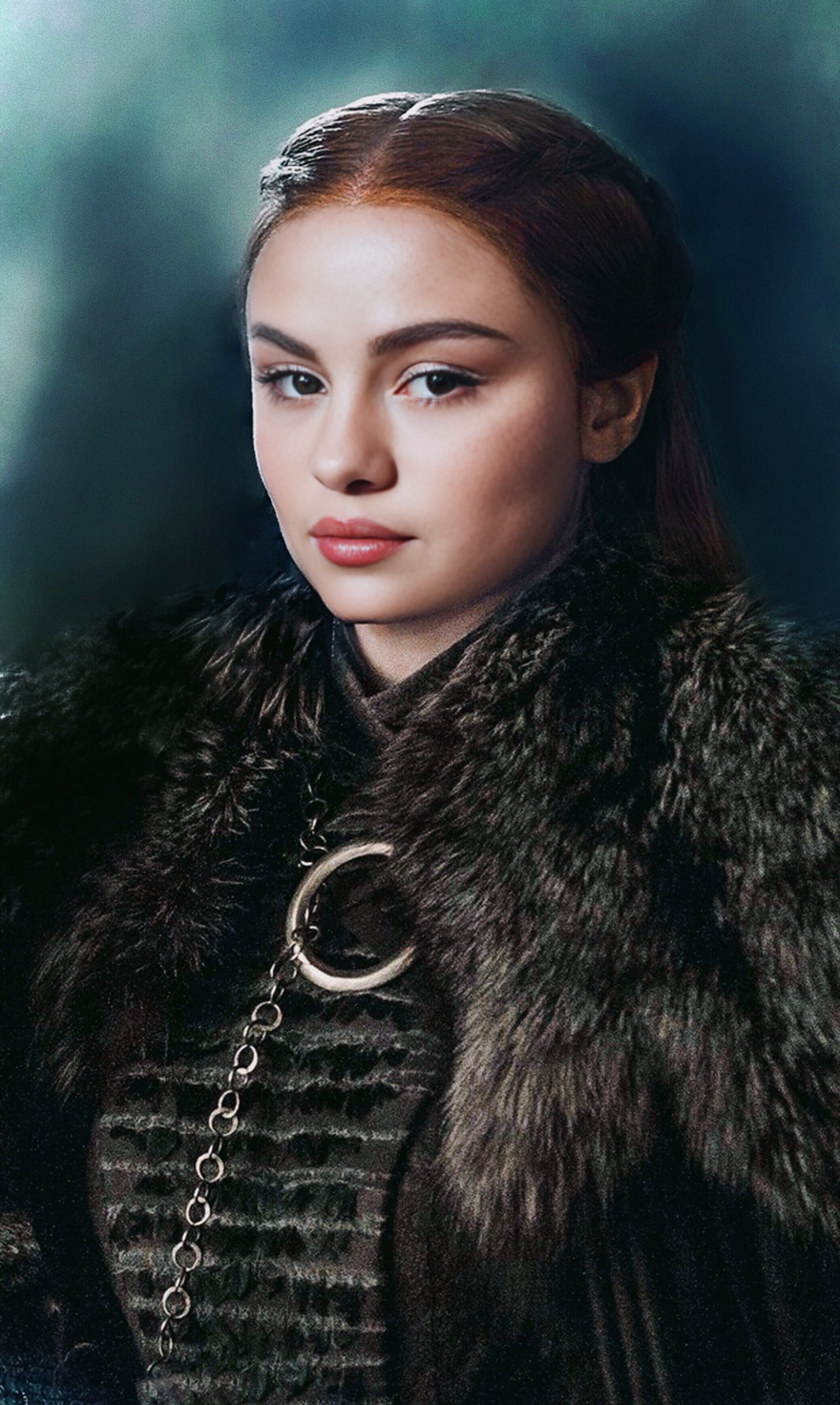
Overview
Reimagine yourself in the world of Westeros with our Sansa Stark Game Of Thrones Video Face Swap template. This tool allows you to superimpose your face onto Sansa Stark's character in video clips from the iconic series. Perfect for fans and creators, it offers a unique way to engage and entertain audiences by stepping into the shoes of a beloved character.
What It Does
The Sansa Stark Video Face Swap template replaces the face of Sansa Stark in selected video clips with another face of your choice. Utilizing advanced Video Face Swap technology, it maintains high-quality resolutions and seamless integration, making your video creations look natural and captivating.
Who It's For
This template is ideal for Game of Thrones fans looking to create immersive fan videos. It's also suitable for content creators who want to add a unique twist to their videos and engage with their audience by leveraging popular culture icons.
Summary
Step into the world of Game of Thrones without ever leaving your room. Using our Sansa Stark Video Face Swap template, you can transform your face into that of one of your favorite characters and create videos that delight, entertain, and amaze. Whether for fun or fan-based content, this is your gateway to Westeros.
Pair this with other tools like the AI Voice Changer to modify voices in your videos, or the Image to Video tool for added creativity.
How To Use This Template
Choose the Template

Customize Your Inputs

Generate Your Video

Use Cases
Fan Tribute Videos
- Engage with fellow fans
- Share on social media platforms
- Participate in fandom events
Social Media Content
- Boost engagement with unique content
- Capture attention quickly
- Increase followers with trendsetting videos
Creative Storytelling
- Promote creativity and imagination
- Develop narrative skills
- Experiment with plot variations
Best Practices
Select High-Quality Images
To ensure the face swap looks natural, pick high-resolution images that match the lighting and angles of the video clips.Fine-Tune the Alignment
Use the tools provided to carefully adjust facial alignment before generating the video for seamless integration.Experiment with Different Characters
Try swapping different faces to see which character transformation resonates best with your audience.