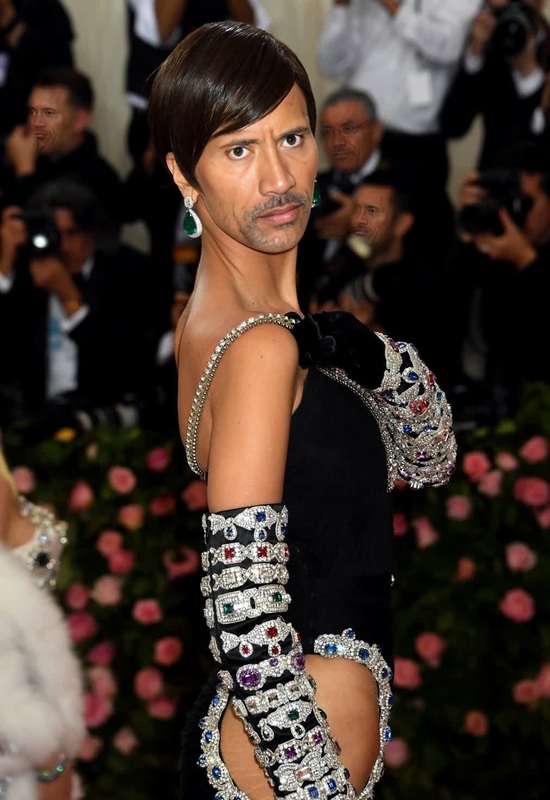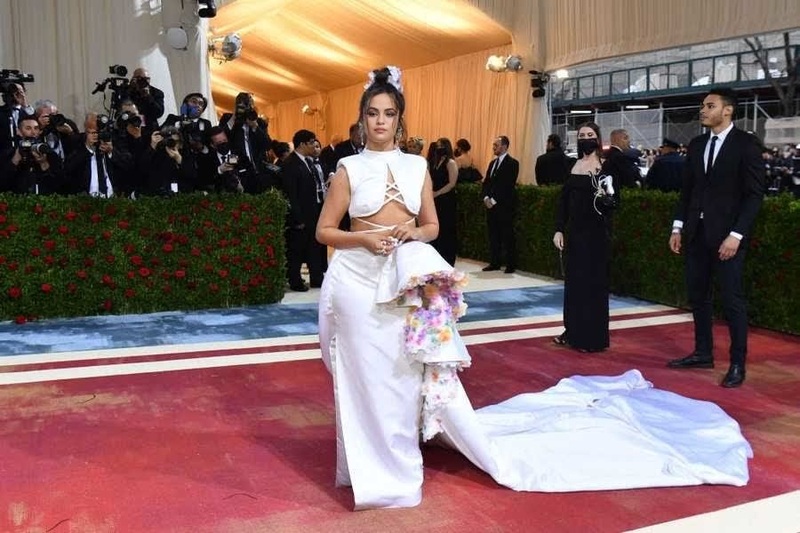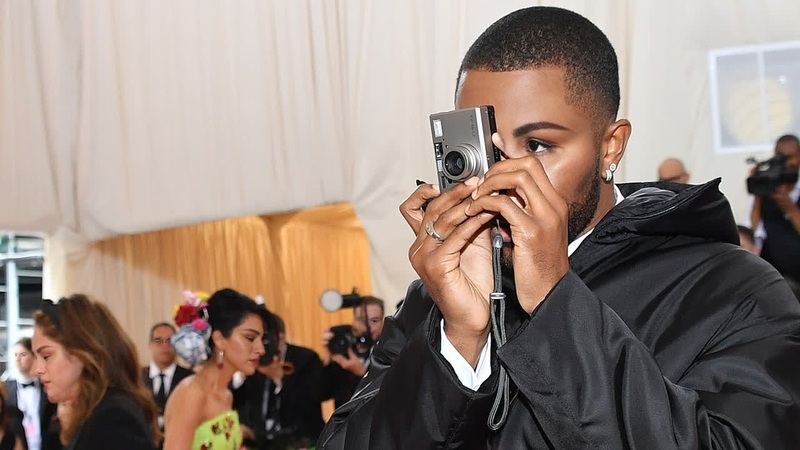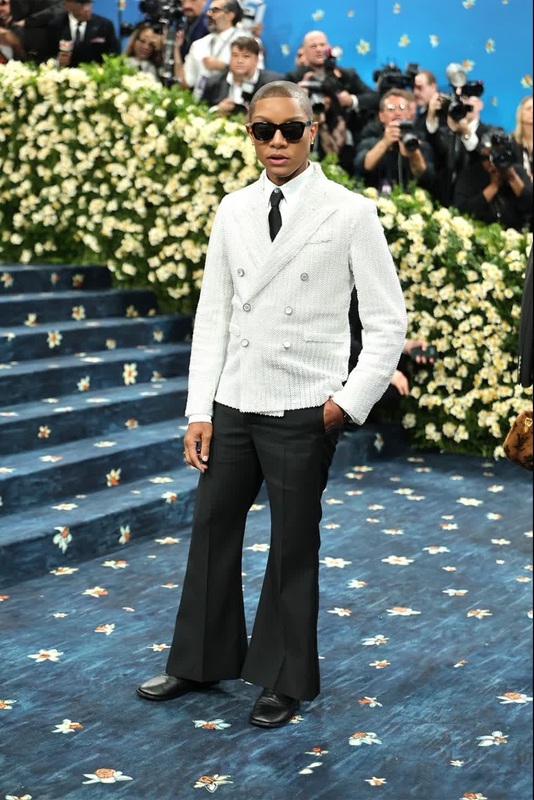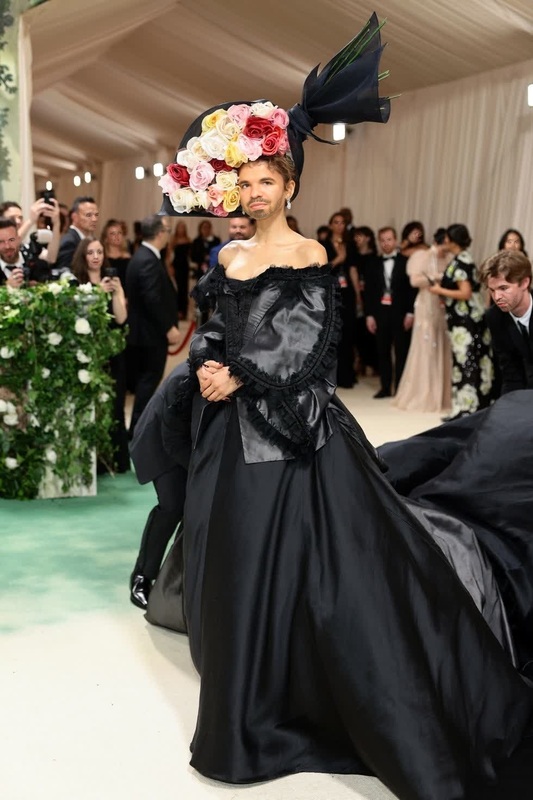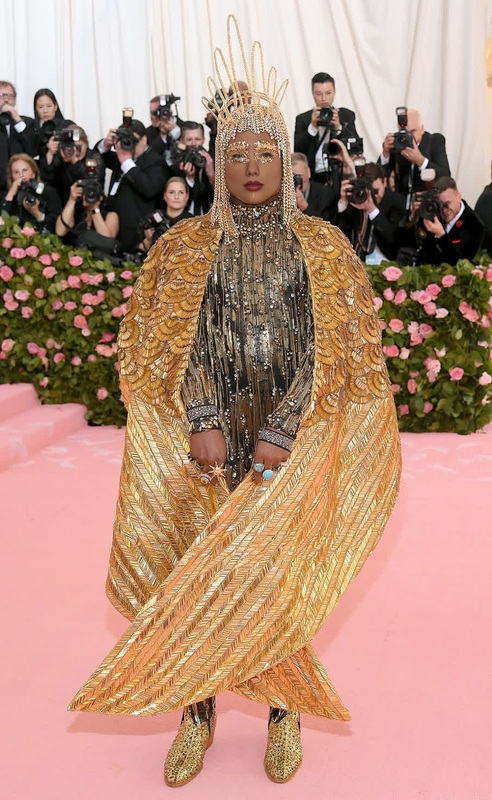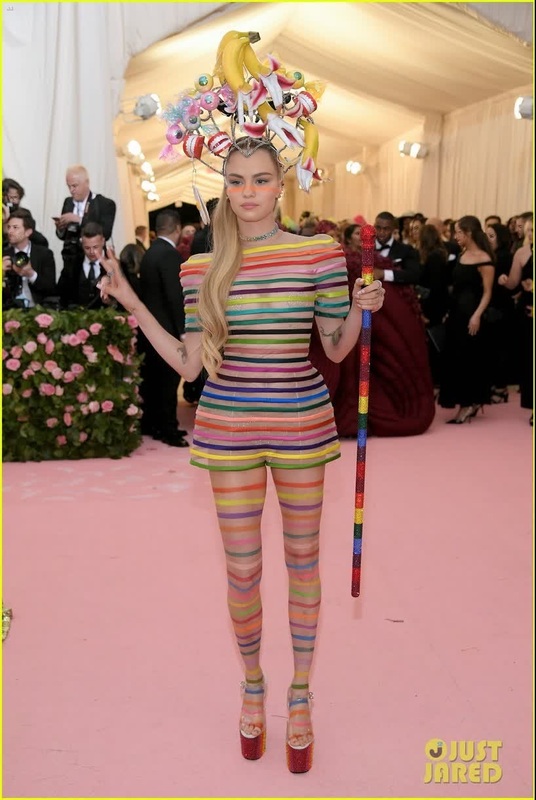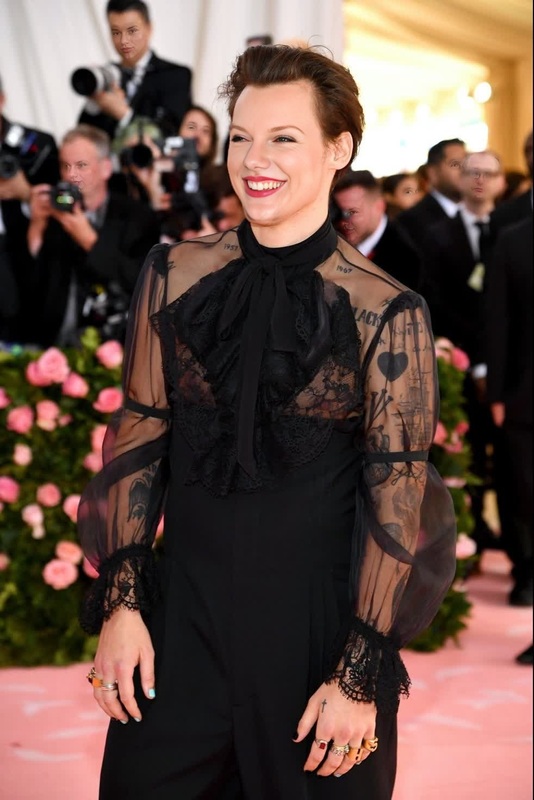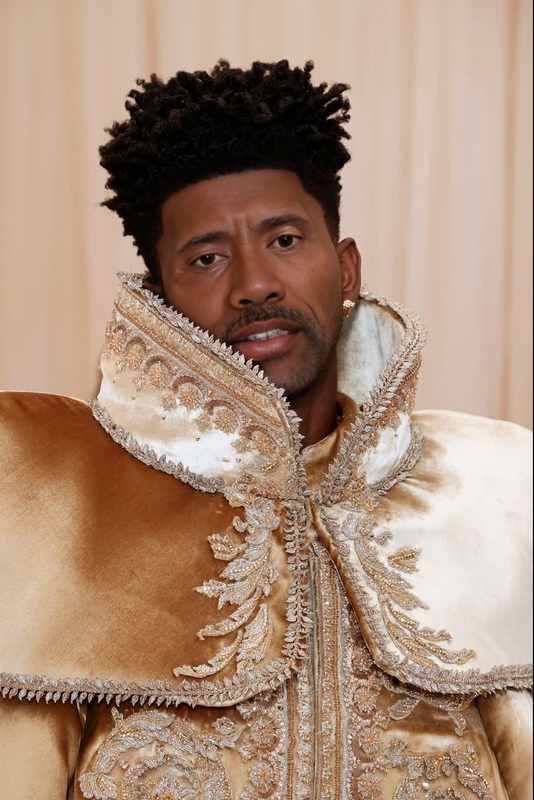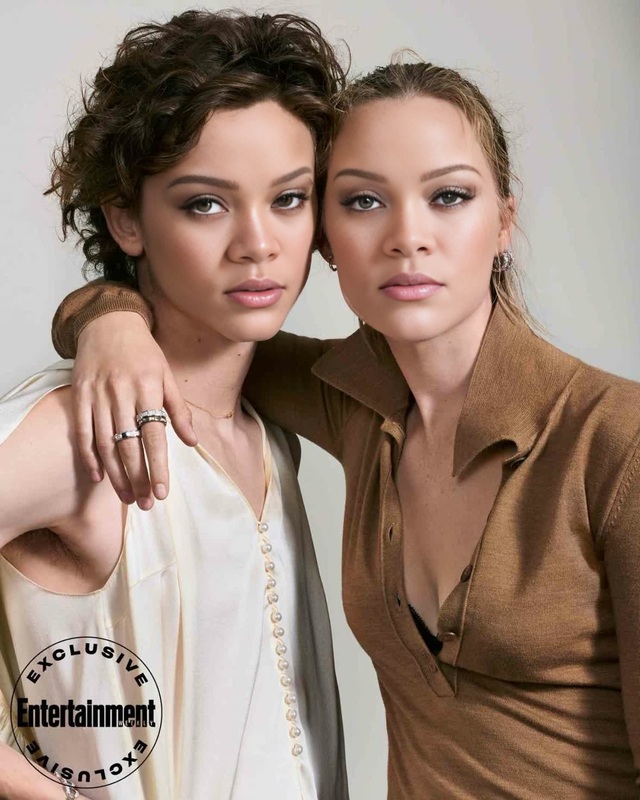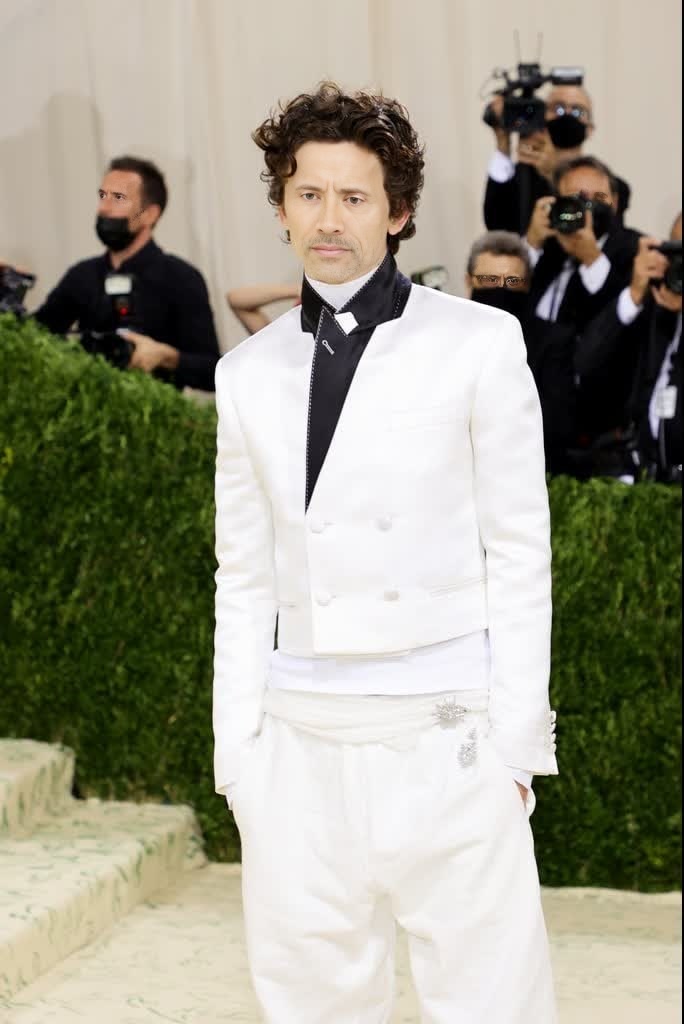
Timothée Chalamet Met Gala Arrival Portrait

Timothée Chalamet Met Gala Arrival Portrait

face-swap

1 clip
0 uses

Any aspect ratio

Tags

transformations

Turn Any Face Into a Cinematic Character with AI Face Swap Video

Use this template to instantly turn your own face—or any portrait you have rights to use—into a stylized, cinematic character. It’s built with Magic Hour’s AI Face Swap Video engine, so you can transform existing video clips into on-brand, shareable content in a few clicks.

This template is ideal for:

  • Creators and editors who want fast, high-quality face replacement
  • Marketers launching social campaigns with consistent “hero” characters
  • Startups and indie teams prototyping concepts, ads, or explainers
  • Developers testing AI video workflows without building models from scratch

What This Template Does

This Face Swap template lets you:

  • Swap the face in a video with your own (or any reference face you provide, with permission)
  • Preserve the original motion, expressions, and lighting for realistic results
  • Keep the rest of the shot intact: background, composition, and timing stay the same
  • Output a ready-to-share clip for TikTok, Reels, YouTube Shorts, or product demos

Under the hood, it uses Magic Hour’s Face Swap technology, which tracks facial landmarks frame-by-frame and blends your reference face into the target video while maintaining pose, angle, and expression continuity.


How to Remix This Template in Magic Hour

You can create your own version of this template directly inside Magic Hour by remixing it. The process is straightforward:

  1. Open the Face Swap Video tool
    Go to Face Swap Video. This is the base product this template uses.

  2. Upload your target video

    • Choose a clip where the subject’s face is mostly visible and not heavily occluded.
    • Strong, consistent lighting and a stable camera usually produce the best swaps.
  3. Add your reference face

    • Upload a clear, front-facing image of the face you want to swap in.
    • Avoid heavy filters, sunglasses, or extreme crops; neutral expressions often transfer best.
  4. Run the face swap

    • Confirm your inputs and generate your video.
    • Preview the result; if the angle or lighting isn’t ideal, try a different reference photo and re-run.
  5. Refine the look with other Magic Hour tools (optional)
    Once you like the face swap, you can:

You now have a customized remix of this template that matches your brand, story, or persona.


Practical Use Cases

Creators and teams using Face Swap templates typically use them for:

  • Short-form content
    Drop your face (or your host’s) into trending meme formats, cinematic clips, or recurring “show” intros that you can reuse each week.

  • Campaign experimentation
    Rapidly test character-based ad concepts by swapping the same face into multiple scenes, then measure which visuals perform best.

  • Explainers and tutorials
    Keep a consistent on-screen persona even when you’re using stock footage or B-roll, by swapping your face into the footage.

  • Localization and personalization
    Create region-specific versions of a character or spokesperson without reshooting, then pair them with localized voices from AI Voice Generator or AI Voice Cloner.

  • Prototype before production
    Test storyboard ideas, character designs, or visual directions before committing to full production, casting, or shoots.


Tips for Best Face Swap Results

For smart, time-constrained teams, these guidelines save iterations:

  • Use high-quality reference photos

    • Clear, well-lit, front-facing images produce more consistent swaps.
    • If you need to improve an image first, try AI Image Upscaler or Unblur Image.
  • Match pose and lighting when possible

    • A reference face that roughly matches the target subject’s angle and lighting will blend more naturally.
    • Avoid extreme angles or heavy shadows unless you’re going for a stylized effect.
  • Choose strong base footage

    • Avoid clips where the face is constantly blocked by hands, props, or rapid cuts.
    • Smooth motion and visible facial expressions will give you more convincing outputs.
  • Respect rights and consent

    • Only use faces you have permission to use.
    • For public-facing or commercial work, avoid swapping the likeness of people (or IP) you don’t have rights to—stick to yourself, your team, hired talent, or generated faces from tools like AI Face Generator or AI Character Generator.

For additional context on how image-to-image and video-based generative models work, resources like academic surveys on deepfakes, e.g., DeepFaceLab (Perov et al.) and industry summaries from organizations like the Partnership on AI, provide useful background on both capabilities and limitations.


Combine Face Swap with Other Magic Hour Tools

You can extend this template into richer, multi-step workflows using other Magic Hour products:

These pipelines let you move from rough idea to multi-asset campaign without spinning up internal ML infrastructure.


Creating Your Own Reusable Face Swap Template

If you want to productize this workflow for your team or community:

  1. Standardize your inputs

    • Decide on a consistent set of reference faces (e.g., your brand mascot, spokesperson, or hosts).
    • Store them in a shared asset library that your team can reuse across projects.
  2. Define repeatable “base scenes”

    • Keep a small library of target videos—hero shots, product demos, reaction clips—that you frequently face swap.
    • Maintain a naming convention so others can quickly remix the right combination.
  3. Document your workflow

  4. Test across platforms

    • Export variants suited for vertical (TikTok, Reels, Shorts) and horizontal (YouTube, web) formats.
    • Use your analytics stack to track which swapped characters and scenes perform best, then iterate on those combinations.

When to Use Face Swap vs. Other Approaches

For decision-makers evaluating workflows:

  • Use Face Swap when

    • You already have good footage and simply need to change who appears in it.
    • You want to maintain the original performance, camera moves, props, and environment.
    • You’re building variations of the same creative concept (A/B tests, localized versions, long-running series).
  • Consider alternatives when


Start Remixing This Template

To adapt this template for your project:

  1. Open Face Swap Video.
  2. Upload your target clip and your chosen reference face.
  3. Generate, review, and iterate until it matches your story or brand.
  4. Optionally chain into Lip Sync, Video to Video, or Animation to build a full asset set.

In a few minutes, you’ll have a reusable, production-ready face swap template tailored to your team, your campaign, or your audience.

More Like This

Insufficient credits