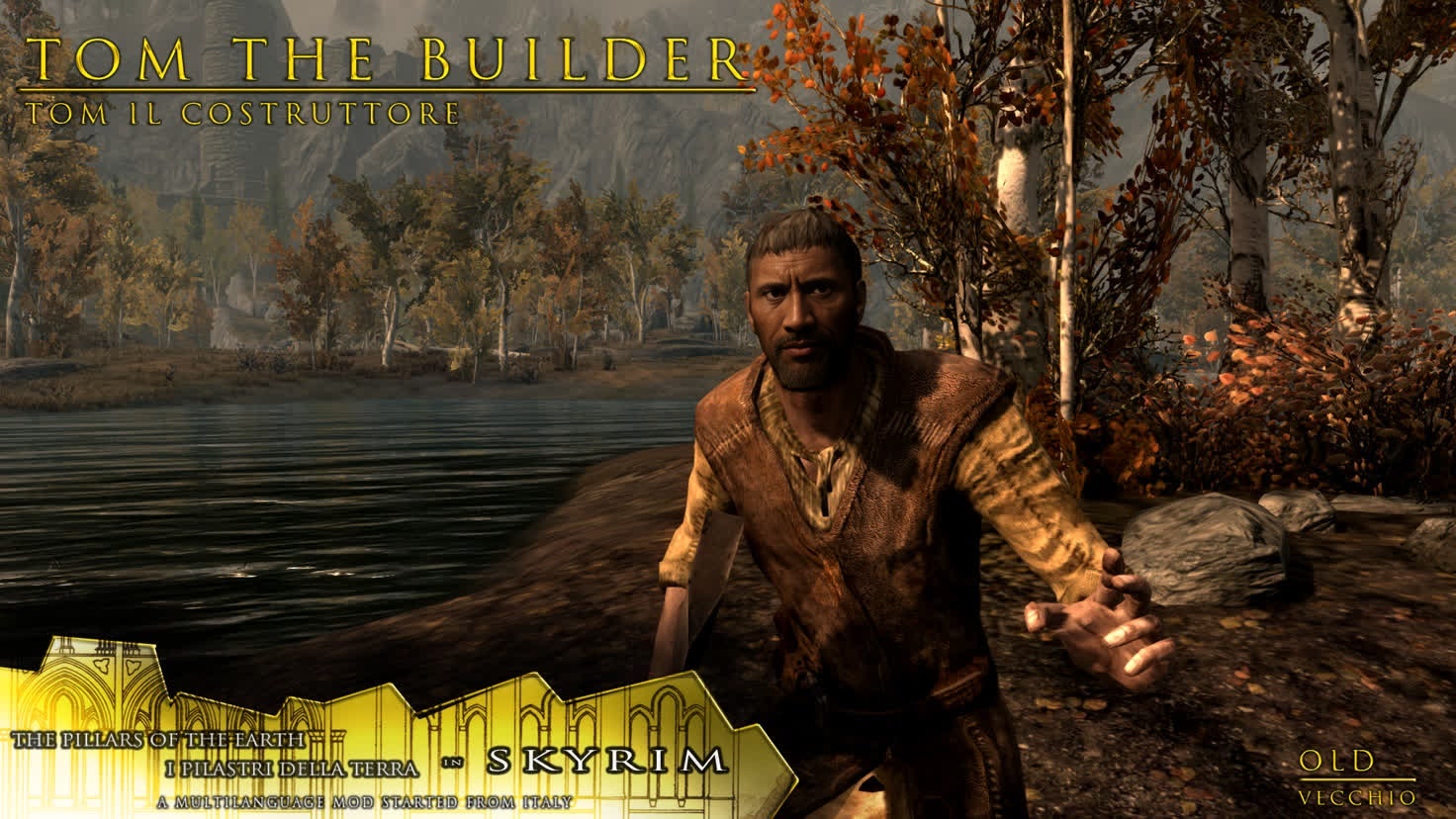
With the The Pillars Of The Earth Tom Builder Portrait template, you can immerse yourself in the world of Ken Follett's historical novel by swapping your face with that of Tom Builder. This video face swap template is perfect for fans looking to create personalized video content that pays homage to the beloved book series.
What It Does
The template allows users to transform their appearance by replacing their face with Tom Builder's in a video. Using advanced face swap technology, this tool ensures seamless integration of your features onto a pre-defined character, making your final video transformative and unique. Connect with historical narratives in a modern medium.
Explore other transformation tools like AI Talking Photo to add further narrative elements to your output. For more face transformation needs, check out our face swap products.
Who It's For
This template is ideal for historical fiction enthusiasts, content creators, and fans of The Pillars of the Earth. Whether you are a novice or an experienced video creator, you will find this tool accessible and engaging for producing high-quality, entertaining content.
For more creative possibilities, consider our Image to Video product, which enhances static images into dynamic video content.
Summary
Dive into the world of Tom Builder with this face swap video template. Perfectly suited for Video Face Swap enthusiasts, you'll bring history and fiction to life with your own unique twist. Seamlessly alter your appearance to create compelling video narratives or just have fun with friends and family.
How-to Steps
Follow these steps to start creating your Tom Builder video using our face swap template.
01
Choose Your Template
Navigate to the Video Face Swap category from the Magic Hour homepage or directly jump to the specific Tom Builder template to start your project.
02
Customize Your Inputs
Upload a clear image of your face to ensure the best results. Adjust placement, and modify any selectable features to tailor the final output to your needs.
03
Generate Your Video
Once customized, click 'Generate Video'. After processing, download your new Tom Builder portrait video from your account panel.
Use Cases
Explore the diverse applications of this template for individual and creative projects.
📜
Fan Tribute Videos
Create personalized tribute videos that allow users to virtually embody their favorite historical characters from literature.
Engage with book clubs by sharing your creations.
Enhance social media presence with eye-catching content.
🏛️
Historical Education
Use these videos as a fun, interactive element in educational settings to make learning about history more engaging.
Create immersive historical narratives.
Incorporate them into lessons or presentations.
🎨
Creative Arts & Media
Develop unique artistic media or video content for exhibitions or personal blogs.
Enhance storyboards with dynamic character swaps.
Stand out with unique video art pieces.
Best Practices
Ensure optimal usage of the template with the following tips.
Choose High-Quality Images
For the best face swapping results, ensure that your uploaded image is high quality and well-lit.
Fine-Tune Face Placement
Utilize the tools provided to align your face correctly within the template for a more natural look.
Consider Using Supplementary Tools
Combine this with other Magic Hour tools like the AI Voice Changer to add personalized audio to your videos.
Related Tools
Discover tools that complement the capabilities of The Pillars Of The Earth Tom Builder Portrait template.