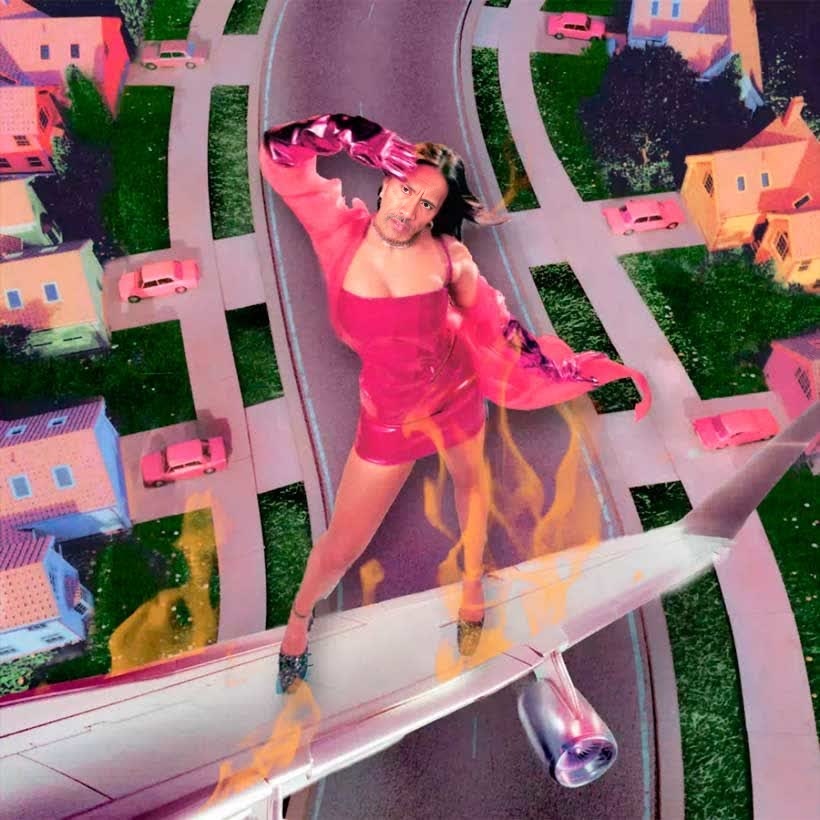
Tate Mcrae I Used To Think I Could Fly Press Portrait
Any aspect ratio
Tags
transformationsOverview
Harness the power of AI to create stunning video transformations with the Tate Mcrae I Used To Think I Could Fly Press Portrait template. This Video Face Swap template lets you insert different faces onto Tate McRae's for unique and dynamic video experiences.
What It Does
This template enables creators to apply face swapping techniques in video format using Tate McRae's imagery as a base. Achieve precise and believable swaps perfect for diverse video formats and platforms. It's similar to other tools in our Video-to-Video lineup, providing creative flexibility for your projects.
Who It's For
Designed for content creators, social media enthusiasts, and marketers, this template is ideal for anyone looking to create engaging social media content or personalized video ads. It offers an accessible entry point for those new to AI transformations, much like our AI Meme Generator.
Summary
With its focus on video transformation, the Tate Mcrae template stands out for its ease of use and stunning results. It's a part of our comprehensive suite of AI-driven tools, suitable for both beginners and experienced creators looking to level up their content with face swapping technology.
How To
Choose Your Template

Customize Your Inputs

Generate Your Video

Use Cases
Creative Social Media Content
Marketing and Promotions
Personalized Greetings
Best Practices
Match the Lighting
Ensure the images or video clips you choose have similar lighting to Tate McRae's for optimal results.Focus on Resolution
Use high-resolution images for the clearest and most seamless face swap results.Experiment with Angles
Try different facial angles to see which provides the best blend with Tate McRae's portrait.