Overview
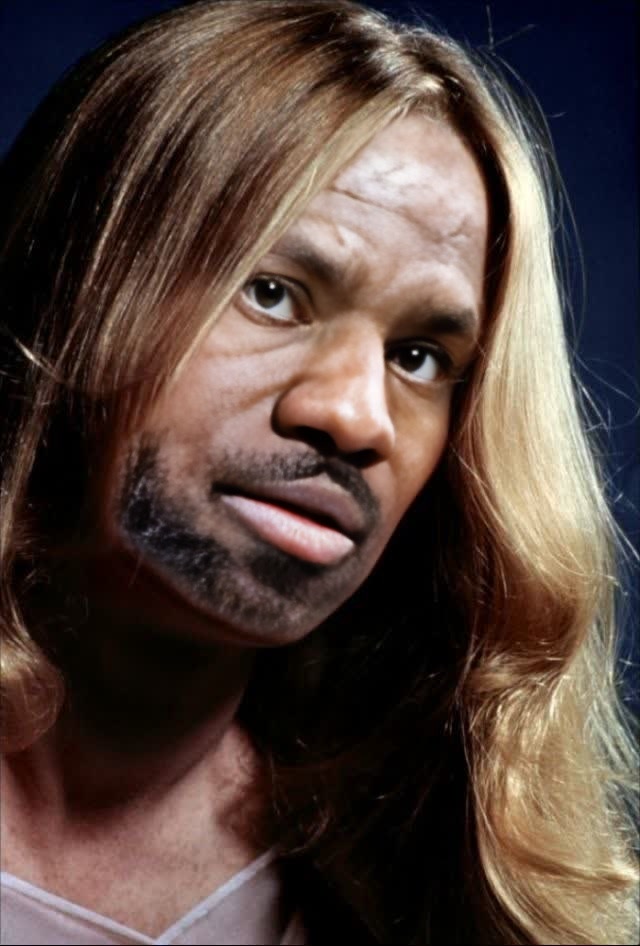
The Sissy Spacek Carrie Studio Portrait template enables creators to seamlessly implement a Video Face Swap with a rich persona, making your projects more engaging and authentic. Transform existing videos by incorporating Sissy Spacek's iconic appearance from the movie, Carrie. This template is perfect for capturing classic looks that make a dramatic impact in video narratives.
What It Does
This Video Face Swap template offers the capability to replace faces in your videos with the likeness of Sissy Spacek, as seen in her memorable role in Carrie. By using the Video Face Swap tool, you can ensure seamless integration, maintaining expressions and head movements to deliver a convincing transformation.
Who It's For
Ideal for video creators, film students, and content marketers who want to leverage iconic characters to enhance their storytelling. This template is especially useful for social media influencers looking to add a touch of nostalgia to their projects or video marketing professionals aiming to create standout personalized video ads.
Summary
With the Sissy Spacek Carrie Studio Portrait template, you have a versatile tool for crafting engaging content by swapping video faces with this classic character. Whether you're producing promotional content or engaging audiences with storytelling, this template is your ticket to achieving professional-grade video transformations. Make sure to explore our related Lip Sync and AI Image Editor tools to further enhance your projects.
How To
Choose Your Template

Customize Your Video

Generate and Download

Use Cases
Film Scene Recreation
- Enhance film studies
- Create fan-based content
Social Media Content
- Run themed campaigns
- Boost audience interaction
Marketing Campaigns
- Feature in video advertisements
- Leverage for viral marketing
Best Practices
Ensure High-Quality Source Footage
For the best results, use videos with clear, high-resolution footage. This helps the face swap align precisely with the original video's lighting and motion.Consider Context and Audience
Keep your audience in mind and choose scenes where the character fits naturally within the context of your content.Complement with Other Tools
Enhance your project by combining the face swap with tools like the AI Voice Changer for complete character embodiment.