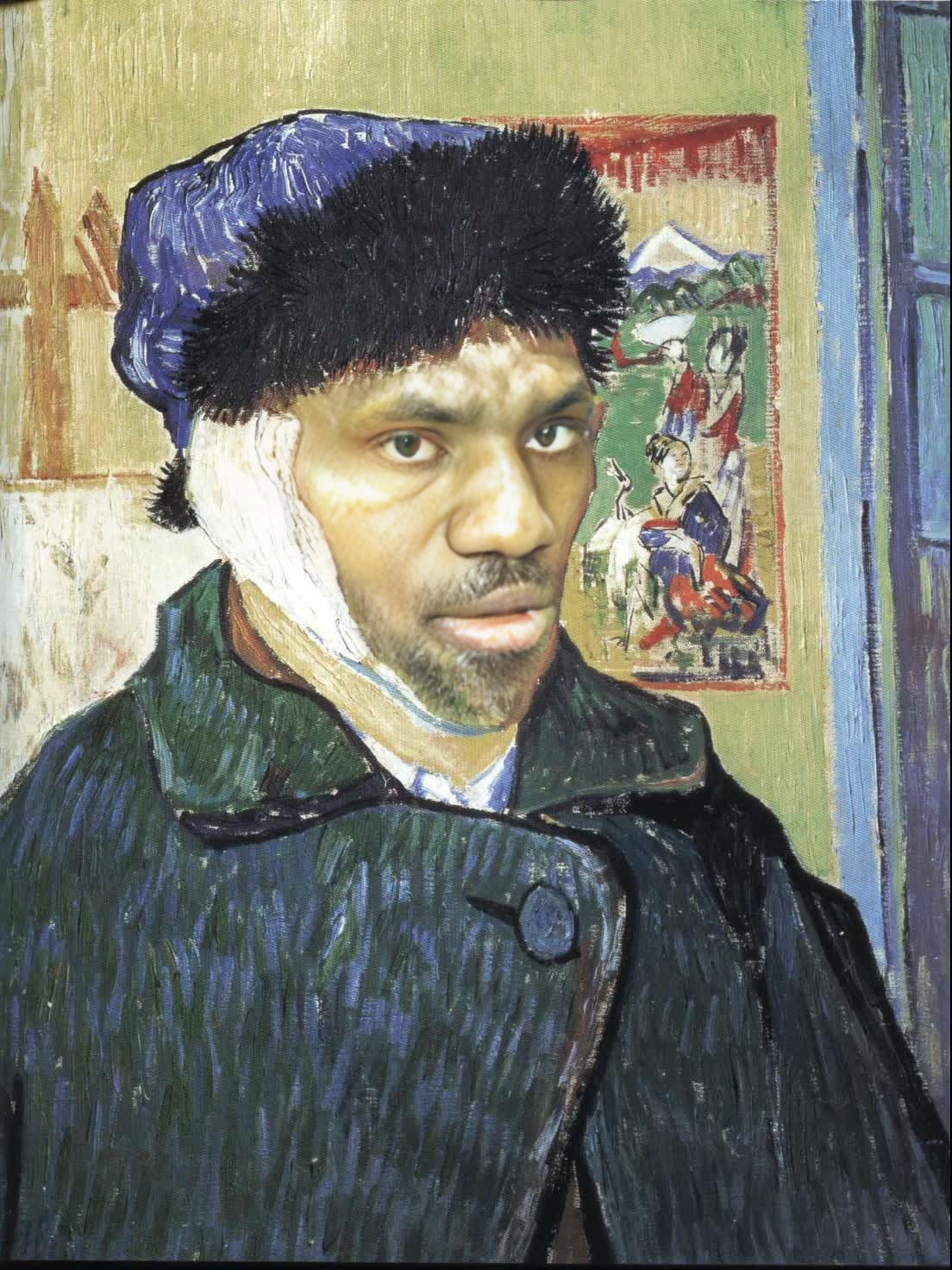
Self Portrait With Bandaged Ear Vincent Van Gogh Oil Painting
Any aspect ratio
Tags
transformationsOverview
Step into the world of post-impressionism with our "Self Portrait With Bandaged Ear Vincent Van Gogh Oil Painting" video face swap template. This tool allows you to seamlessly place your own likeness into one of Van Gogh's most iconic self-portraits, blending art with reality.
What It Does
This Video Face Swap template lets you transform any facial video input into a living Van Gogh masterpiece. By integrating modern video technology with classic art, you can witness the shift from reality to an oil-painted world, complete with Van Gogh's distinctive brush strokes and color palette.
In conjunction with tools like the Face Swap and Image to Video, create engaging works of art that are perfect for both personal enjoyment and professional projects.
Who It's For
This template is designed for artists, content creators, and anyone with a passion for art and transformation. Whether you are a teacher looking to engage students in art history, a social media influencer seeking unique content, or a filmmaker in need of artistic flair, this template is your gateway to blending historic art styles with modern video creation.
Professionals using the AI Video Generator can enhance their creative projects with authentic artistic representations.
Summary
Embrace the genius of Van Gogh with our Video Face Swap template. By transforming your image within historic art, you explore new realms of creativity. This tool complements Lip Sync and other video transformation tools for a full creative suite.
How-To
Find Template

Set Your Parameters

Generate Video

Use Cases
Art Education
- Visualize historical art in a modern context
- Enhance lesson plans with interactive elements
- Engage students with immersive experiences
Social Media Content
- Produce viral-ready content
- Stand out with artistic flair
- Leverage nostalgic elements for engagement
Video Productions
- Add depth to narratives through historical context
- Enhance storytelling with iconic visuals
Best Practices
Select Clear, Well-Lit Footage
High-quality lighting and resolution in your original footage ensure the best results when transformed into Van Gogh’s style.Consider Background Removal
For optimal integration, use tools like the Background Remover to isolate your face and enhance the realism of the swap.Adjust Color Settings
Match the color tones of your video to fit harmoniously with Van Gogh’s palette, enhancing the coherence of the final output.