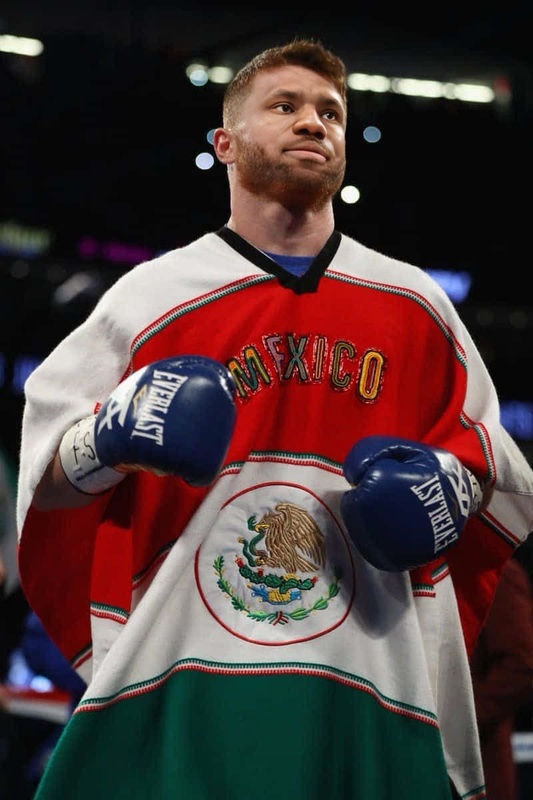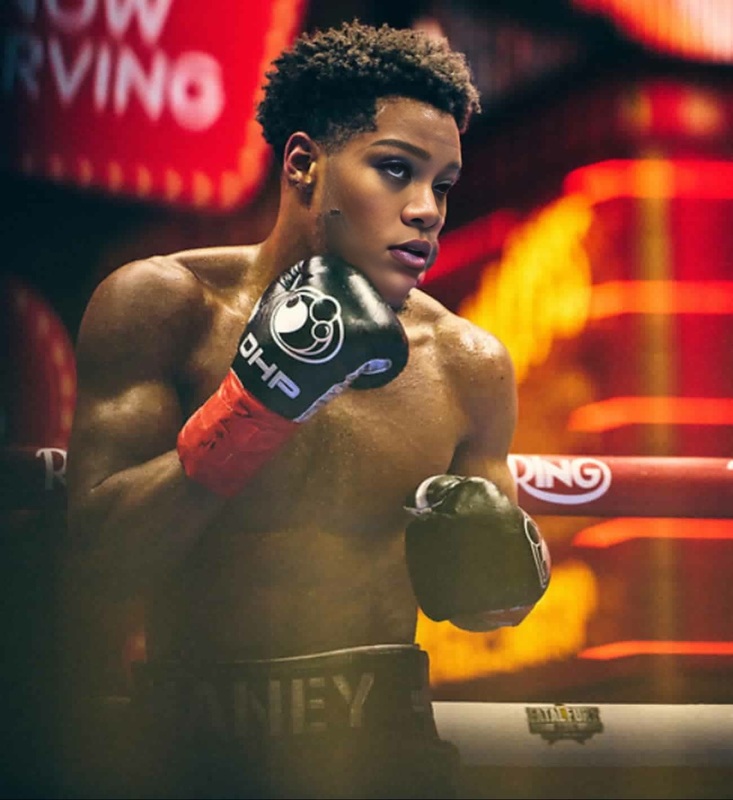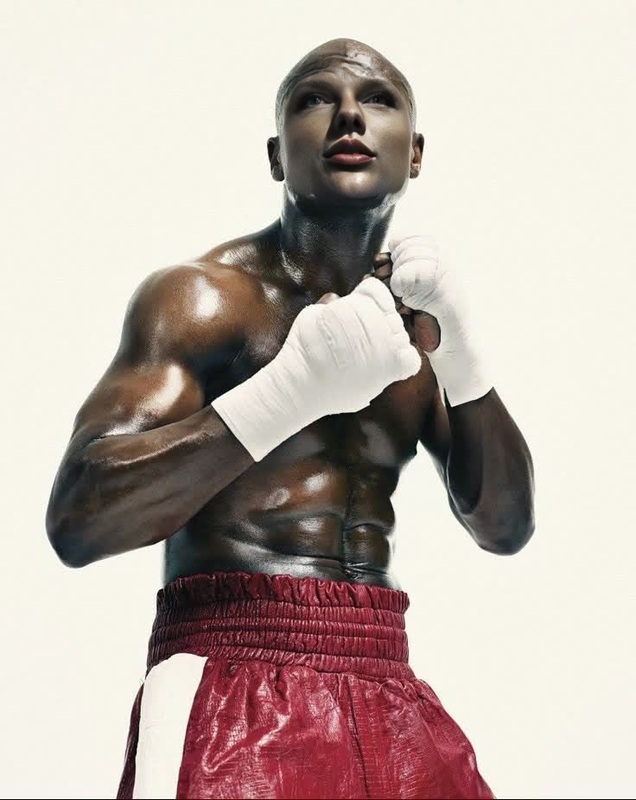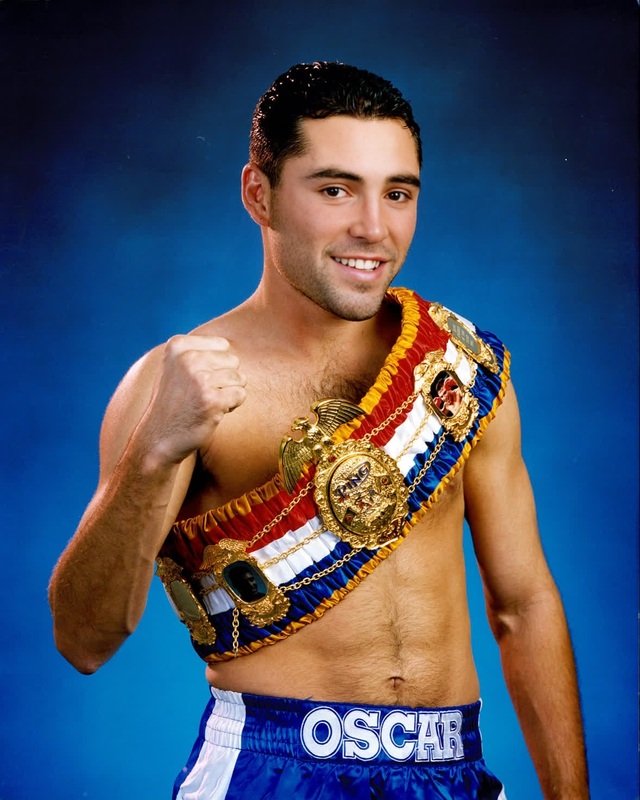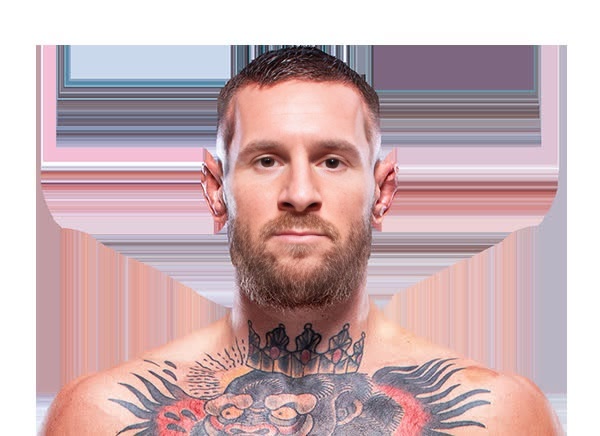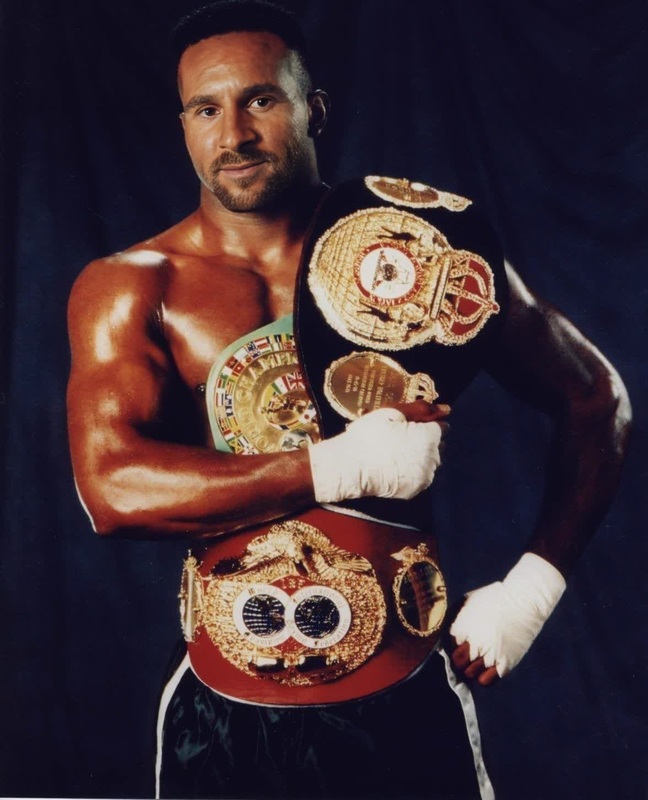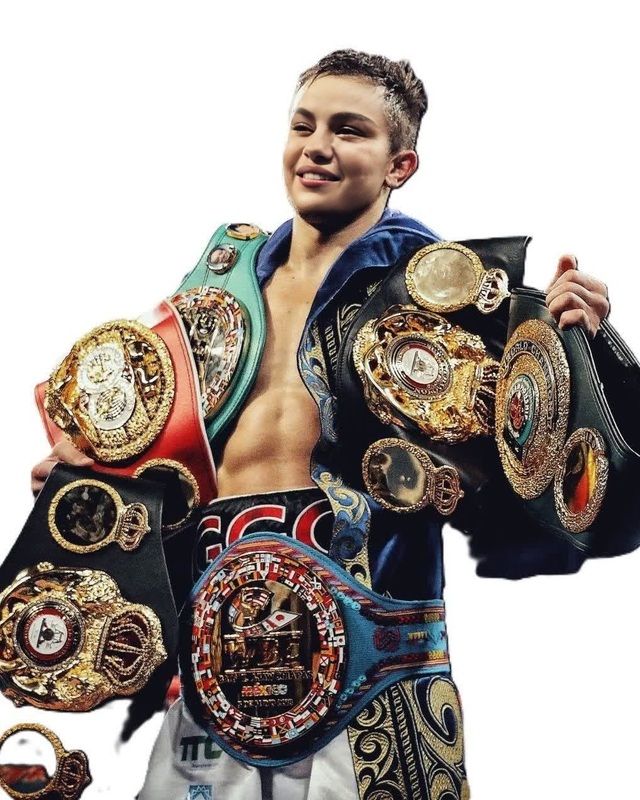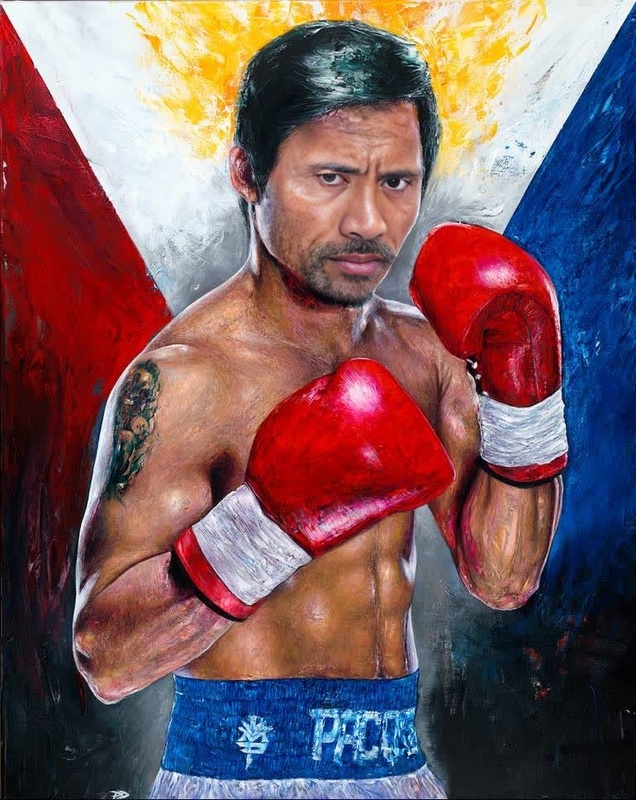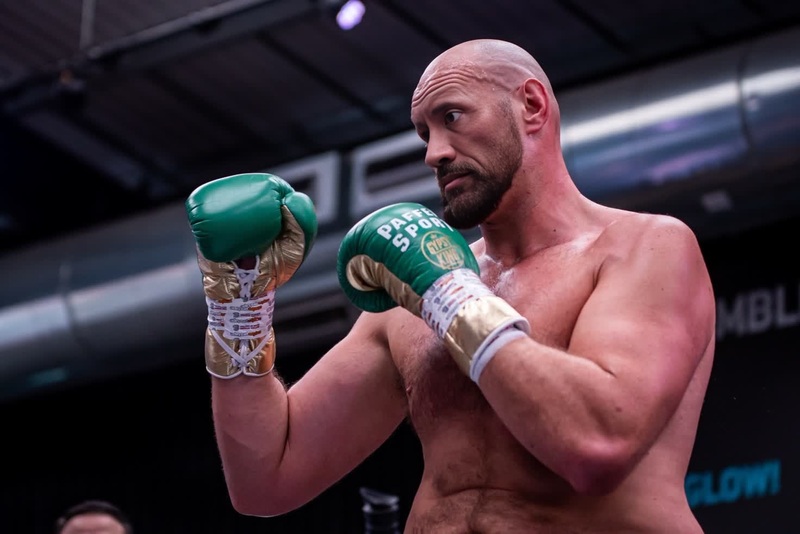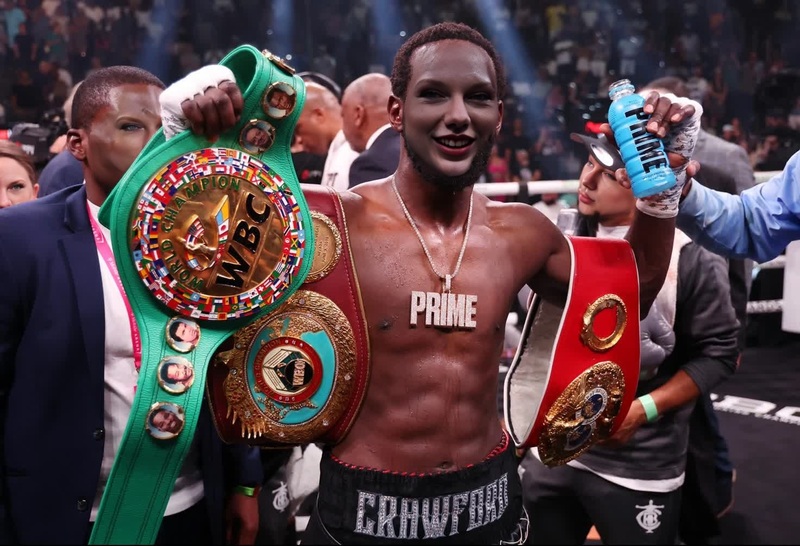
Ryan Garcia Boxing Press Portrait
face-swap
Any aspect ratio
Tags
transformationsTransform any talking-head video into your own custom character with this Face Swap template for Magic Hour AI. Use it to prototype campaigns, create founder-led content at scale, or test concepts before a full production shoot—without ever stepping in front of a camera twice.
What this template does
This template uses Magic Hour’s Face Swap technology to replace the face in an existing video with your own (or any other photo you provide). It’s ideal for:
- Turning one base video into many personalized versions for different audiences
- Creating a consistent “virtual spokesperson” for your brand
- Quickly testing scripts, hooks, and CTAs without re-shooting
- Producing multilingual or localized variants when combined with Lip Sync or AI Talking Photo
The underlying Face Swap model is optimized for identity preservation and realistic motion transfer in short-form, social-native videos.
How to remix this template in Magic Hour
You can recreate or customize this template in a few minutes. Here’s the general workflow:
Start from the Face Swap Video creator
- Go to the Face Swap Video page.
- Choose this template (if you’re viewing it in the gallery) or start a new Face Swap with a similar structure.
Add your source video (the “body” video)
- Use a clear talking-head video with good lighting and a stable camera angle.
- Ideal sources: previous webinar clips, UGC-style content, talking-head ads, founder videos, or stock presenters.
- The more frontal and consistent the face in the source, the more accurate the swap.
Upload your face (the “target” identity)
- Provide a high-quality, front-facing photo of the person whose face you want in the video.
- Avoid heavy filters, sunglasses, or extreme angles.
- For brands, you can also generate a character first using tools like:
Run the Face Swap
- Preview the result to confirm that expressions and head motion look natural.
- If the likeness isn’t strong enough, try a sharper reference image or a different angle.
Refine or extend your video (optional)
Once you’re happy with the face swap, you can chain other Magic Hour tools to build a complete workflow:- Sync new audio or languages with Lip Sync
- Turn a still into motion first with Image to Video
- Stylize or reframe the whole scene with Video to Video
- Generate subtitles automatically with Auto Subtitle Generator
Remixing is as simple as swapping the source video and target image while keeping the same overall flow.
High-leverage use cases
This template is designed for creators and teams who care about speed, scale, and consistency more than one-off novelty. Common use cases:
1. Performance marketing & UGC-style ads
- Test dozens of hooks on TikTok, Reels, and Shorts from a single base video.
- Localize the same creative using different on-screen “faces” for different regions or demographics.
- Combine with AI Voice Generator or AI Voice Cloner to match brand voice and tone.
2. Founder-led and expert content at scale
- Repurpose one good recording of a founder or subject-matter expert into many variants, without constant reshoots.
- Maintain a consistent “host” persona across product updates, onboarding flows, or investor updates.
3. Localization and personalization
- Create region-specific faces while keeping the same script, structure, and motion.
- Use AI Talking Photo plus Face Swap to quickly validate which identity or style performs best before full campaigns.
4. Prototyping for agencies and studios
- Rapidly mock up concepts for clients to review look, framing, and performance before committing to production time.
- Combine with AI Image Generator and AI Art Generator to explore stylized or character-based presenters.
Best practices for realistic results
To get production-ready quality, pay attention to input quality and consistency. Industry research on face reenactment and swapping (e.g., “FaceShifter” and “SimSwap” in CVPR/ICCV proceedings) consistently shows that input resolution, lighting, and pose are the biggest factors. In practice:
Source video guidelines
- Use 720p or higher when possible.
- Favor stable, front-facing shots (talking-head, vlog, testimonial).
- Keep hair and face mostly visible (minimal occlusion by hands, objects, or hair).
Reference face guidelines
- Use a clear, sharp portrait with neutral to moderate expression.
- Avoid extreme makeup, heavy filters, or exotic lighting that doesn’t match the source.
- If you want a stylized identity, generate it first with:
- AI Selfie Generator
- AI Headshot Generator
- AI Anime Generator or Disney AI Generator for character-style faces.
Context matching
- Try to match approximate age, gender expression, and viewpoint between source and target to avoid uncanny results.
- If the clothing or background clashes with the new face, you can:
- Restyle with Video to Video
- Adjust stills via the AI Image Editor before creating video content
- Change outfits in supporting images with AI Clothes Changer
Advanced workflows for power users
For creators, marketers, and developers building more complex pipelines, this template works well as a component in larger systems:
Automated content variations
- Programmatically generate different faces, then run them through Face Swap and Face Swap GIF for social tests.
- Auto-generate thumbnails with Thumbnail Maker using frames from your swapped videos.
Character-driven video series
- Design a recurring character or mascot with the Animated Characters Generator or AI Character Generator.
- Use them across episodes, intros, and explainers by swapping their face into different base performances.
Hybrid text-to-video pipelines
- Draft scripts, generate narration with AI Voice Generator, and produce rough cuts via Text to Video.
- Later, replace placeholder presenters with your real or branded identity using this Face Swap template.
Polish and restoration passes
- Upscale legacy or low-res footage with Video Upscaler before swapping faces.
- Clean up still assets via Unblur Image, Old Photo Restoration, or Photo Colorizer before turning them into talking characters.
Related Magic Hour tools worth exploring
If you like what this template does, you can expand your toolkit with:
- Face Swap Video – main entry point for video face swapping templates
- Lip Sync – match lips to any audio or language
- Video to Video – restyle or transform existing footage
- Animation – convert images or concepts into animated content
- AI Image Upscaler – improve image quality before using them as reference faces
- Image Background Remover and Remove Object from Photo – clean up inputs before video generation
How to adapt this template to your workflow
You do not need to use it exactly as-is. Most teams adapt it in one of these ways:
- Replace only the identity – Keep the same script and video, just change who appears on camera.
- Swap both identity and voice – Use Face Swap plus AI Voice Cloner to fully “cast” a virtual actor.
- Turn static brand art into a presenter – Start from a brand illustration or avatar created with AI Logo Generator, AI Illustration Generator, or Book Cover Generator, then animate and face-swap into performance footage.
- Experiment, then standardize – Rapidly test different faces, styles, and formats, then lock in a single character template to scale ongoing content.
To remix: open the Face Swap Video tool, import your own source video and face image, and follow the same structure. Once you have a version that fits your brand, save it as your “house” template and reuse it across campaigns.