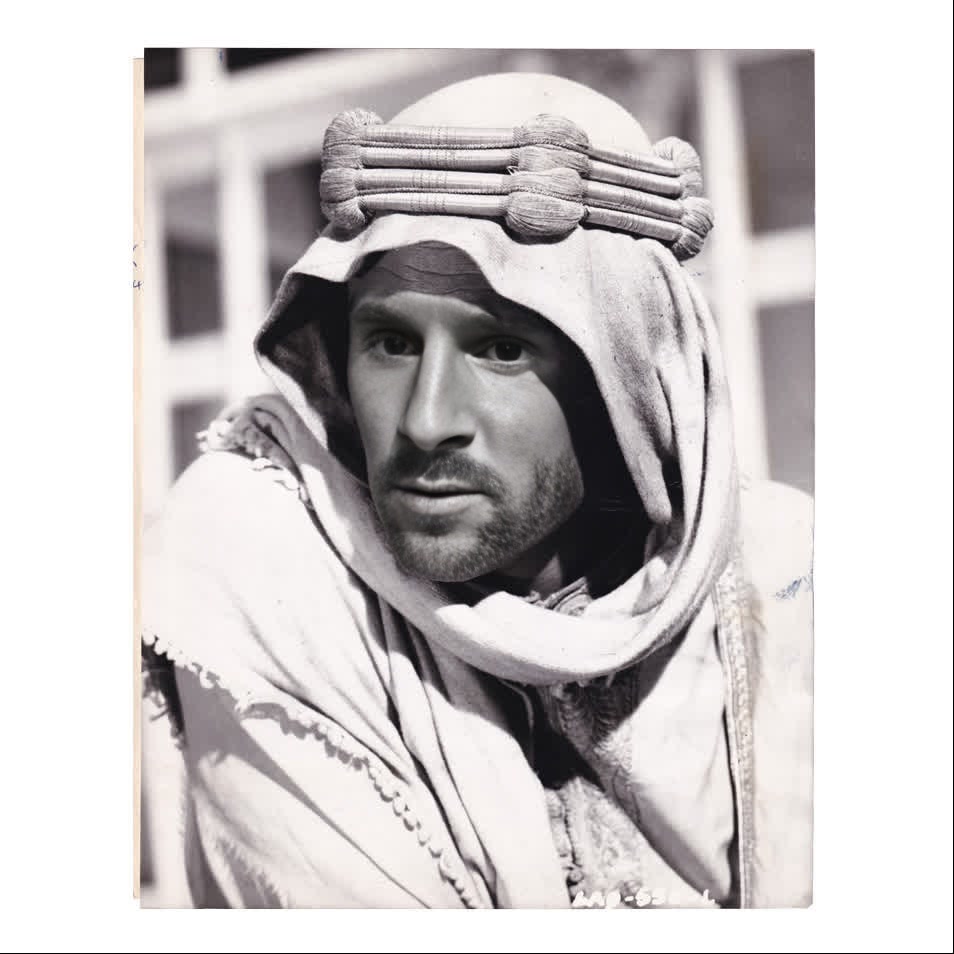
Peter OToole Lawrence Of Arabia Studio Portrait
Any aspect ratio
Tags
transformationsOverview
Dive into the world of classic cinema with the Peter O'Toole Lawrence of Arabia Studio Portrait template. This Video Face Swap template allows you to upload your video and transform into the iconic actor in his legendary role. Whether for artistic projects or simply for fun, this template brings the grandeur of Hollywood's golden era to your fingertips.
What It Does
This template offers a unique Video Face Swap experience, replacing a face in your video with that of Peter O'Toole in his role as Lawrence of Arabia. The template's sophisticated AI ensures a natural integration of the face, preserving the video's original motion and style. Ideal for creating parodies, educational content, or unique fan tributes.
Explore other transformation options with the Face Swap product line that includes a range of templates for different styles and contexts.
Who It's For
This template is perfect for cinematic enthusiasts, fan artists, and content creators looking to add a touch of Hollywood history to their projects. It's also a fantastic tool for educators and presenters who wish to introduce classic film elements into their materials. With its ease of use, this template is accessible to both beginners and seasoned video editors.
Consider using the AI Video Generator for additional creative possibilities.
Summary
Bring the magic of Peter O'Toole's Lawrence of Arabia to your videos with this face-swapping template. Effortlessly blend modern content with a cinematic classic, achieving professional-looking results that captivate and engage your audience. Check out the Head Swap product for further creative applications and ideas.
How-To
Choose Your Template

Customize Inputs

Generate Your Video

Use Cases
Cinematic Tributes
- Fan-made movie scenes
- Cinematic educational content
- Tribute videos
Creative Storytelling
- Novel video content
- Immersive historical narratives
Parody Productions
- Comedy sketches
- Spoof videos
Best Practices
Video Quality
Use high-resolution videos to ensure the best face swap results. The clearer the video, the more realistic the swap.Lighting and Angle
Ensure consistent lighting and angles in your videos to match the reference image of Peter O'Toole for optimal results.Contextual Fit
Choose scenes that match the original setting and vibe of 'Lawrence of Arabia' for a seamless integration.