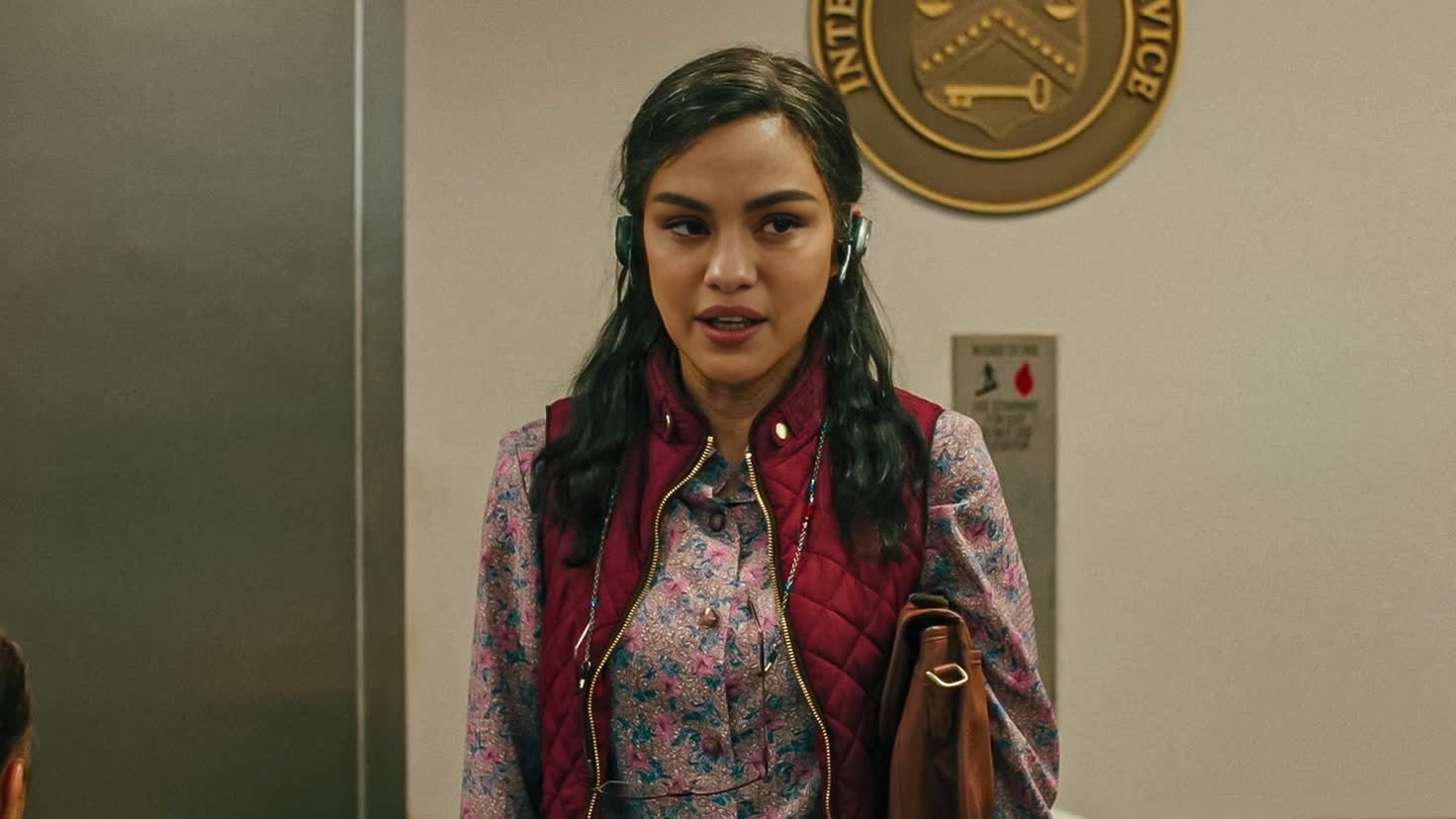
Michelle Yeoh Everything Everywhere All At Once Portrait
Any aspect ratio
Tags
transformationsOverview
Explore the creative possibilities with the Michelle Yeoh Everything Everywhere All At Once Portrait template. This Video Face Swap tool lets you reimagine scenes by swapping faces with Michelle Yeoh, bringing an element of cinematic flair to your projects. Ideal for creators looking to integrate iconic pop culture elements into their work, this template offers a straightforward approach to professional-grade video editing.
What It Does
This template provides a unique Video Face Swap experience, enabling users to insert Michelle Yeoh's face seamlessly into various video contexts. Utilizing advanced AI models, it preserves expressions and movements, ensuring a realistic transformation. Files support popular formats like MP4, making it compatible with standard editing software and platforms.
Who It's For
Designed for film enthusiasts, content creators, and marketers, this video face swap tool is perfect for those wanting to craft engaging content with a twist of celebrity charm. Whether you're working on product launch videos, fan tributes, or viral marketing campaigns, this template brings an added layer of interest and engagement to your content.
Summary
With the Michelle Yeoh Video Face Swap template, you're just a few clicks away from transforming ordinary footage into something extraordinary. The ease of customization, paired with powerful AI capabilities, ensures your projects remain spectacular and memorable. Jump into the world of creative video editing with this user-friendly tool.
How-To
Choose the Template

Customize Your Inputs

Generate Your Video

Use Cases
Enhancing Dramatic Trailers
- Create viral-worthy trailers
- Leverage celebrity association
- Boost engagement rates
Creative Social Media Clips
- Increase follower interaction
- Stand out on social media
- Utilize trending media
Educational Videos with a Twist
- Create relatable content
- Simplify complex concepts
- Boost viewer retention
Best Practices
Select High-Quality Footage
For best results, use high-resolution videos to ensure the face swap effect is as realistic as possible.Optimize Lighting
Ensure the lighting in your video matches the swapped face to maintain consistent tone and quality.Mind the Angles
Choose clips where the angle of the subject's face matches that of Michelle Yeoh to achieve more natural results.