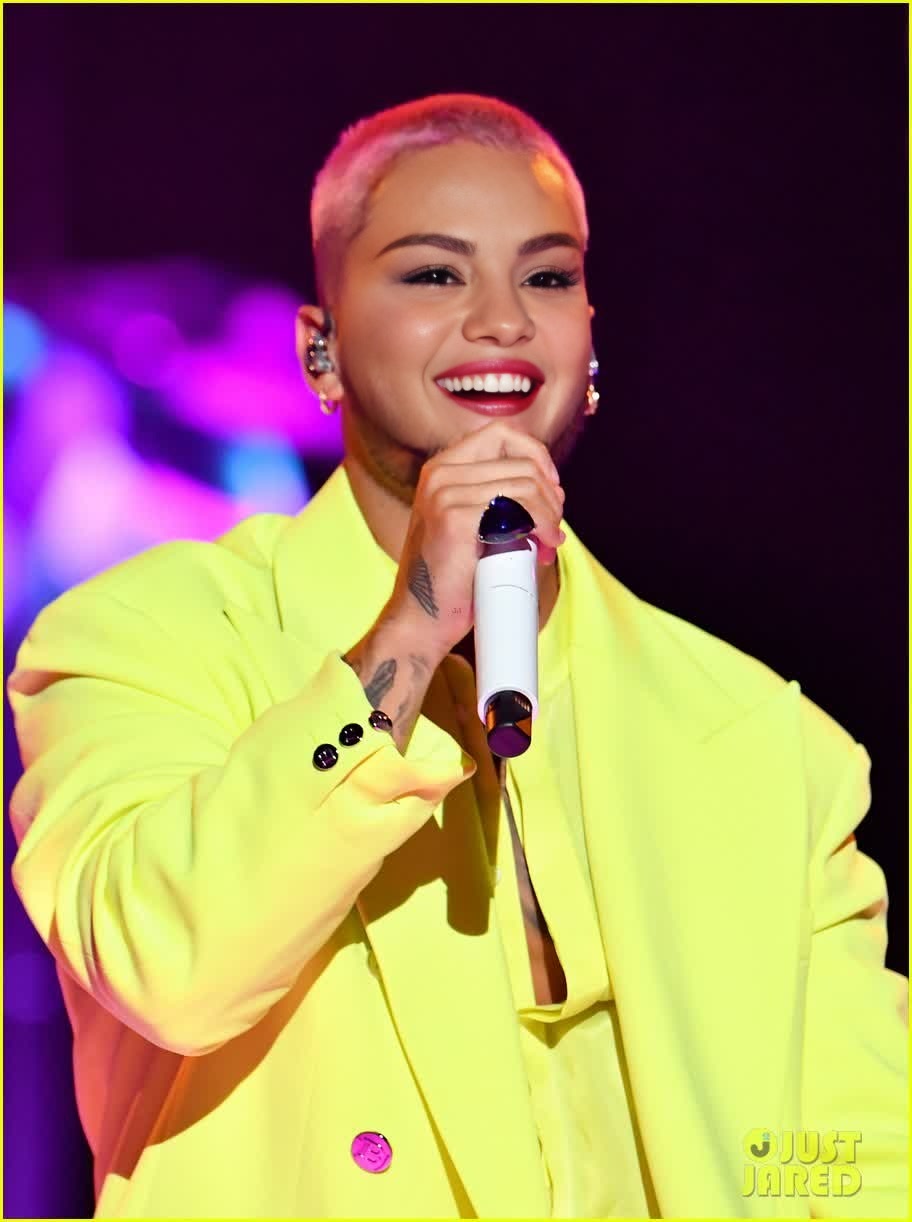
Overview
The Maluma MTV VMAs Portrait template allows you to bring celebrity excitement to your projects by swapping a face in a video with Maluma's iconic look from the MTV VMAs. This Video Face Swap template is perfect for adding unique flair to your content, making it stand out with a high-profile transformation.
What It Does
This template uses advanced face swap technology to seamlessly place Maluma's facial features onto your chosen video subject. With professionally crafted details, this ensures a realistic and harmonious integration with the video's existing aesthetic.
Who It's For
Content creators, social media influencers, and video editors who want to inject celebrity charm into their projects will find this tool invaluable. It's especially beneficial for those looking for customizable options alongside other tools like the AI Image Editor to further polish and refine their video content.
Summary
Utilize the Maluma MTV VMAs Portrait face swap to give your videos a unique edge. Whether for personal projects or client work, integrating celebrity likeness has never been easier or more effective. Explore related options like the AI Profile Picture Generator for complete makeovers.
How To
Choose Your Template

Customize Your Input

Generate Your Video

Use Cases
Social Media Creations
Marketing Materials
Entertainment Content
Best Practices
Ensure High-Quality Inputs
For the best face swap result, use high-resolution video and images where the face is clearly visible.Adjust Settings Thoughtfully
Make use of adjustment tools to refine the scale and position of the swapped face for a natural look.Experiment with Related Tools
Explore other tools like the AI Video Generator for additional creative enhancements.