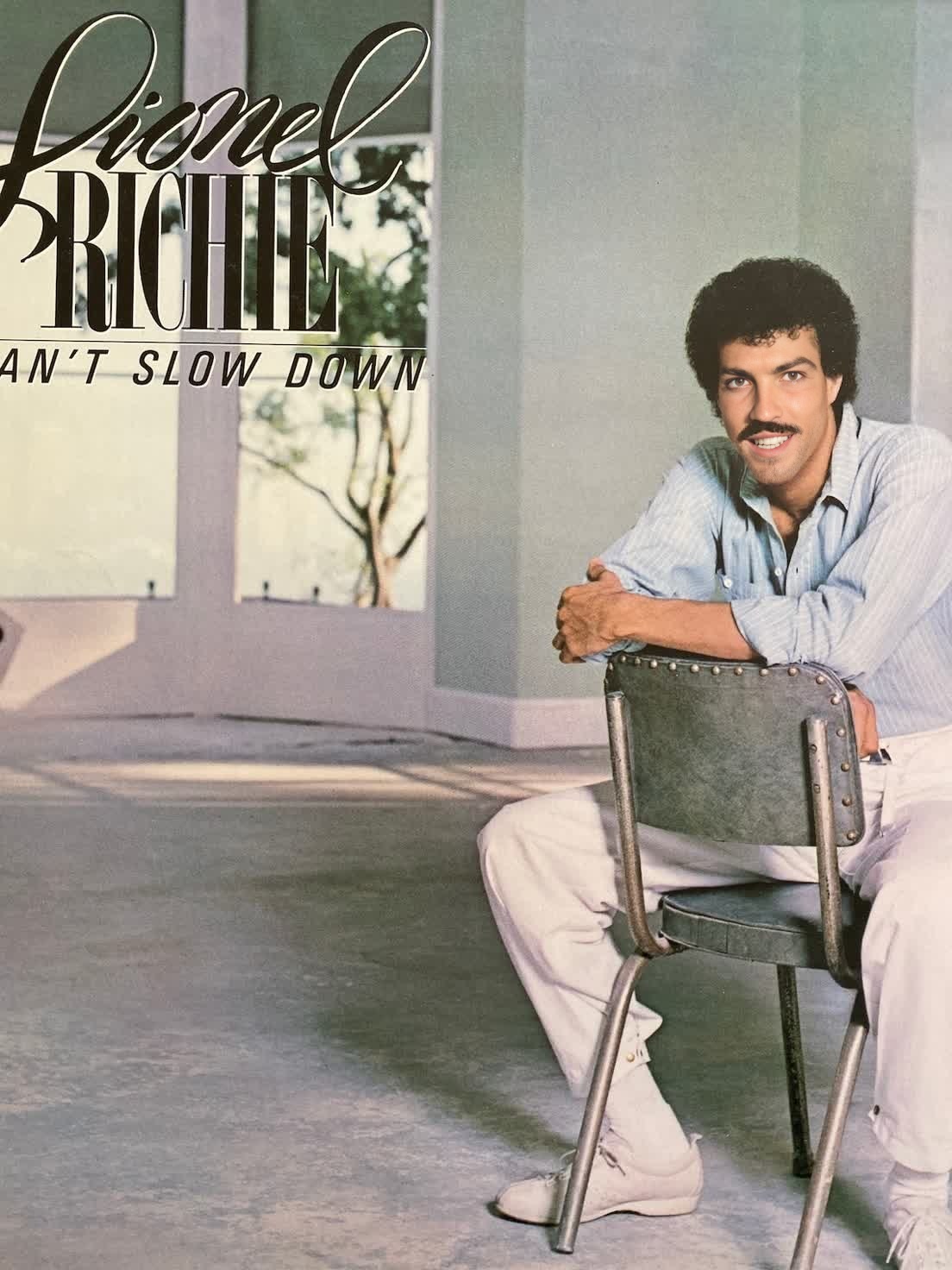
The Lionel Richie Can't Slow Down Press Portrait Video Face Swap template offers a distinctive way to transform your videos by placing Lionel Richie's famous look into your footage. Emphasizing creativity, this template is perfect for creating engaging content that stands out.
What It Does
This Video Face Swap template allows users to replace a face in a video with Lionel Richie's, based on his press portrait from the iconic Can't Slow Down album era. It utilizes advanced face-matching technology to maintain both the likeness and expressive details, ensuring a realistic transformation. Explore more possibilities with the Face Swap Video product.
Who It's For
Ideal for content creators, social media influencers, and fans of Lionel Richie, this template provides an entertaining way to engage audiences with unique video content. It's also a fantastic tool for artists looking to create memorable music video parodies. Expand your creative toolkit with our AI Video Generator.
Summary
Utilize this template to swap faces in videos effortlessly, bringing Lionel Richie's iconic likeness to your productions. Perfect for both professional projects and personal entertainment, this tool transforms your visual storytelling. Learn how our Text to Video product can complement your video projects.
How-To
01
Choose Your Template
Navigate to the Video Face Swap section in the Magic Hour platform and select the Lionel Richie Can't Slow Down Press Portrait template.
02
Customize Your Content
Upload the video where you want to apply the face swap, ensuring compatibility with common video formats. Adjust the settings for optimal face alignment and choose which sections to transform.
03
Generate and Download
Click the 'Generate' button to process the video. Once completed, download your project in your preferred format for immediate use.
Use Cases
🎭
Entertainment Videos
Create humorous and engaging videos by placing iconic celebrity faces in unexpected scenarios.
Comedic music video parodies
Social media challenges
Blending classic and modern footage
📣
Marketing Campaigns
Spice up marketing materials by incorporating recognizable faces that capture audience attention.
Promote events with Lionel Richie-theme
Engage fans with nostalgia-driven ads
🎓
Educational Content
Use face swap technology to jazz up educational skits or historical reenactments.
Interactive historical vignettes
Virtual character interviews
Best Practices
Choose High-Quality Source Material
For the best results, use high-resolution video footage to ensure a seamless face swap and maintain clarity.
Adjust Face Alignment
Carefully align the swap area to match head movements and facial expressions in the source video.
Test Various Formats
Experiment with different output formats provided by AI Image Editor to achieve optimal playback quality across different platforms.