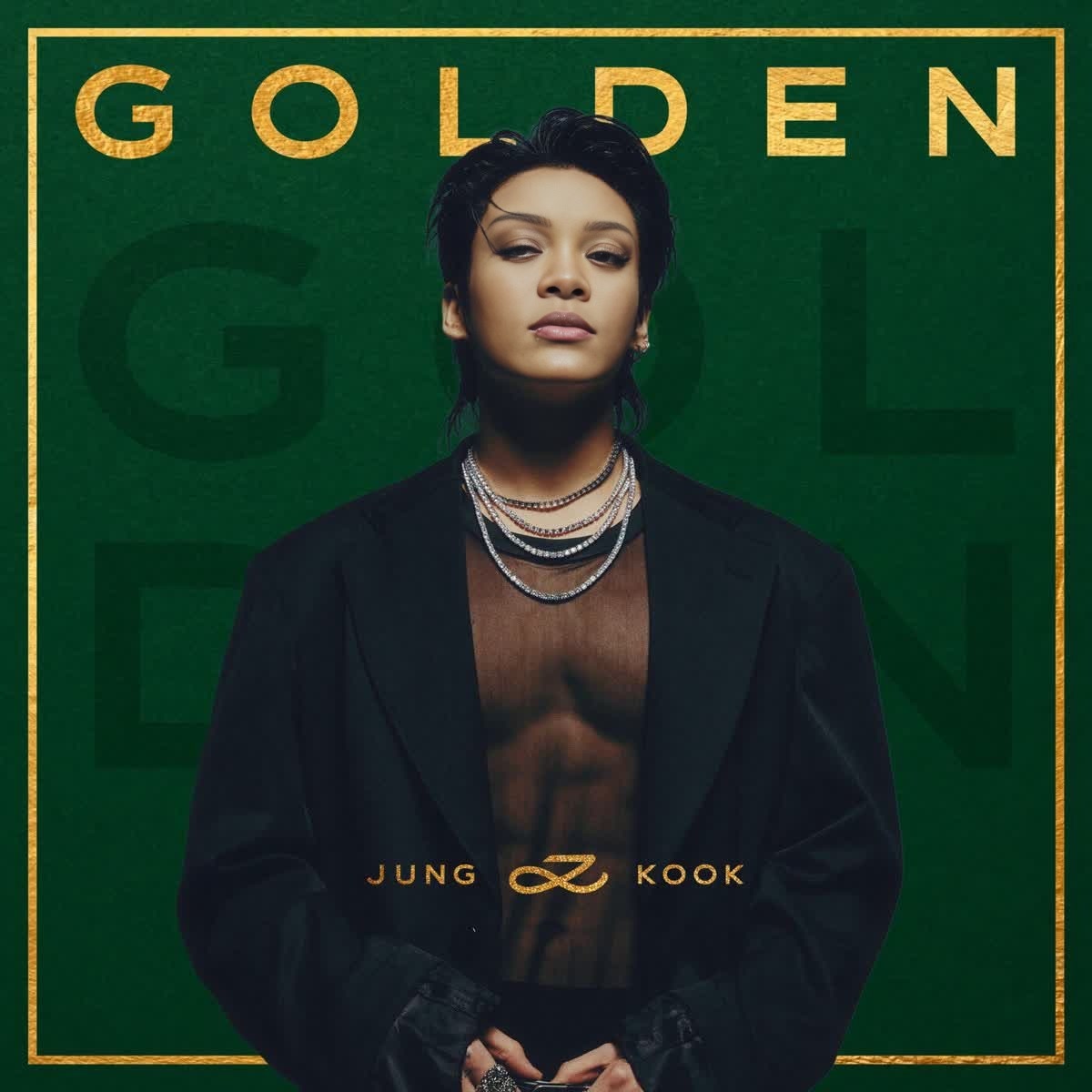
Overview
Bring the iconic style of Jung Kook's Golden album cover into your creations with our Video Face Swap template. Designed for both enthusiasts and professionals, this template allows you to transform your facial features into those of the renowned artist in a captivating video format. Whether for a playful personal project or a professional portfolio, this tool provides endless creative possibilities.
What It Does
The Jung Kook Golden Album Cover Portrait template utilizes advanced Face Swap technology to blend your facial features with those of Jung Kook from his Golden album cover. The result is a video that captures the essence and style of the original artwork, offering a unique way to experiment with digital transformations.
Who It's For
This template is ideal for content creators, digital marketers, and fans of K-pop looking to explore creative transformations. It's also perfect for marketing agencies looking to engage audiences with innovative content. Check out our Audio to Video tool to further enhance your projects with sound synchronization.
Summary
Transformative and engaging, the Jung Kook Golden Album Cover Portrait template is your gateway to creative expression through video. By utilizing Image to Video capabilities, this template ensures high-quality and personalized outputs, making it an essential tool for anyone looking to add a special touch to their video content.
How to Use
Choose the Template

Customize Your Input

Generate Your Video

Use Cases
Social Media Content
- Boost your Instagram presence.
- Enhance TikTok videos with unique effects.
- Craft personalized YouTube Shorts.
K-pop Fan Projects
- Celebrate artist anniversaries.
- Participate in fan challenges.
- Show support during comebacks.
Marketing Materials
- Develop eye-catching ad campaigns.
- Collaborate with music-related brands.
- Create teasers for entertainment events.
Best Practices
High-Quality Images
Use high-resolution images for the best transformation results and ensure your face is well-lit and centered.Facial Alignment
Adjust the facial points carefully to ensure a seamless face swap, matching the features and orientation accurately.Experiment with Angles
Try different head tilts or facial expressions in your source image to achieve varied results.