Overview
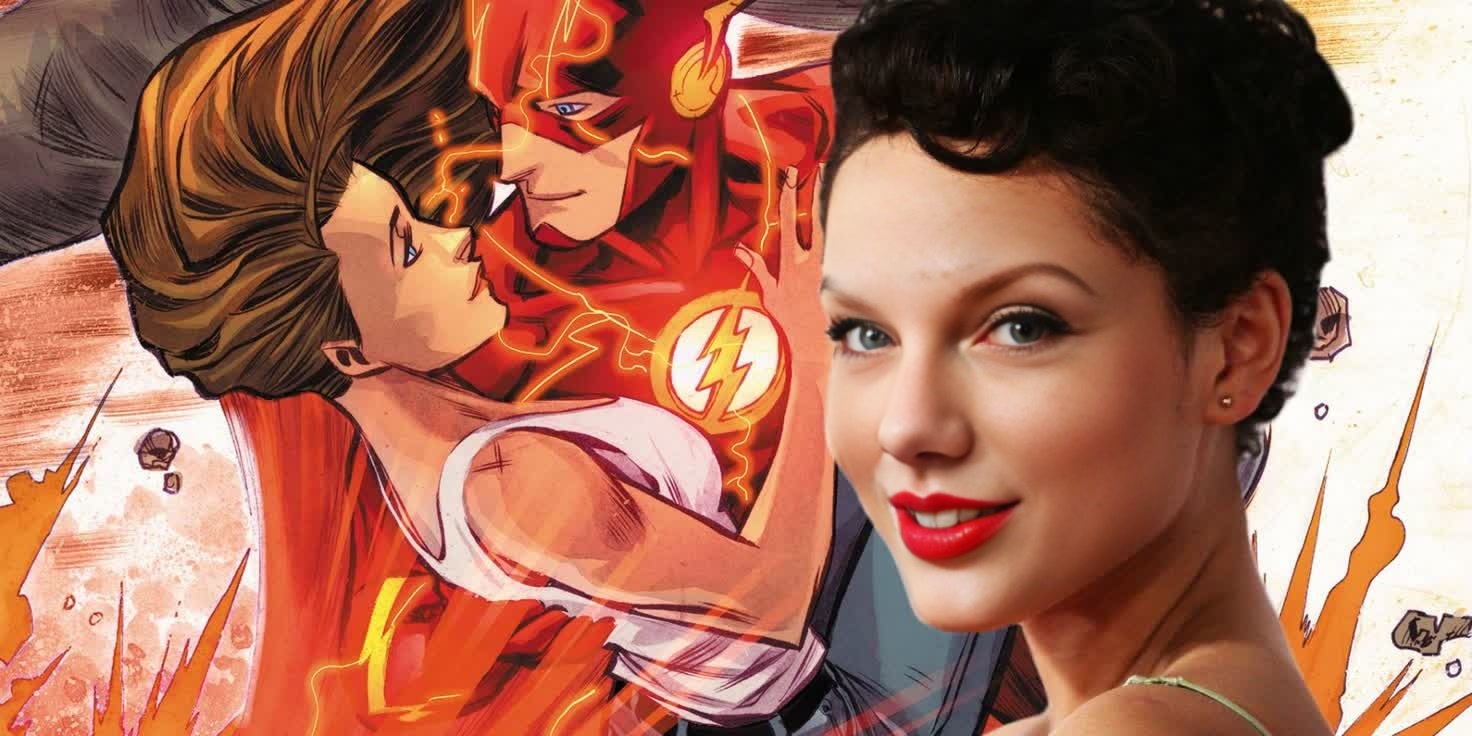
Step into the DC universe with our Video Face Swap template featuring Iris West from The Flash. This tool allows you to insert your likeness into epic scenes, bringing your favorite characters to life within your own projects. Whether you're crafting fan content or adding a dynamic twist to your videos, this template offers a seamless face-swap experience.
What It Does
This template utilizes advanced video face swap technology to replace the face of Iris West with an image of your choice, giving you a realistic integration into the live-action footage. The technology adapts to various facial expressions, ensuring smooth transitions and maintaining the essence of the original scene. Explore more face swap options with our Face Swap product range.
Who It's For
This template is ideal for content creators looking to infuse popular media with a personal touch, whether video editors, social media influencers, or fans of The Flash. It's also a great fit for businesses aiming to engage audiences with creative and personalized marketing content. To explore broader creative transformations, check out our Video-to-Video tools designed for filmmakers and visual storytellers.
Summary
Transform your videos by inserting yourself or someone else into scenes featuring Iris West from DC's The Flash. This Video Face Swap tool lets you creatively engage with iconic characters, enhancing your storytelling capabilities. For additional customization, our AI Video Generator offers more unique video editing options.
How-To Steps
Choose the Template

Customize Your Content

Generate Your Video

Use Cases
Fan-Made Videos
- Enhance fan experiences
- Create personalized fan tributes
Social Media Content
- Drive engagement
- Share creative content
Marketing Campaigns
- Attract attention
- Increase brand visibility
Best Practices
Select High-Resolution Images
For the best results, use high-quality images that clearly display facial features.Consistency in Lighting
Ensure the lighting in your uploaded image matches the lighting in The Flash scene for realistic effects.Review Before Finalizing
Always preview your video to check for alignment and syncing before finalizing and downloading.