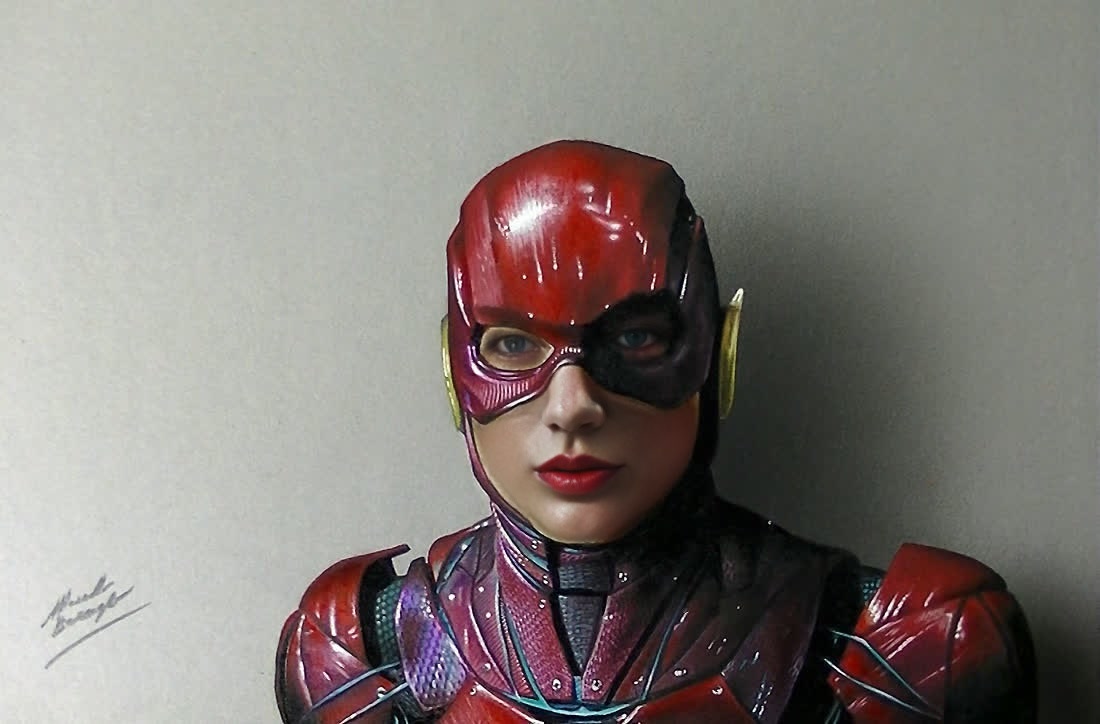
Overview
Step into the world of superheroes with the Ezra Miller The Flash Press Portrait template, a specialized Video Face Swap tool on Magic Hour. Designed for fans of transformative visual creations, this template lets you overlay Ezra Miller's likeness from The Flash onto any video of your choice. Experience state-of-the-art facial transformations, perfect for crafting press portraits and engaging content.
What It Does
This Video Face Swap template allows you to replace any individual's face in a video clip with Ezra Miller's face, as seen in The Flash. The result is a professional-grade transformation suitable for altering interviews, creating fan videos, and enhancing social media posts with a superhero twist. Utilizing the latest in AI technology, it ensures seamless integration and natural appearance.
Who It's For
This template is ideal for AI Video Generator users, filmmakers, superhero fans, and content creators aiming to experiment with dynamic face swaps. If your goal includes impressing your audience with striking visual effects or developing promotional material for superhero-themed events, this tool is sure to meet your needs.
Summary
Embrace the power of transformation with the Ezra Miller The Flash Press Portrait template. This tool empowers creators to execute high-quality face swaps in video formats, providing versatility for multiple media projects. Whether for personal amusement or professional enhancements, this template ensures you stand out. Explore other creative possibilities with the AI Image Editor and AI Image Upscaler for refining and elevating your imagery further.
How-To
Choose

Customize

Generate

Use Cases
Fan Content Creation
- Transform ordinary videos into superhero clips
- Use for social media engagement
Marketing and Promotions
- Enhance promotional videos
- Create buzz around new film releases
Personal Entertainment
- Share with friends
- Create personal projects
Best Practices
Choose High-Quality Source Material
Use high-resolution videos for the best results. This helps in achieving a more seamless face swap effect.Align Facial Features
Ensure that the positioning of the faces matches closely in your source video to avoid misalignment during the swap.Preview and Adjust
Make use of previews to adjust and get a more natural look before finalizing the video.