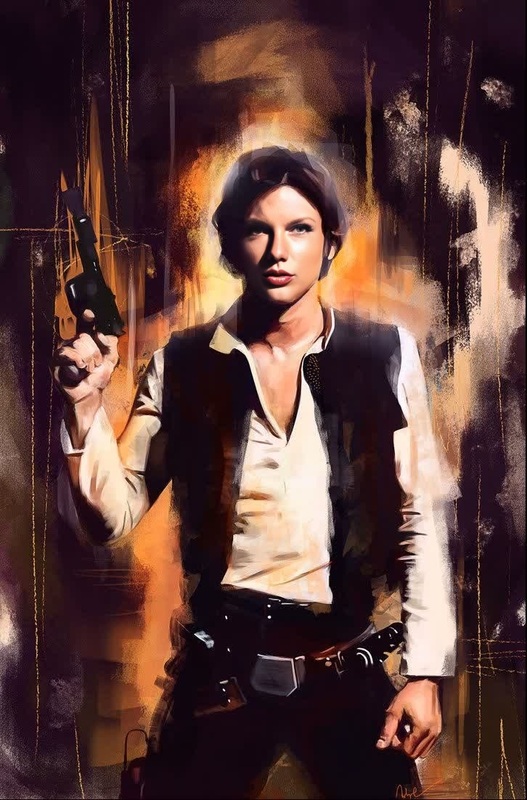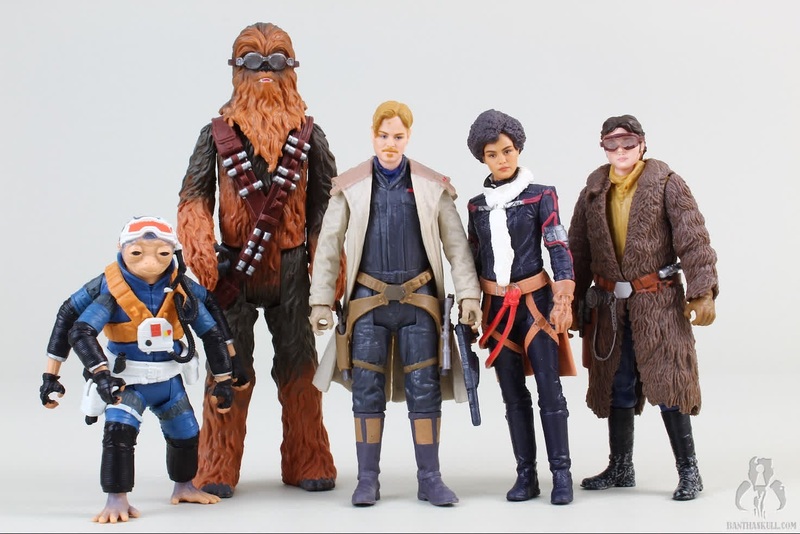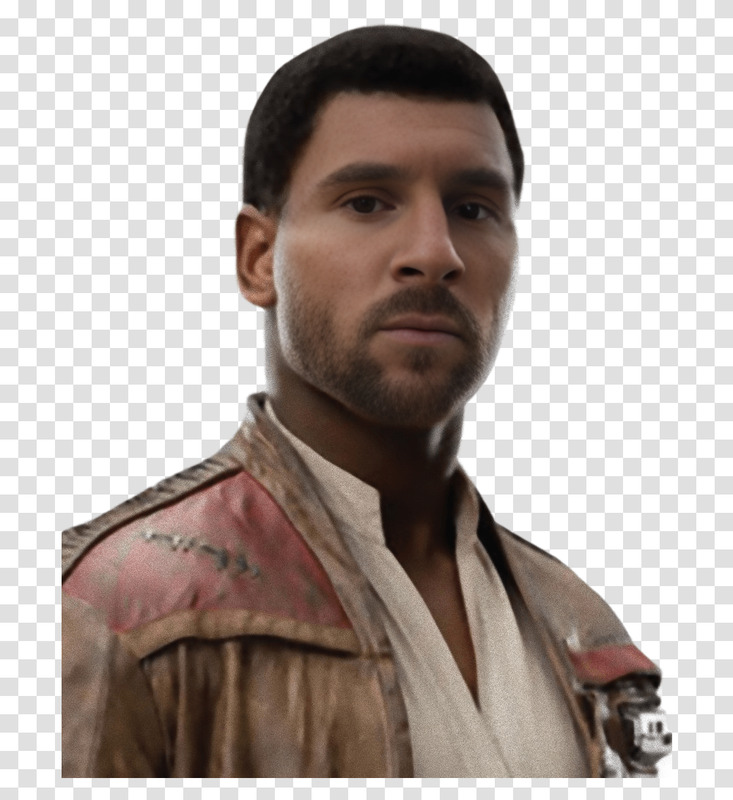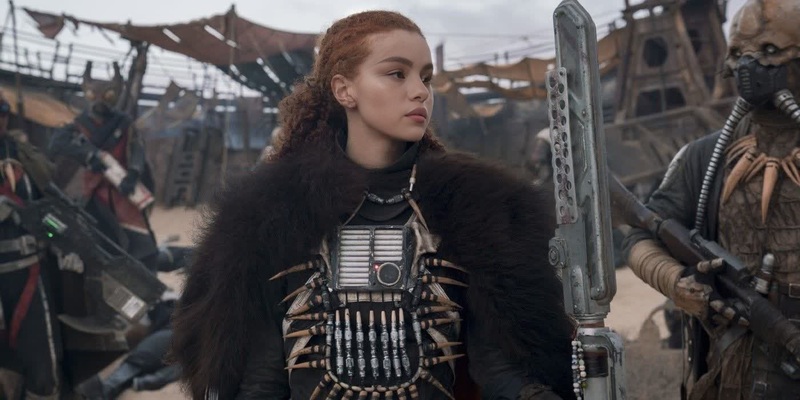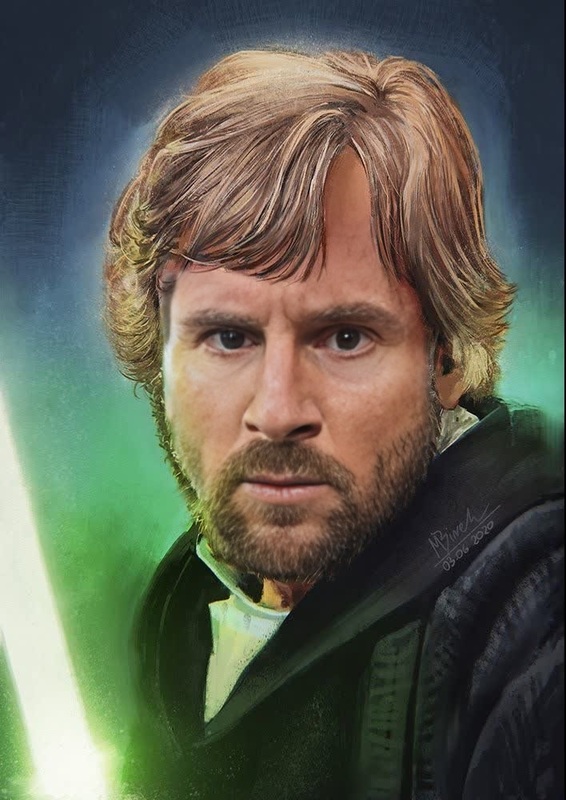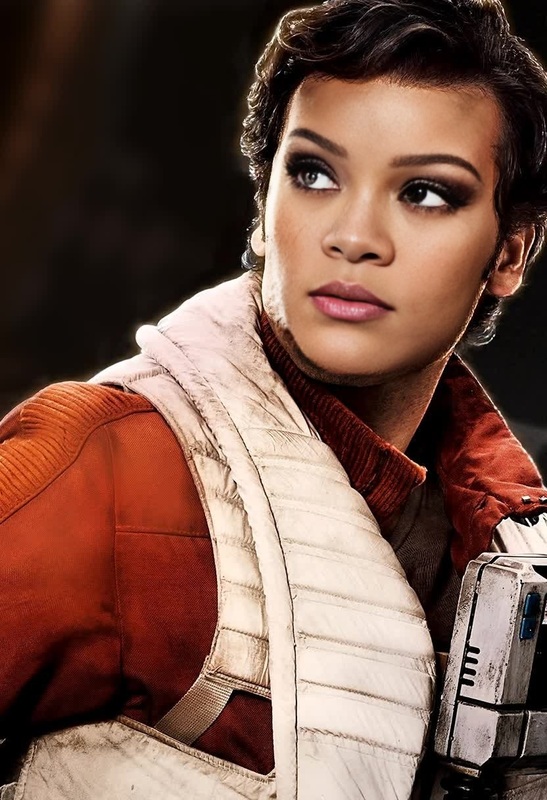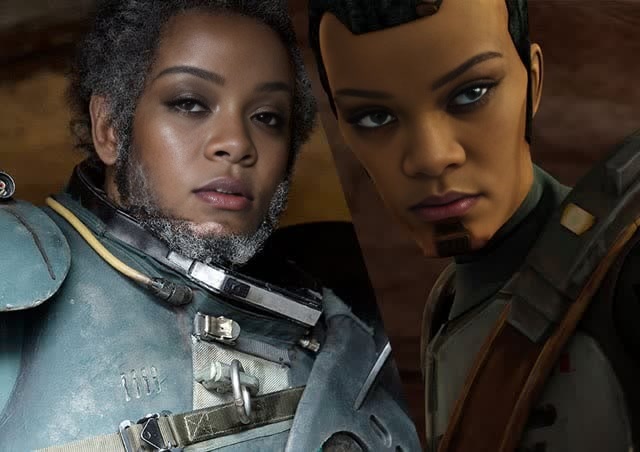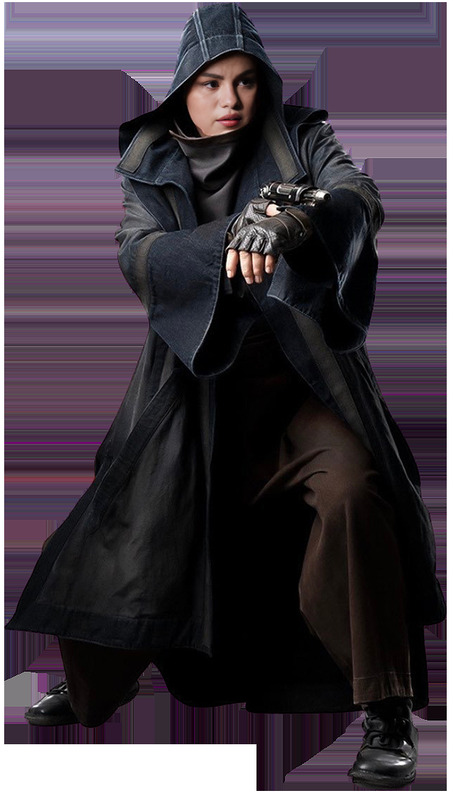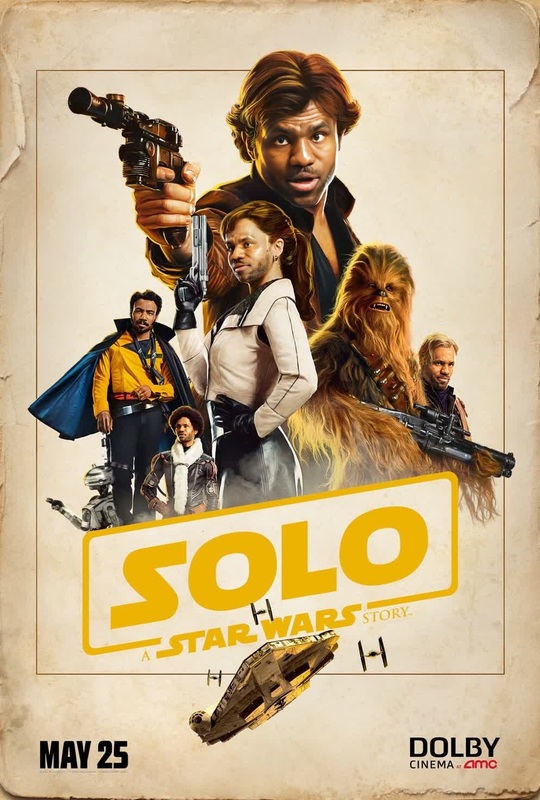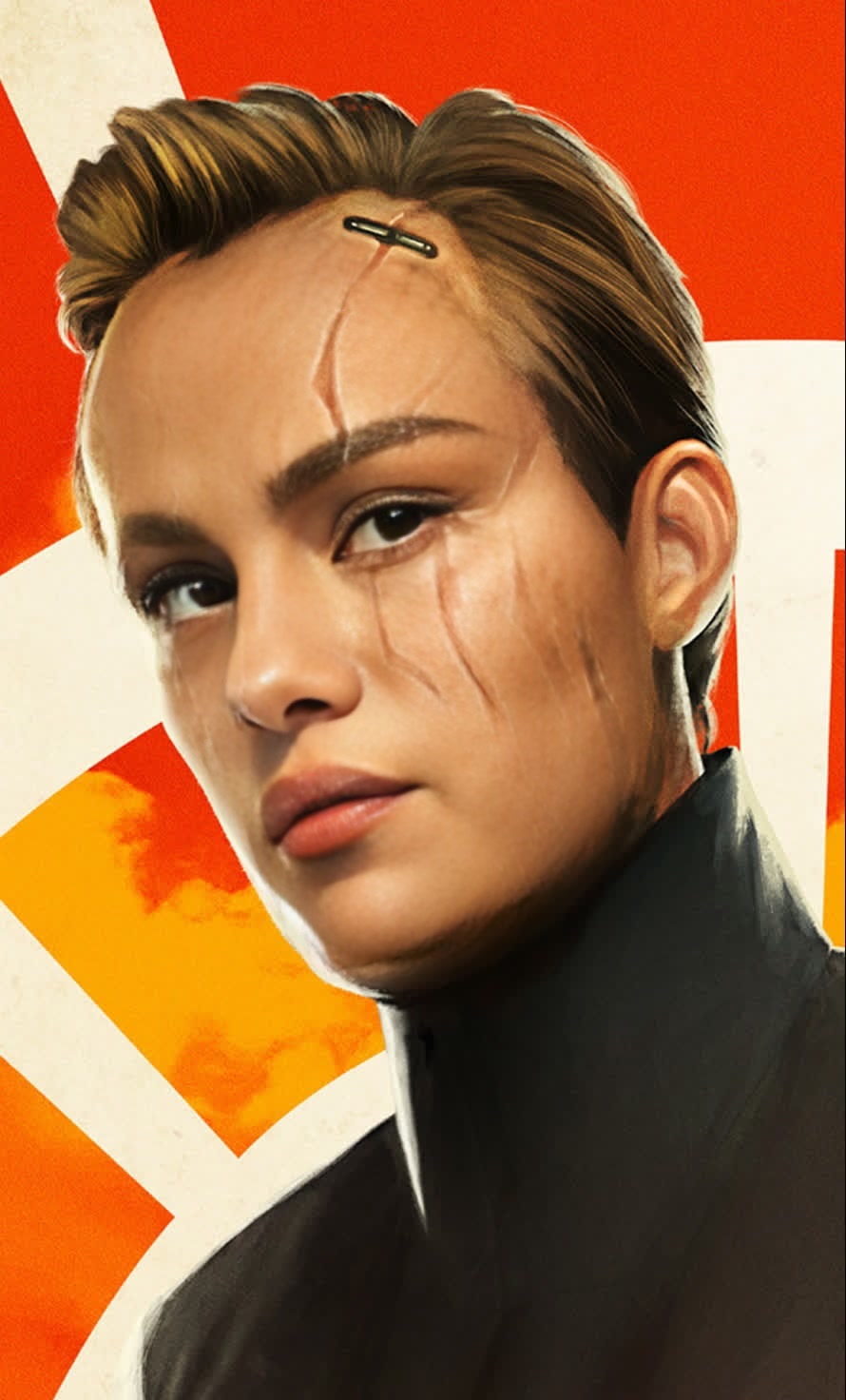
Dryden Vos Solo A Star Wars Story
face-swap
Any aspect ratio
Tags
transformationsBring any face into this moment with high‑quality AI face swap
This template uses Magic Hour’s AI Face Swap to replace a person’s face in the video while preserving lighting, motion, and expression. It’s built for creators who want studio‑quality swaps without manual masking, frame‑by‑frame editing, or custom code.
Use it for:
- Founder or creator videos (put yourself into a demo, pitch, or explainer)
- UGC ads and social content (test different faces for the same script)
- International/localized campaigns (same video structure, different talent)
- Character tests and concept reels (swap actors into storyboards or animatics)
- Privacy‑safe content (swap in a model instead of using a real subject)
How this template works
This template is powered by Magic Hour’s video Face Swap engine:
Upload or pick a source video
A short clip with a clearly visible face works best: consistent lighting, minimal occlusion (no heavy sunglasses or hands blocking the face), and stable framing.Add your face (or any reference face)
- Upload a photo or portrait of the face you want to swap in.
- For more precise identity, use a clean, front‑facing image.
- For stylized results (e.g., anime or illustrated heads), you can generate faces first with tools like the AI Face Generator, AI Character Generator, AI Anime Generator, or AI Headshot Generator.
Render and download
Magic Hour automatically tracks the head, transfers expressions, and maintains lighting and shadows so the new face blends into the original video.
Because this is a template, you can remix it in a few clicks—swapping in your own video, images, and faces—without rebuilding the workflow.
How to remix this template in Magic Hour
You can create your own version of this template by:
Starting from a Face Swap template
- Open the Face Swap Video creator.
- Load this template, then replace:
- The base video (e.g., your product demo, talking‑head clip, or UGC footage)
- The reference face (your own, a brand character, or a talent)
Combining with other Magic Hour tools
For more advanced variations, you can chain this template with other tools:Turn static photos into face‑swappable videos
- Use AI Talking Photo or Lip Sync Video to animate a still portrait.
- Then apply this Face Swap template to test different identities on the same speaking performance.
Transform existing clips into a different style, then swap
- Use Video‑to‑Video or Image‑to‑Video to stylize footage (cartoon, cinematic, painterly, etc.).
- Apply face swap on top to keep identity consistent across styles.
Create characters first, then bring them to life
- Design faces with the AI Photo Generator, AI Art Generator, Animated Characters Generator, or Avatar Generator.
- Swap those faces into live‑action or animated footage using this template.
Iterating quickly
- Duplicate the template multiple times to A/B test different faces for the same clip.
- Keep your video and script fixed while you iterate on identity, style, and performance.
Best practices for realistic face swaps
To get reliable, production‑ready results:
Use high‑quality reference images
- Clear, front‑facing, minimal motion blur.
- Good lighting and neutral expressions tend to generalize better.
Match angles and lighting where possible
- If your base video is shot from a 3/4 angle, use a reference face at a similar angle.
- Try to keep color temperature (warm/cool) roughly consistent between reference and base footage.
Avoid heavy occlusions
- Glasses, masks, and hands over the face can reduce realism.
- If you need specific accessories, you can add them later with the AI Image Editor frame‑by‑frame or using AI Face Editor on stills.
Keep videos short for iteration
- Work in short segments while you refine the look.
- Once you’re happy with the result, you can apply the same setup to longer clips.
Popular ways creators and teams use this template
Founder‑led and expert content at scale
Record one strong performance, then quickly localize or personalize:- Swap in regional influencers or partners for the same script.
- Maintain brand consistency while testing which face converts best.
UGC‑style ads and A/B testing
- Shoot generic UGC once, then use this template to rotate different personas.
- Combine with AI Meme Generator or AI GIF Generator for social snippets and loops.
Character and concept development
- Generate fantasy or stylized faces with tools like Dark Fantasy AI, Disney AI Generator, or Manga Generator.
- Swap them into live footage to test storyboards, motion, and emotional range.
Professional headshots and brand personas in motion
- Start from an AI Selfie Generator or AI Headshot Generator output.
- Use this template to bring that persona into talking‑head intros, onboarding videos, or pitch decks.
Going beyond face swap: advanced workflows
This template can be a building block in more complex pipelines:
Face swap + text‑to‑video narration
- Generate base clips with Text‑to‑Video.
- Add voice with AI Voice Generator or AI Voice Cloner.
- Swap faces using this template so your narrator or character appears consistently across all scenes.
Identity‑consistent content in multiple outfits and scenes
- Change clothing with AI Clothes Changer or AI Fashion Generator in images.
- Turn those images into motion via Image‑to‑Video, then keep identity fixed across all scenes with Face Swap.
Cleanup and enhancement
- Enhance clarity using AI Image Upscaler and Video Upscaler.
- Fix blur with Unblur Image.
- Remove unwanted elements from reference photos using AI Remover or Remove Object from Photo.
- Improve backgrounds with the AI Background Generator or Image Background Remover.
Tips for ethical and compliant use
Face swapping is powerful. For professional, brand‑safe workflows:
Use faces you have rights and permission to use
Get explicit consent from real individuals whose likeness you use, especially in commercial, political, or sensitive contexts.Be transparent when needed
In advertising, education, or journalism, local regulations or platform policies may require clear disclosure that synthetic media or AI face swap was used.Avoid harmful or misleading deepfakes
Don’t impersonate individuals in ways that could damage reputation, enable fraud, or create deceptive content.
Major platforms (e.g., Meta, TikTok, YouTube) are increasingly adding AI‑generated content disclosures and policies; align your workflows accordingly.
Related Magic Hour tools worth exploring
If you like this template, you may also find these useful in your stack:
- Face Swap Video – start new face‑swap projects from scratch
- Face Swap GIF – create looping face‑swapped GIFs for social and chat
- Lip Sync – match mouth movements to any audio or language
- Animation – bring still characters and designs to life
- AI Talking Photo – animate portraits without video shoots
- AI Voice Changer – align vocal identity with your swapped visual identity
- Auto Subtitle Generator – add captions for accessibility and higher engagement
Use this template as a starting point, then remix: swap in your own footage, faces, styles, and voice. In a few iterations, you can go from raw concept to production‑ready AI face‑swapped videos tailored to your brand, product, and audience.