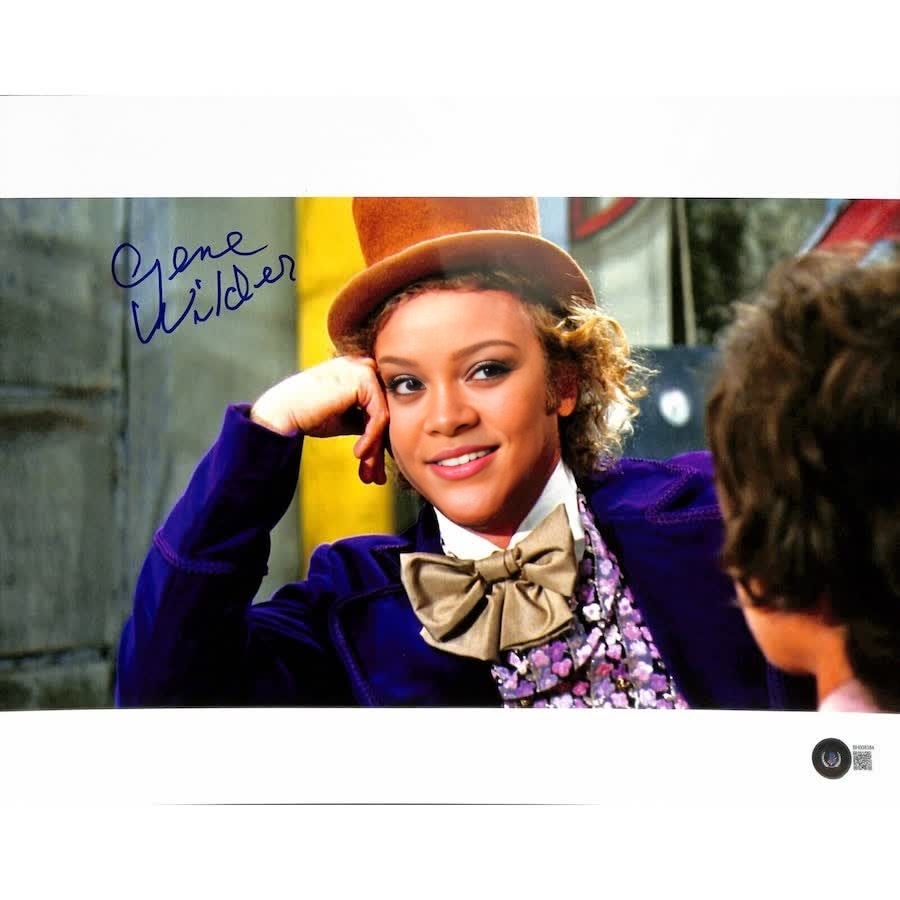
Condescending Wonka Gene Wilder Portrait
Any aspect ratio
Tags
transformationsOverview
Dive into the world of humor with our Condescending Wonka Gene Wilder Portrait video face swap template. This template harnesses the power of Video Face Swap technology to bring a classic meme to life. Whether you're an aspiring comedian or a seasoned meme creator, this tool is your ticket to viral content.
What It Does
Utilizing the iconic image of Gene Wilder as Willy Wonka, this template lets you swap any face onto the well-known Condescending Wonka portrait. It's perfect for generating funny videos that might be showcased on platforms famous for meme culture. The output can be incorporated into various projects, using formats compatible with major video editors or social media. Need an adjustment? Our AI Image Editor can help refine your projects further.
Who It's For
This template is ideal for meme enthusiasts, parody video creators, and social media influencers who love to share humorous content. It's also a great fit for marketers seeking quirky content for social media ads. If your project requires more comprehensive face transformations, consider exploring our Body Swap product for extended capabilities.
Summary
The Condescending Wonka Gene Wilder Portrait template offers a unique way to create entertaining video content. With seamless face swaps and the option to export in multiple formats, it caters to a wide array of creative needs. Perfect for creating standout content that demands attention in the fast-paced digital world.
How To
Choose Your Template

Customize Inputs

Generate and Download

Use Cases
Meme Creation
- Gain quick audience engagement
- Perfect for Twitter and Instagram
Parody Videos
- Great for birthdays or special announcements
- Suitable for all age groups
Social Media Campaigns
- Attract a younger audience
- Enhance brand personality
Best Practices
Choose High-Resolution Pictures
Ensure that both the target and source images are of high quality to achieve the best results.Align Faces Correctly
Take time to adjust the alignment to ensure a seamless swap.Experiment with Settings
Use different settings to explore creative possibilities. The Full Body Generator might offer additional inspiration for more engaging designs.