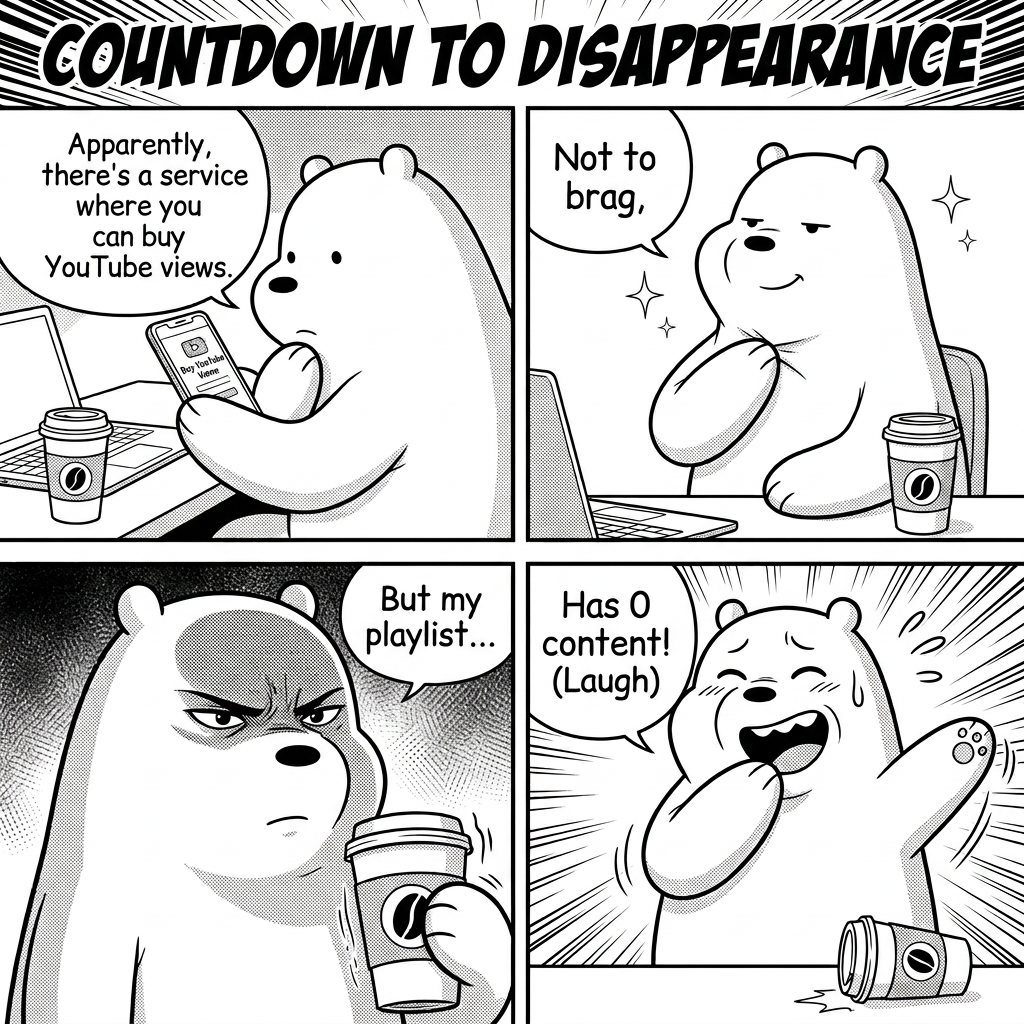
Countdown to Disappearance – 4-Panel Manga
Any aspect ratio
4-panel manga layout, clean black-and-white style. Title: “Countdown to Disappearance.” Panel 1: Character introduces the idea: “Apparently, there’s a service where you can buy YouTube views.” Panel 2: Slight smug expression: “Not to brag,” Panel 3: Builds suspense: “But my playlist…” Panel 4: Punchline with comedic expression: “Has 0 content! (Laugh)”
Overview
The "Countdown to Disappearance – 4-Panel Manga" template allows manga artists and storytellers to craft engaging narratives within a structured frame. Utilizing the AI Image Editor, this template is designed specifically for clean, black-and-white manga styled illustrations.
What It Does
This template helps generate a complete 4-panel manga with a predefined humorous script. The provided prompt guides the narrative through various emotions and expressions, making it ideal for creating captivating short manga stories in a consistent layout. It's perfect for projects needing a quick yet creative storyline all done through AI capabilities.
Who It's For
This tool is an invaluable resource for meme creators, manga artists, and content creators on platforms like YouTube looking to add a creative spin to their presentations. Publishers or bloggers can use this to attract readers with a unique visual narrative style, while novice creators can easily experiment with manga format without a steep learning curve.
Summary
The "Countdown to Disappearance – 4-Panel Manga" template offers an intuitive approach to digital storytelling using AI technology. It’s ideal for users seeking to create and share manga-styled content effortlessly through a structured method. Enhance your storytelling toolkit with this streamlined format built to engage audiences quickly and effectively.
How to Use
Choose the Template

Customize Your Manga

Generate and Download

Use Cases
Manga Creation
- Develop manga strips for online platforms.
- Integrate manga visuals into multimedia projects.
Content Creation
- Create visual content for promotional campaigns.
- Use in presentations to capture audience interest.
Educational Tools
- Use in language or art teaching materials.
- Support creative writing with illustrative aids.
Best Practices
Focus on Dialogue
Ensure the dialogue in each panel is tight and to the point, maximizing the impact of the final punchline.Experiment with Emotions
Utilize various expressions for your characters to enhance the comedic or dramatic effect.Optimize for Your Audience
Consider your target audience's interests when customizing dialogues and panels for better engagement.