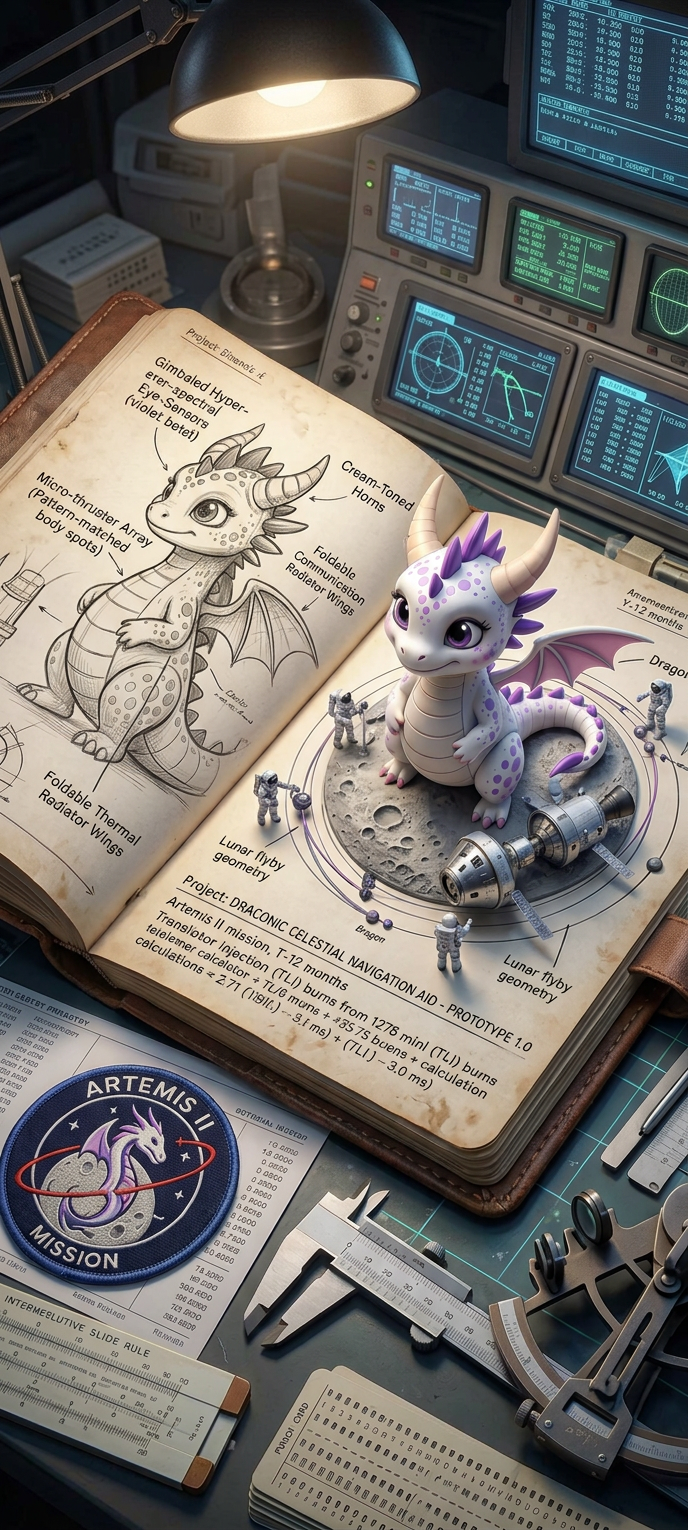
Mission Diorama Log
Any aspect ratio
Subject depicted as an astronaut’s mission-planning journal for the Artemis II mission, lying open on a technical workstation; pages filled with precise handwritten notes, orbital trajectories, spacecraft schematics, and mission annotations in detailed graphite style; seamlessly transitioning into a miniature 3D diorama where Orion spacecraft elements, crew figures, and lunar flyby geometry rise from the paper; surrounding desk includes mission-relevant ephemera such as patches, telemetry sheets, navigation tools, and engineering instruments; lighting blends warm task-lamp glow with cool instrument panel illumination; ultra-detailed textures, cinematic depth, photorealistic miniature craftsmanship, immersive aerospace atmosphere.
Overview
Transform your creative vision into a cinematic masterpiece with the Mission Diorama Log template. Ideal for those who seek to blend detailed imagery with immersive storytelling, this template allows you to craft a realistic astronaut mission journal that transitions into a 3D diorama. Perfectly designed for those using the AI Image Editor, this template leverages the nano-banana-2 model to deliver ultra-detailed textures and photorealistic miniature craftsmanship.
What It Does
The Mission Diorama Log template facilitates the creation of a highly detailed, cinematic scene that begins as an astronaut's mission-planning journal and creatively evolves into a miniaturized 3D diorama. With intricate graphite-style notes, spacecraft schematics, and mission annotations, the template provides an immersive aerospace atmosphere. It combines warm and cool lighting effects to highlight mission-critical details and textures found only in AI Profile Picture Generator projects.
Who It's For
This tool is crafted for designers, educators, and aerospace enthusiasts aiming to create visually compelling and educational content. It's an ideal choice for storytellers in search of a dynamic way to visualize complex aerospace projects, educators looking to bring mission planning to life, or any creative professional seeking to enhance their portfolio with cinematic depth and detail.
Summary
Use the Mission Diorama Log to elevate your visual storytelling in aerospace simulations or presentations. By leveraging AI Image Generator capabilities, this template allows for the seamless fusion of graphical detail and 3D elements, making it a perfect tool for creating educational materials or virtual project showcases with over-the-top realism and immersion.
How-To
Choose Your Template

Customize Your Inputs

Generate Your Diorama

Use Cases
Educational Content Creation
- Visualize real-world missions
- Enhance lessons with 3D visuals
Aerospace Project Simulations
- Showcase mission planning
- Impress with realistic diorama visuals
Creative Storytelling
- Animate journal entries
- Combine text with 3D models
Best Practices
Detailed Customization
Use specific and vivid descriptions in the prompt to ensure the AI captures all the fine details you want to emphasize.Lighting Effects
Experiment with different lighting options to see how warm task-lamp and cool instrument panel lights affect the scene's mood.Texture Consistency
Ensure that the textures of your inputs match to maintain visual coherence, particularly when simulating a miniaturized diorama effect.