Confused With Computer Parts
Any aspect ratio
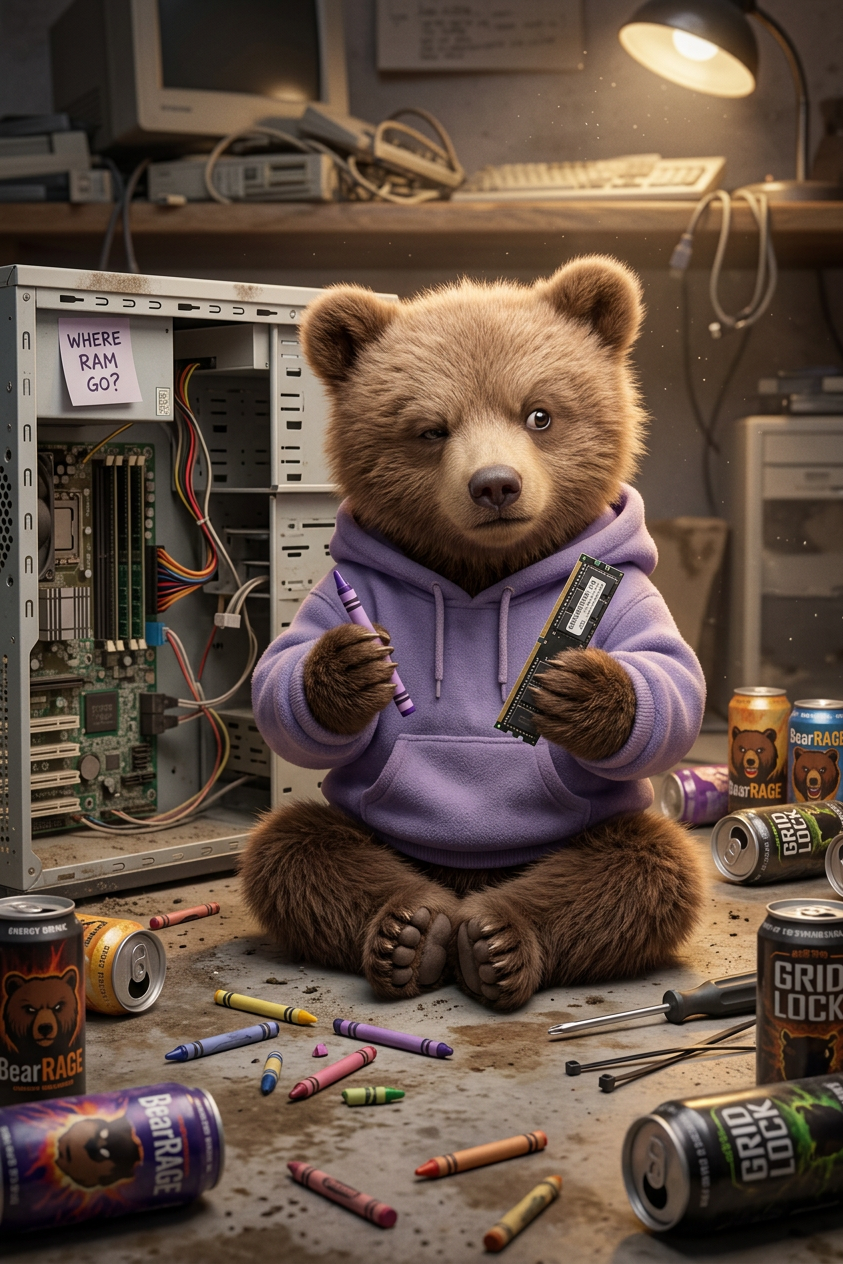
Subject wearing a purple hoodie, sits cross-legged on a dirty floor, quizzically holding a crayon and a RAM stick. An open computer tower, empty energy drink cans, and scattered crayons complete this humorous and relatable scene for meme enthusiasts
Overview
Create engaging and humorous images with the Confused With Computer Parts template. This AI Image Editor allows you to craft scenes that resonate with tech enthusiasts and meme lovers.
What It Does
This template places your subject in a quirky and relatable setting, capturing the essence of tech confusion. By combining elements like a purple hoodie, an open computer tower, and scattered crayons, it provides a humorous backdrop perfect for memes. This specific setup is designed to bring out the chuckles and nods of recognition.
Who It's For
The template is ideal for meme enthusiasts, content creators, and educators looking to engage audiences with tech-related humor. It's also perfect for marketers who need to create shareable social media content quickly.
Summary
Whether you're a digital creator or an educator, the Confused With Computer Parts template offers a simple yet effective way to produce humorous content. Pair it with the AI GIF Generator for dynamic, shareable memes.
How To
Follow these steps to get started with the Confused With Computer Parts template:
Choose Template

Customize

Generate Image

Use Cases
Discover how the Confused With Computer Parts template can fit into your creative projects:
Social Media Memes
- Quickly produce shareable content
- Connect with tech-savvy audiences
Educational Content
- Demystify technology for beginners
- Create engaging teaching materials
Digital Marketing
- Capture attention in a fun way
- Drive engagement with humor
Best Practices
Maximize your output's impact with these best practices:
Tailor the Scene
Adjust elements like the hoodie color or floor texture to better match your brand or the specific context of the meme.Integrate Other Tools
Combine results with the AI Meme Generator to add text overlays or with the AI Image Upscaler for high-resolution outputs.Focus on Audience
Consider your target audience's familiarity with tech and humor to customize your content accordingly.