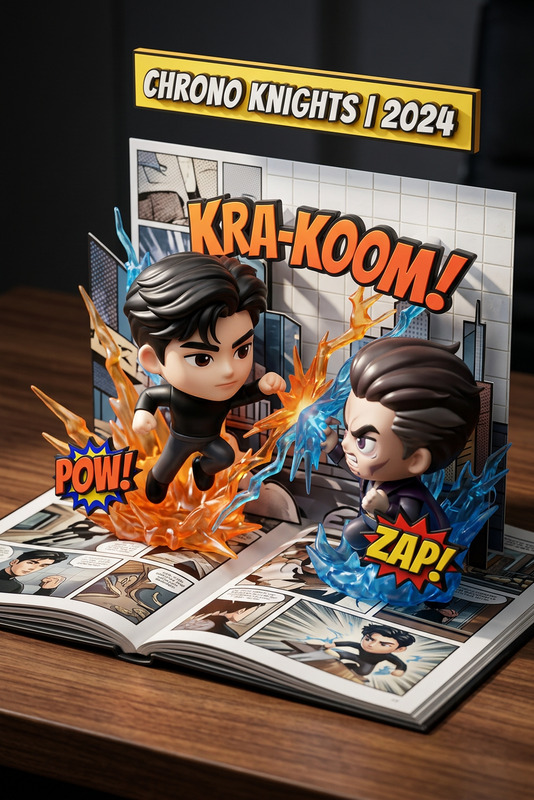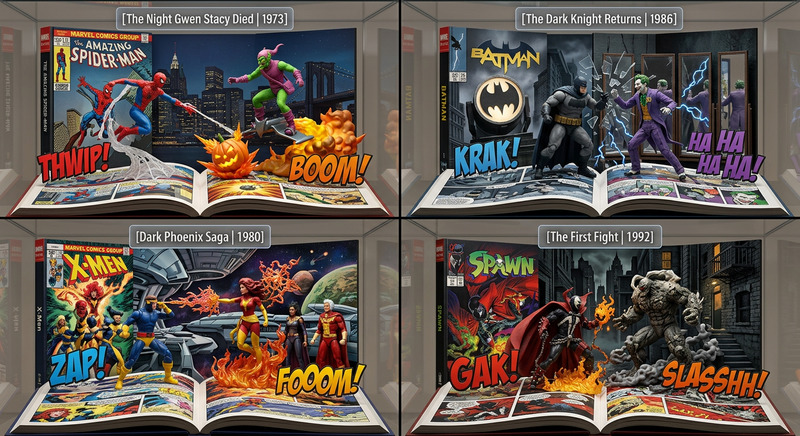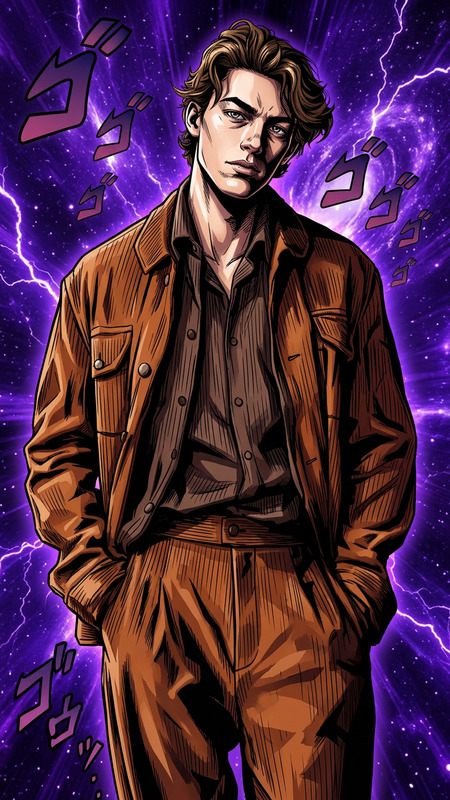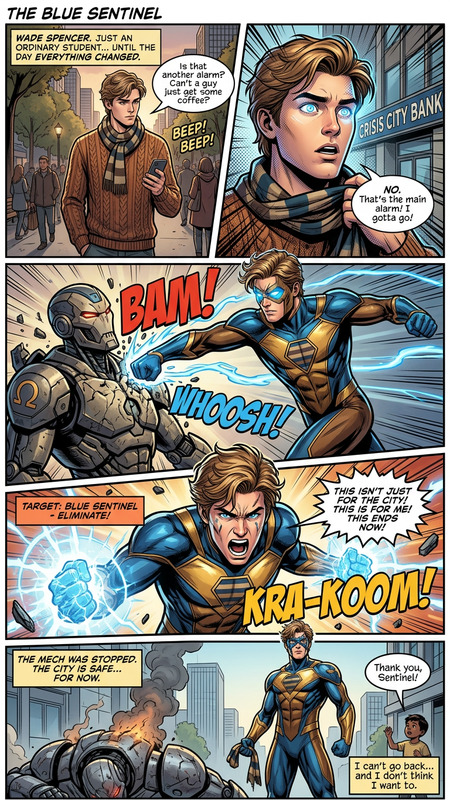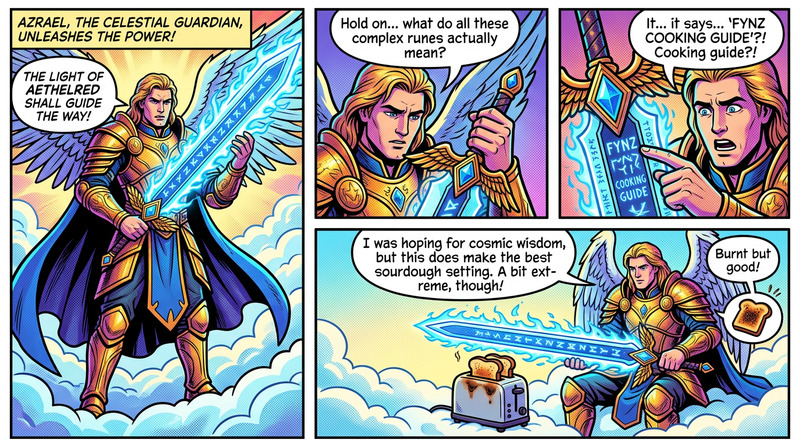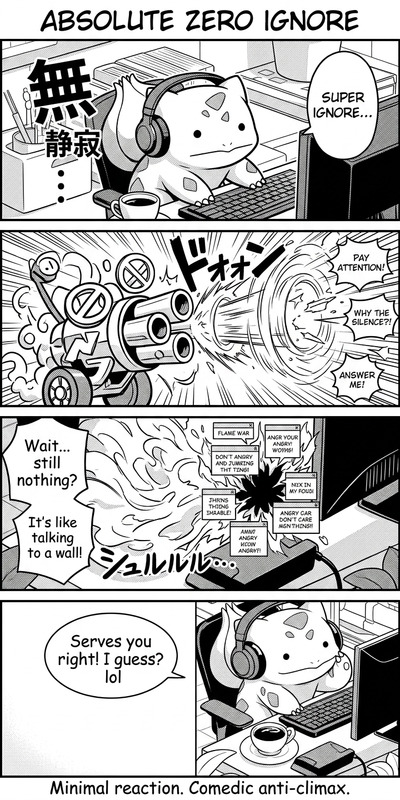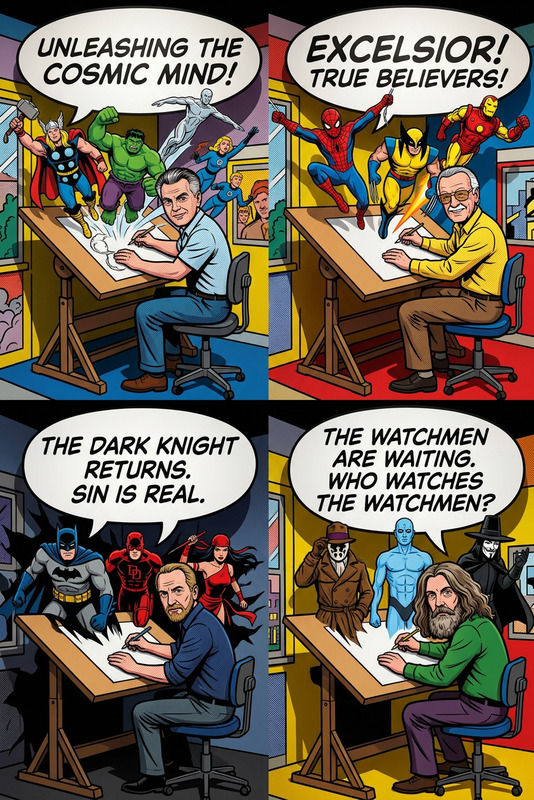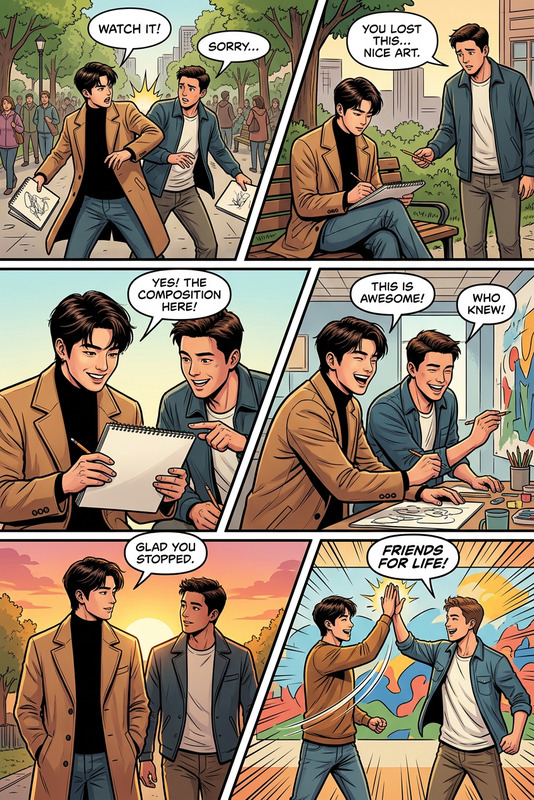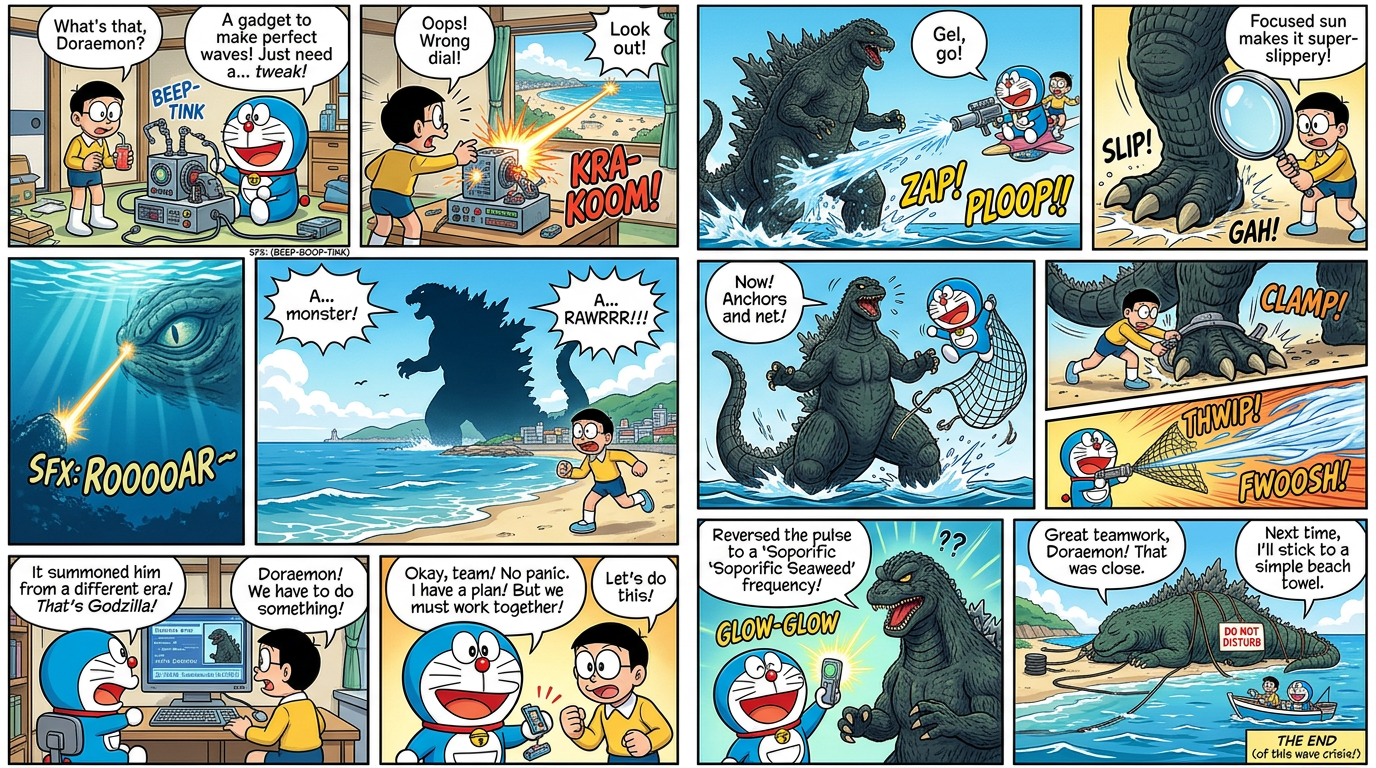
Manga Comic Generator (Doraemon vs Godzilla)
- Model
- Nano Banana 2
- Image
- 1376 × 768 px
Prompt
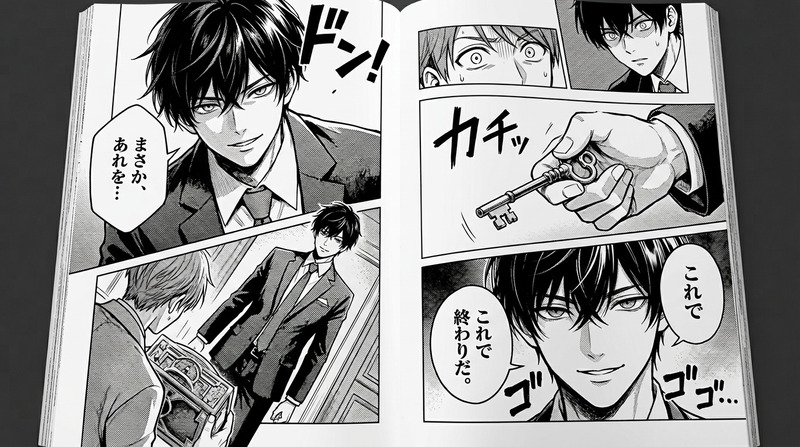
Generate a two-page, full-color manga-style comic consisting of 12 panels, featuring Doraemon and Nobita in a coastal Japan setting as they face off against Godzilla; the narrative begins with a gadget malfunction that accidentally triggers the conflict, followed by escalating action driven by teamwork and creative gadget use; the artwork should have crisp linework, dynamic compositions, and cinematic pacing across panels; dialogue and sound effects are written in short US-English speech bubbles and SFX, maintaining clarity and rhythm; the tone is adventurous and exciting with no gore, focusing on strategy, humor, and collaboration; panel layout should feel balanced and professional, guiding the reader smoothly across both pages while building tension and resolution.
Any aspect ratio
Overview
The Manga Comic Generator template allows you to craft a dynamic two-page comic that brings the exciting world of Doraemon and Godzilla to life. Utilizing the AI Image Editor model, this template lets you create a 12-panel manga with professional-grade linework and storytelling.
What It Does
This template generates a full-color, 12-panel manga scene featuring beloved characters Doraemon and Nobita in a thrilling encounter with Godzilla on Japan's coast. Beginning with a gadget mishap, the narrative explores teamwork and creativity as the duo faces danger. The comic's layout ensures an engaging reading experience with US-English dialogues and sound effects.
Who It's For
Ideal for aspiring manga creators, fans of Doraemon and Godzilla, and anyone interested in visual storytelling, this template offers an easy entry into comic creation. It's especially beneficial for those who wish to enhance their storytelling with the visual power of the AI Image Generator or incorporate dynamic paneling techniques without needing intricate design skills.
Summary
Crafting a manga story is made accessible with this template, providing users the tools to design a vibrant comic adventure. The editorial focus balances humor and action, leveraging AI to enhance narrative pacing and visual appeal. Integrate tools like the AI Voice Changer for added storytelling dimensions, or explore the AI Video Generator to animate your comics into full-scale videos.
How To
Choose the Template

Customize Your Inputs

Generate Your Comic

Use Cases
Fan Art and Comics
- Doraemon and Godzilla crossover events
- Unique storylines for fan communities
Educational Storytelling
- Teach plot development and character arcs
- Visualize STEM concepts creatively
Creative Marketing
- Brand storytelling through characters
- Vibrant web marketing content
Best Practices
Optimize Dialogue Clarity
Keep speech bubbles concise and clear to maintain pacing and readability.Balance Panel Layout
Ensure panels are balanced artistically to guide readers smoothly across the pages.Leverage AI Tools
Combine with tools like the AI Profile Picture Generator for character design inspiration.