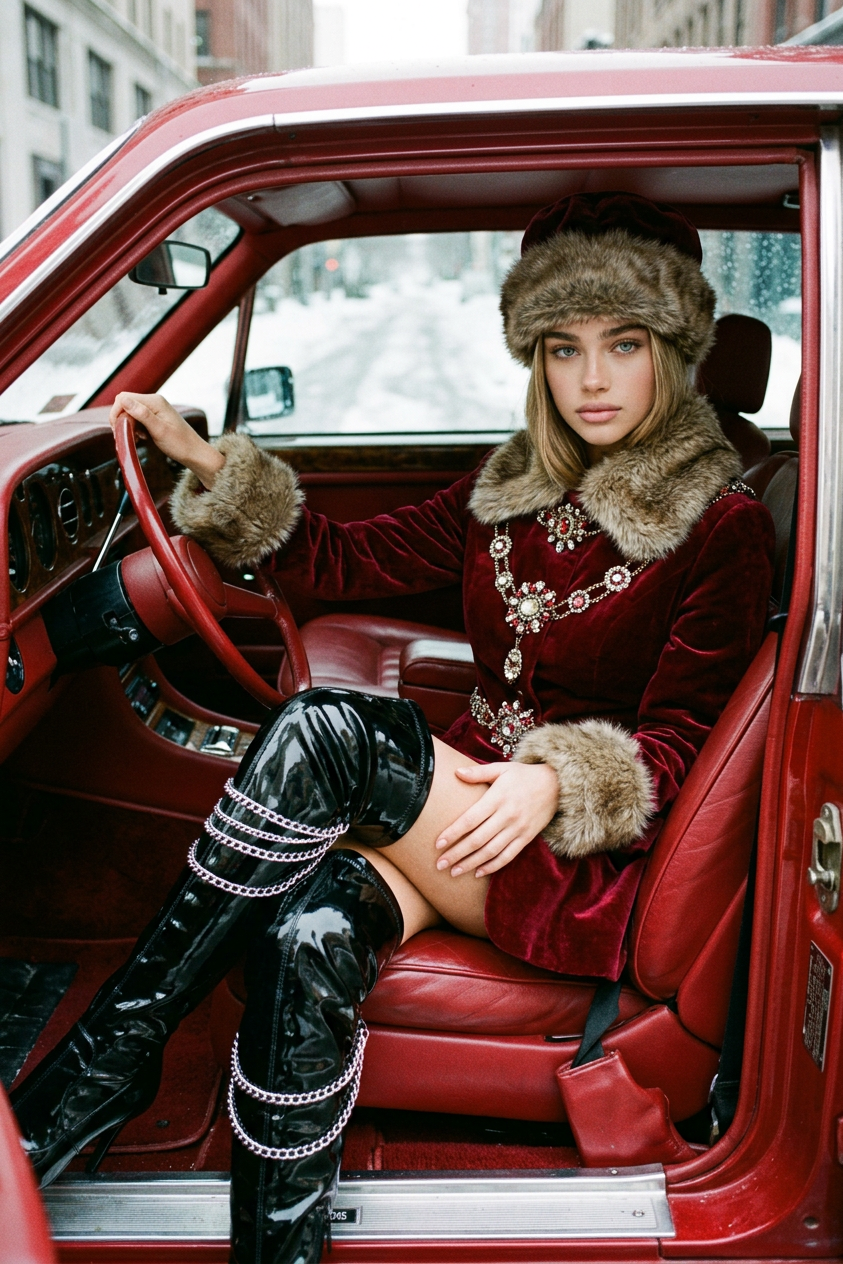
Deep Red Velvet Winter Elegance

Deep Red Velvet Winter Elegance

ai-image-editor

1 clip
1 uses

Any aspect ratio

Prompt

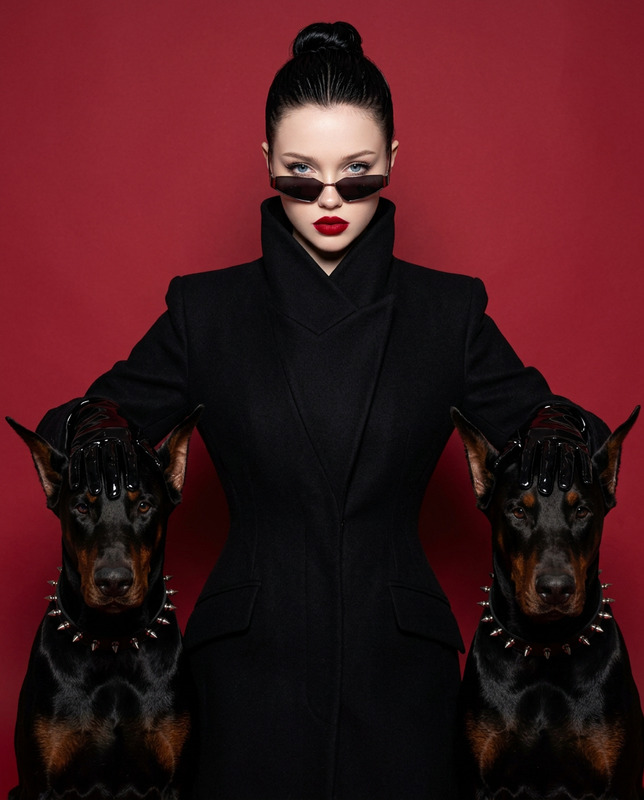
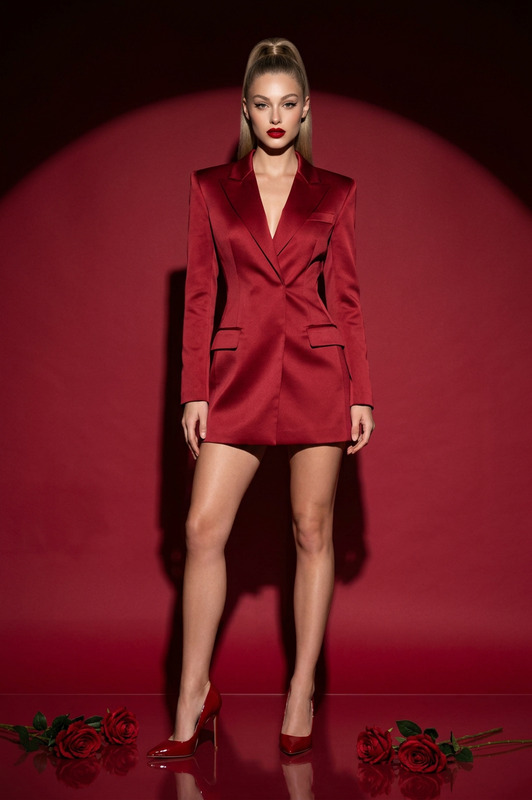
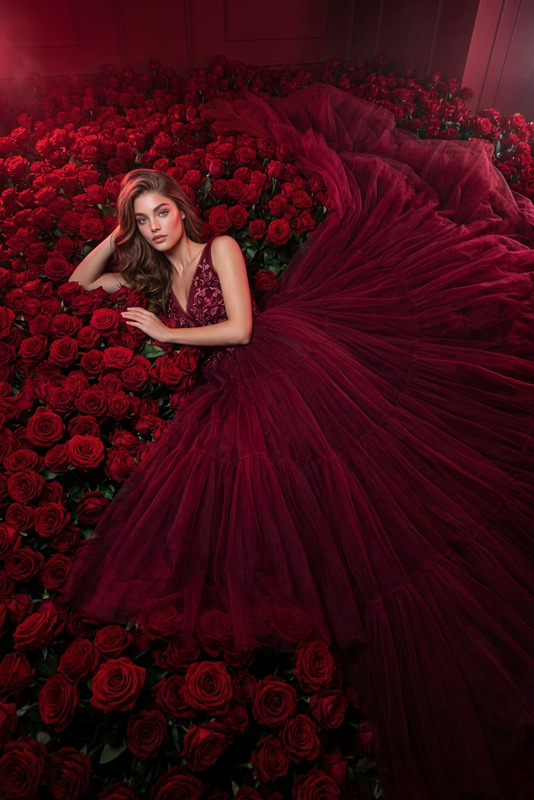
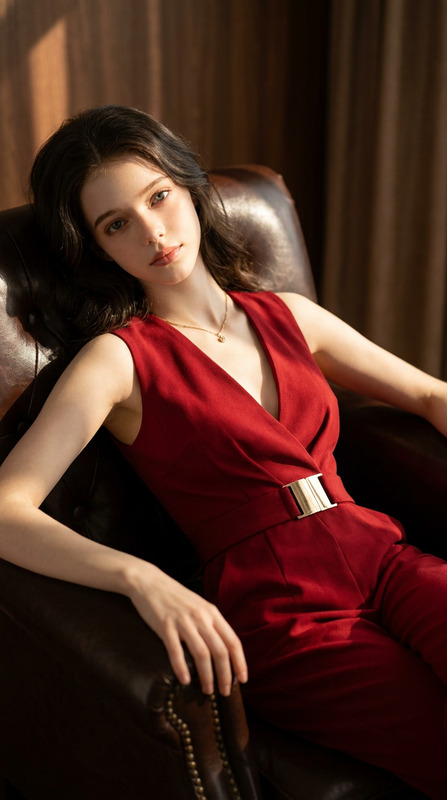
A cinematic editorial portrait of a subject with the exact same face as the reference photo (100% face match), wearing a luxurious deep red velvet winter outfit with rich texture, long sleeves, and fur trim on the collar and cuffs, adorned with ornate jeweled embellishments, paired with a matching red velvet fur hat and black glossy thigh-high boots wrapped in silver chains. The subject is seated confidently in the driver’s seat of a vintage red luxury car with red leather interior, body angled slightly forward, one leg extended diagonally, one hand resting on the thigh and the other near the steering wheel. Outside the windows is a snowy urban backdrop, softly blurred. The mood is regal, composed, and high-fashion, with a nostalgic retro aesthetic as if shot on an old analog film camera. Visual style includes vintage grain, muted tones, soft vignette, and cinematic depth. Composition is medium-full crop from a slightly low angle with a 3:4 aspect ratio. Lighting is a mix of soft diffused daylight from outside and warm bounce light from the red interior, creating strong contrast between cool exterior highlights and warm interior shadows.

AI Image Editor Template: Remixable Mockup Scene for Product Photos

Use this AI Image Editor–powered template to turn any rough product shot or sketch into a polished, on-brand mockup scene in minutes. Perfect for founders, marketers, designers, and developers who need high-quality visuals without a full studio setup.


What this template does

This template is built with the AI Image Editor. It lets you:

  • Replace or redesign backgrounds to match your brand or campaign
  • Insert or swap products into realistic scenes
  • Clean up messy photos (remove objects, fix lighting, refine composition)
  • Generate multiple variations for A/B testing
  • Keep your subject (e.g., your product, logo, or packaging) intact while upgrading everything around it

Use it for:

  • Landing page hero images
  • App/product UI mockups in context
  • Ad creatives and social assets
  • Pitch decks and investor updates
  • Marketplace listings (Shopify, Amazon, Etsy, etc.)

How to remix this template in Magic Hour

You can clone the structure of this template in Magic Hour and customize it for your own workflow. A practical way to do that:

  1. Open AI Image Editor
    Go to the AI Image Editor. This template is built on top of that product, so anything you see here can be recreated there.

  2. Upload or start from an AI-generated base image

    • If you already have a photo: upload your product or scene.
    • If you need a starting point: generate one using the AI Photo Generator or AI Art Generator, then bring it into the editor.
  3. Preserve your core subject
    Keep the main subject (your product, UI frame, character, etc.) and use the editor to transform everything around it. This is ideal for:

    • Swapping environments (studio → lifestyle → flat lay)
    • Reframing existing photos into multiple campaign concepts
    • Localizing visuals for different markets (different backgrounds, props, or cultural context)
  4. Edit the background and scene
    With AI Image Editor, you can:

    • Change or remove the background (or use the Image Background Remover first)
    • Add props and contextual elements (desks, hands, devices, packaging, furniture)
    • Adjust style (minimalist, cinematic, editorial, 3D-rendered, anime, etc.)
    • Clean distractions using tools like Remove Object from Photo or AI Remover
  5. Generate alternative versions for testing
    Once you like a base scene:

    • Duplicate it and create multiple variations (different angles, colors, props)
    • Use AI Image Upscaler or Unblur Image to sharpen for high-res uses (web hero, print, or app store assets)
  6. Export and extend into motion

    • Use static images for web, social, and decks.
    • Turn key mockups into motion using:

Practical workflows and use cases

1. Startup and SaaS marketing

For founders, growth teams, and designers:

  • Create consistent product mockups for:
    • Landing pages and feature sections
    • App store screenshots
    • Email campaigns and lifecycle flows
  • Use this template to maintain:
    • Cohesive visual identity across pages
    • Faster iteration for A/B tests (same layout, different visual story)
    • On-demand, localized creative for different regions

You can combine this template with:


2. E‑commerce and product sellers

If you’re selling physical products (DTC, Amazon, Shopify, Etsy):

  • Start with a simple product shot (even a basic photo on your desk)
  • Use this template to:
    • Generate lifestyle scenes (in-home, on-person, in-office)
    • Create seasonal or campaign-specific backgrounds without reshoots
    • Standardize your listing images with consistent lighting and angle

You can enhance your pipeline with:


3. Brand, content, and campaign concepting

For marketers and creative directors:

  • Turn brand ideas into visual boards quickly:
    • Moodboards for campaigns and rebrands
    • Visual directions for pitch decks
    • Test different art directions around the same product hero

Use in combination with:


4. Personal branding and profile visuals

If you’re building a personal or company brand:

  • Use a headshot or portrait and remix surroundings:
    • Founder story visuals and about pages
    • LinkedIn, X, or personal site hero images
    • Podcast banners and speaking event materials

Helpful tools to integrate:


Tips for getting strong results

  • Start from a clear subject
    Use a product shot or photo where your main subject is easy to distinguish (good contrast, minimal clutter). This makes AI editing more accurate.

  • Keep composition in mind
    Think in terms of final usage:

    • Landing page hero? Leave negative space for copy.
    • Social post? Design for square and vertical crops.
    • Presentation? Optimize for 16:9.
  • Design for consistency across assets
    When you find a visual style that works:

    • Reuse it across variations (same lighting, angle, color palette)
    • Save a few “hero” images, then iterate from those instead of starting over each time
  • Use specialized tools when needed


Extending this template into richer media

Once you’ve built a strong visual base with AI Image Editor, you can:


How creators and teams typically use this

Teams that benefit most from this template tend to:

  • Ship new experiments frequently (landing pages, ads, or in-product visuals)
  • Have limited in-house design or studio resources
  • Need brand-consistent visuals that can be generated, tested, and iterated quickly
  • Care about performance: clickthrough rates, signup conversion, and retention

By building your own version of this AI Image Editor template inside Magic Hour, you create a reusable “visual system” you can remix for new campaigns, markets, or product launches without starting from zero.


Related Magic Hour tools worth exploring

If you’re building a deeper visual pipeline, the following can plug into the same workflow:


Use this AI Image Editor template as a starting point, then gradually customize and remix it in Magic Hour to fit your brand system, your product, and your content pipeline.

More Like This