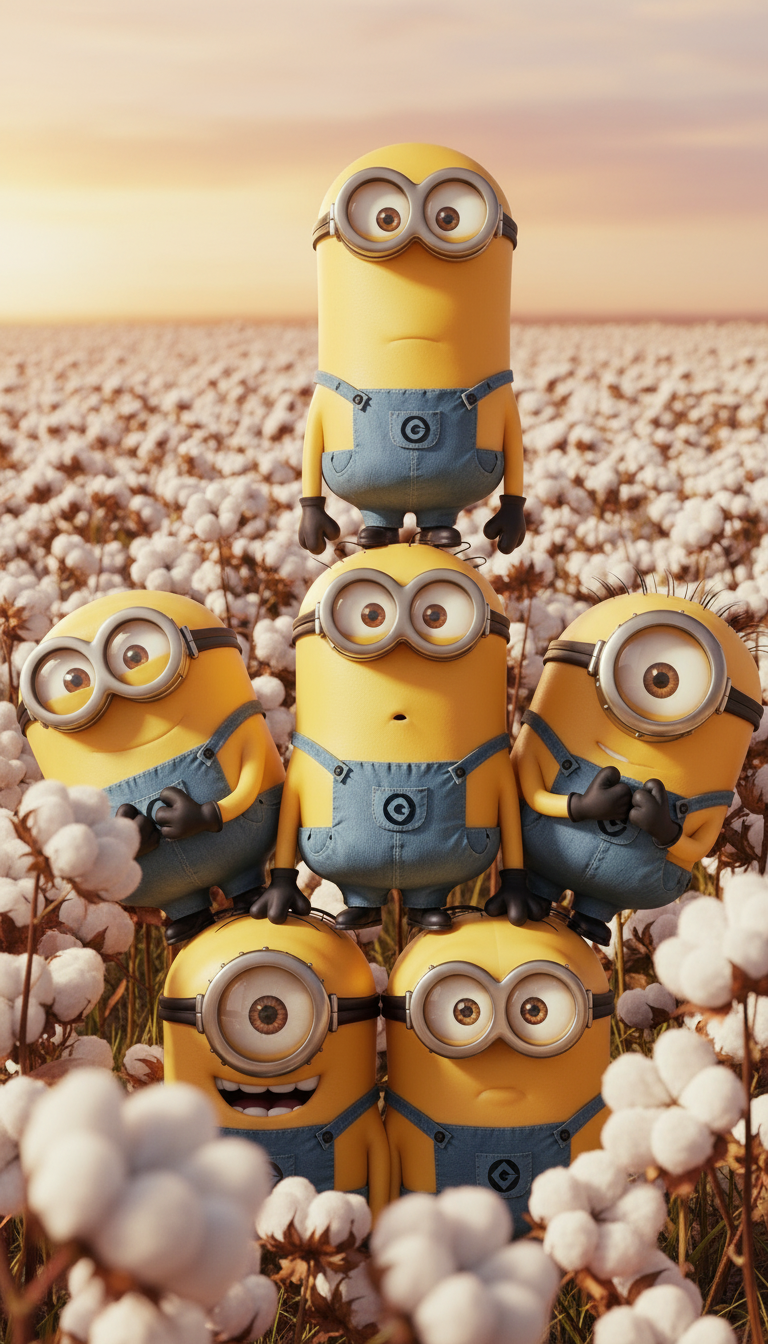
Golden Cotton Field Portrait
Any aspect ratio
The subject stands immersed in a vast cotton flower field during golden hour, bathed in warm afternoon sunlight. The subject is surrounded by tall cotton plants reaching shoulder height, forming a soft natural enclosure, with plump, fluffy white blooms in both foreground and background to create depth and intimacy. The subject appears gently enveloped by the field, stretching toward the horizon. Keep 100% of the subject’s facial features from the uploaded image — do not alter the face, proportions, or expression in any way
Overview
The Golden Cotton Field Portrait template immerses your subject in a serene-natural landscape setting, capturing the warm glow of golden hour against a backdrop of lush cotton fields. This AI Image Editor template preserves the unique facial expressions and facial features of your uploaded image, ensuring that the essence of the subject remains authentic. Ideal for creating high-quality, artistic portraits.
What It Does
This template enables artists, photographers, and designers to enhance their portraits by integrating a stunning field of cotton flowers into the scene. It retains all aspects of the subject's facial characteristics, refraining from altering any individual features, thus maintaining the authenticity of the original photo. Explore other editing options like the AI Clothes Changer to complement your portrait visuals.
Who It's For
Tailored for photographers and digital artists seeking to blend their subject into a picturesque setting without compromising the originality of their facial expressions. This template can also benefit marketing professionals crafting unique visual content for promotional needs. Combine this tool with the AI GIF Generator to create dynamic content for social media platforms.
Summary
The Golden Cotton Field Portrait template is your go-to solution for creating breathtaking portrait images. It allows users to envelop their subjects in a natural scene complete with warm lighting and cotton fields, while maintaining the integrity of facial expressions. For further customization, consider integrating elements from the AI Photo Relighting tool.
How-To
Choose the Template

Customize Your Portrait

Generate and Download

Use Cases
Photography Enhancements
- Create serene imagery for portfolio highlights
- Offer unique client packages for photo shoots
Marketing Visuals
- Design campaign images for fashion or lifestyle brands
- Develop promotional content that tells a captivating story
Artistic Projects
- Use in digital collages
- Capture moments in creative storytelling
Best Practices
High-Resolution Images
For the best results, ensure the image uploaded is of high resolution, maintaining clarity in facial features.Focus on Lighting
The template works best when the uploaded image has good lighting, as it helps blend the subject with the golden hour theme.Experiment with Angles
While the face should remain unchanged, try different angles for the original photo to see which best complements the natural backdrop.