Viral Reaction Thumbnail
Any aspect ratio
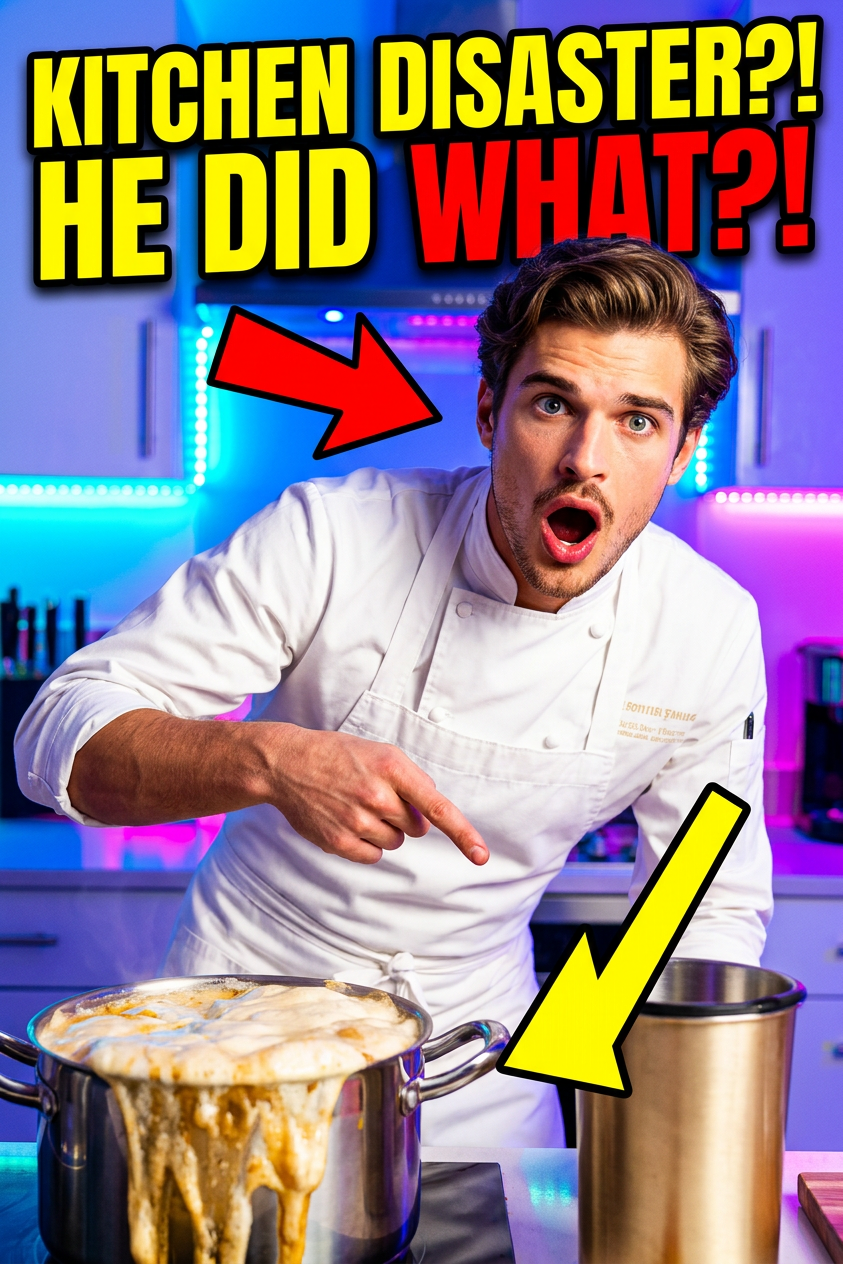
Design a high-impact viral thumbnail using the subject while preserving accurate facial identity. Enhance the expression into a big, dramatic reaction (shock, excitement, or disbelief) with widened eyes and expressive mouth. Place the subject prominently in the frame with sharp focus. Add bold arrow graphics pointing to key elements and include large, eye-catching text in thick, high-contrast fonts. Use a bright, colorful kitchen background with high saturation and vibrant lighting. Emphasize contrast, clarity, and visual hierarchy for maximum click-through appeal. Clean composition, crisp edges, and optimized for social media thumbnails.
Overview
Create captivating and engaging thumbnails that grab attention using the Viral Reaction Thumbnail template. Designed to make your video content stand out, this AI Image Editor helps you craft images that entice viewers to click and watch.
What It Does
The Viral Reaction Thumbnail template uses the AI Image Editor feature to transform facial expressions into dramatic reactions. Enhance subjects' emotions with bold graphics and text while maintaining their identity, making it perfect for eye-catching thumbnails. The template employs vibrant colors and a bright background to ensure your thumbnails pop on any platform.
Who It's For
This template is ideal for content creators, marketers, and social media managers looking to boost engagement. Whether you are crafting thumbnails for YouTube Shorts or Instagram posts, this tool ensures your visuals stand out. It's also a valuable asset for e-commerce businesses seeking to enhance their product video promotions.
Summary
Leverage the Viral Reaction Thumbnail template to optimize your video content's visual appeal. With support from the AI Image Editor, you can produce high-contrast, visually compelling thumbnails that are sure to increase click-through rates.
How To
Choose the Template

Customize Your Thumbnail

Generate Your Thumbnail

Use Cases
Social Media Thumbnails
- Bright, colorful backgrounds
- Bold text and graphics
- Expressions of excitement or surprise
Product Videos
- Emphasize key features with arrows
- Vibrant lighting
- Clear, focused imagery
E-commerce Promotions
- High saturation colors
- Large, eye-catching text
- Dramatic facial reactions
Best Practices
Highlight Expressions
Ensure that the subject's expression is exaggerated for greater emotional impact, aligning with the intended reaction, such as shock or excitement.Use Contrasting Colors
Apply high-contrast colors for text and graphics to make them stand out against the background, improving legibility and impact.Keep Text Concise
Utilize short, bold text descriptions to quickly convey your message without overwhelming the image composition.