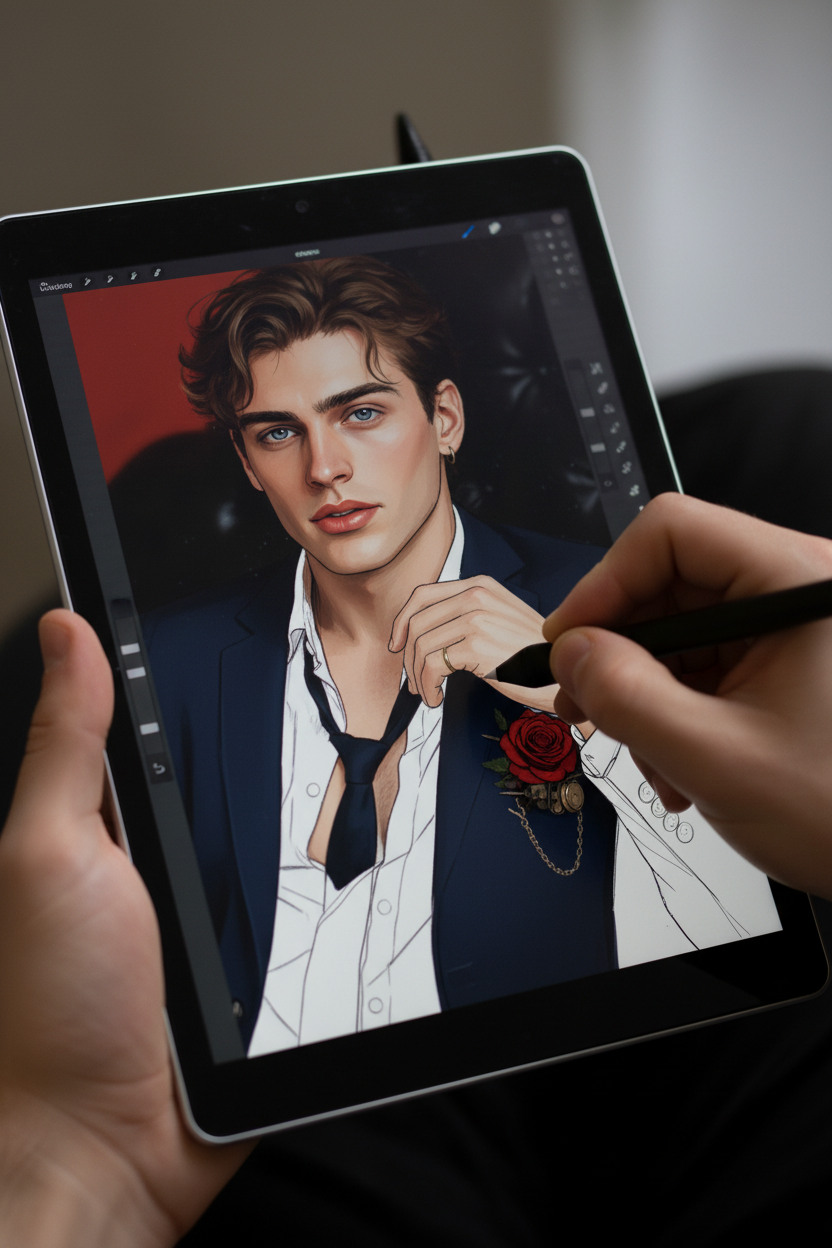
In-Progress Digital Coloring
Any aspect ratio
A photorealistic close-up of a pen tablet screen from a first-person perspective, with a realistic hand holding both the tablet and stylus. The pen tip is actively touching the screen. The original image is displayed on the tablet in an unfinished state—clean line art extracted and partially colored using the same palette as the original. Around 70% of the coloring is complete, with visible uncolored sections and work-in-progress areas. Ensure it is fully colored (not monochrome), with natural lighting, realistic screen texture, subtle reflections, and fine detail for a believable digital art workflow scene.
Overview
The "In-Progress Digital Coloring" template offers a robust solution for transforming hand-drawn sketches into stunning digital artworks. Leveraging the nano-banana model, this AI Image Editor template allows artists to visualize their sketches in an enriched, realistic setting. It showcases a detailed first-person perspective on a pen tablet where your line art is brought to life with vibrant colors and intricate details.
What It Does
This template engages our AI Image Editor to automatically enhance and colorize sketches. It retains your original line art while filling in colors, achieving a realistic semi-finished look. Equipped with features to refine screen textures, lighting, and reflections, it brilliantly mimics a professional digital art environment.
Who It's For
Designed for digital artists, illustrators, and graphic designers, this template caters to professionals who wish to streamline their digital coloring process. It's perfect for users of AI Image Generators looking to visualize the transformation of their sketches into lively digital pieces, as well as for those focusing on presenting their process in portfolio or social media content.
Summary
"In-Progress Digital Coloring" is a versatile tool for artists aiming to blend traditional sketching techniques with digital enhancements. By harnessing this template, artists can save time and effort while showcasing their work in a nearly finished state. For those engaged in educational animation or intricate art designs, this template is a must-have to elevate your creative workflow.
How To
Choose Your Template

Customize Your Inputs

Generate Your Artwork

Use Cases
Digital Art Portfolio
- Display detailed views of partially colored sketches
- Illustrate your workflow in creative presentations
Educational Content
- Guide students through art creation processes
- Use as visual aid in art classes
Social Media Content
- Post dynamic before-and-after art transformations
- Create interest in your art techniques
Best Practices
Prepare High-Quality Sketches
Ensure your original line art is clear and detailed to maximize the AI's coloring precision and output quality.Adjust Color Palettes Carefully
Experiment with different palettes to find the most visually appealing combinations for your art.Refine Lighting Settings
Utilize the natural lighting options to add realism and depth to your projects.