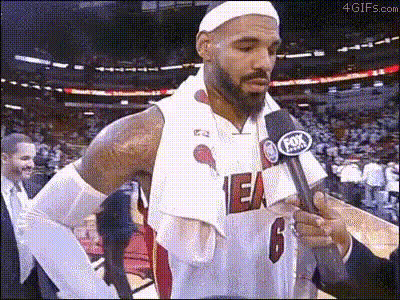
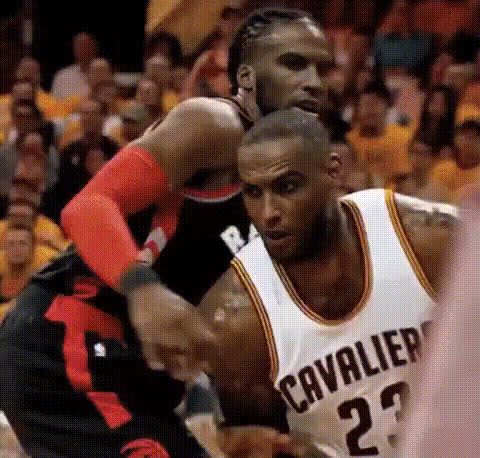
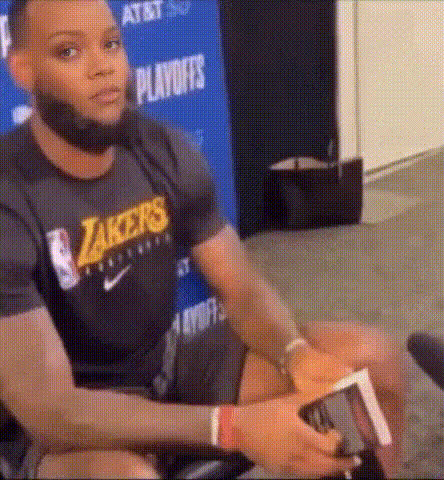
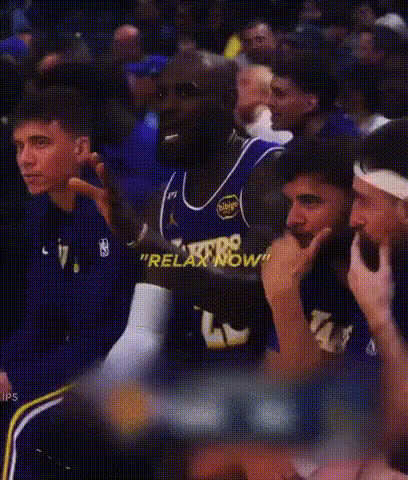
Create a hilarious sports moment with our Video Face Swap template featuring LeBron James humorously lying about Kobe Bryant scoring 70 points. Whether you're looking to entertain your friends or spice up your social media feeds, this template brings a playful spin to any sports-themed content creation. By combining modern face swap technology with engaging narratives, you can craft memorable videos effortlessly. Check out our Video Face Swap product for more creative possibilities.
What It Does
This template allows you to swap any face into a video of LeBron James during a mock interview where he's humorously talking about Kobe Bryant's fictional 70-point game. This mechanism gives your character the spotlight, cleverly inserting them into lighthearted sports banter. If you're interested in image editing capabilities beyond face swaps, you might also look into our AI Image Editor.
Who It's For
Ideal for sports fans, content creators, and meme enthusiasts, this template offers a fun way to experiment with video content. Whether you're creating fan edits for social media platforms like TikTok or crafting content for a sports-centered channel, this tool is tailored for anyone looking to add humor to their videos. Additionally, our AI Meme Generator could complement your creative endeavors.
Summary
Inject humor into your video content with a video face swap featuring LeBron and Kobe in a whimsical imaginary scenario. By using advanced AI, you can bring surreal sports moments to life. This template, along with other creative tools like our AI Clothes Changer, expands the potential of your video editing projects.
How To
01
Choose Your Template
Navigate to the Face Swap section and select the 'LeBron lying about Kobe scoring 70' template to begin.
02
Customize Your Video
Upload a photo of the face you want to swap into the video and adjust any elements such as timing or expressions to fit the scene's narrative.
03
Generate and Download
Click 'Generate' to process your video. Once ready, download the final product in your desired format and share your hilarious creation with others.
Use Cases
📱
Social Media Engagement
Use the template to create engaging, shareable content for platforms like Instagram and TikTok.
Drive more likes and shares
Appeal to sports fans
Enhance meme culture
🏀
Sports-themed Comedy Videos
Perfect for creating humorous sports content that engages fans of all ages.
Parody famous sports moments
Use in comedy sketches
🎯
Creative Campaigns
Add humor to advertising or marketing campaigns, making sports brands memorable.
Engage younger audiences
Boost campaign virality
Best Practices
Select High-Quality Images
Ensure the photo you upload is clear and well-lit to achieve the best face swap results.
Match Expressions
Align facial expressions with the context of the video for a more convincing swap.
Test Different Faces
Experiment with various faces to discover the most humorous combinations.