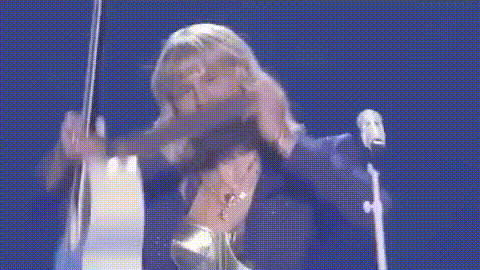
Taylor Swift Live
Overview
Experience the thrill of a Taylor Swift concert with our Video Face Swap template. This tool allows you to insert your face into dynamic concert footage, making you the star of the show.
What It Does
Our Taylor Swift Live template uses sophisticated algorithms to map your face onto Taylor Swift's, capturing her every nuanced expression. You'll get a personalized concert video that feels like you were truly on stage with Taylor.
Who It’s For
Ideal for Taylor Swift fans, social media influencers, and anyone who wants to add a unique twist to their social media content. It's also great for content creators who are exploring innovative ways to engage with their audience.
Summary
Bring your celebrity dreams to life with this easy-to-use Video Face Swap template. Perfect for creating memorable, shareable content, this tool adds a personal touch to Taylor Swift's concert footage.
How To
Choose the Template

Customize the Face Swap

Generate Your Video

Use Cases
Music Video Fan Edits
Birthday Greetings
Social Media Content
Best Practices
High-Quality Photos
Use the highest quality photo available for the best results in your face swap video.Lighting Conditions
Ensure consistent lighting between your photo and the video to maintain realism.Review Before Sharing
Watch the video carefully post-generation to ensure everything aligns properly, making any adjustments before downloading if necessary.