
Qwen Edit Image Editing Templates

72
POV Slushie Glass Portal
50
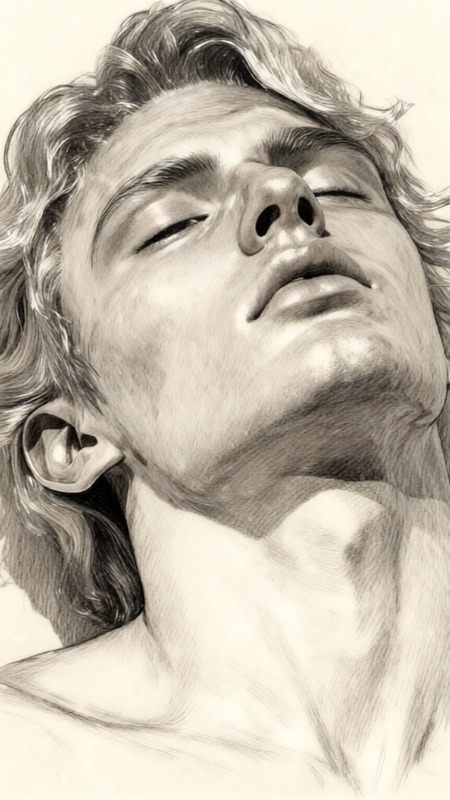
Japanese Pencil Sketch Serenity

39
Reality to Pixel Fade

28
Monochrome Side Profile Identity Lock

19
Japanese Pencil Sketch Style
16
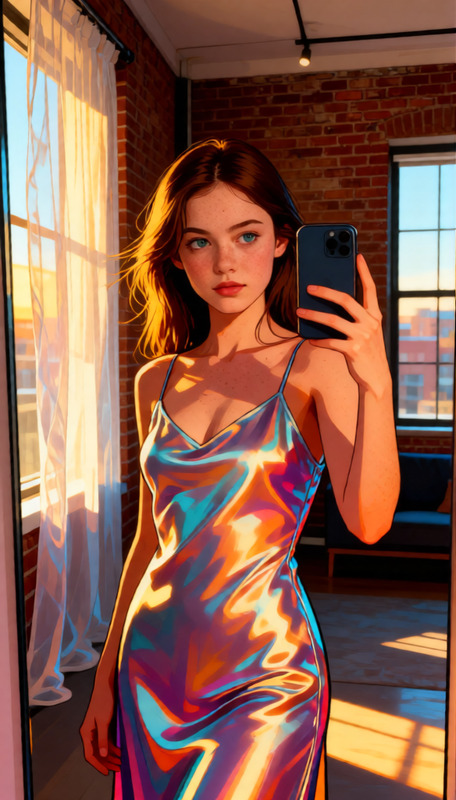
Golden Pop Mirror

57
Golden Tide Muse
42
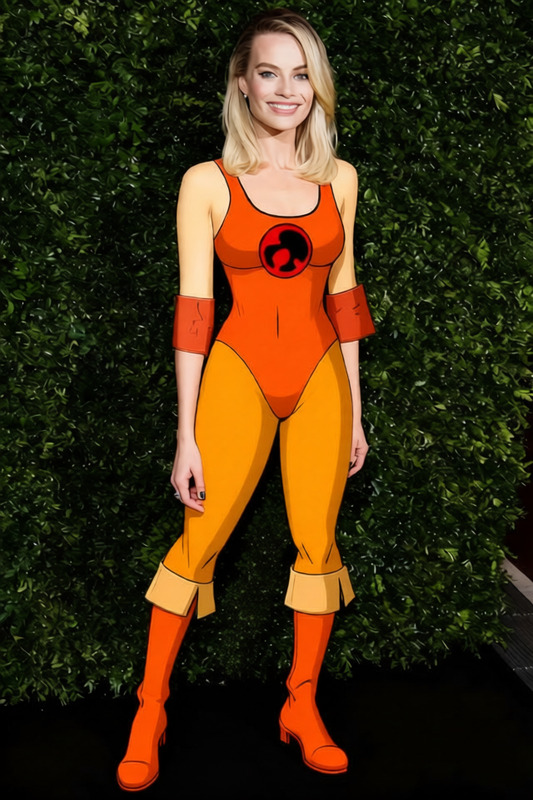
Cheetara - Yellow Bodysuit with Blue Accents

35
Smoking

21
Seamless Outfit Swap

19
Lace

16
Marble Split Work Scene
How to Use Qwen Edit Templates
1
Pick a Template
Browse the gallery and select a Qwen Edit template for the type of edit you need — removal, replacement, or style change.
2
Upload Your Image
Upload the image you want to edit. The template provides the right edit prompt and parameters.
3
Generate & Download
Click Generate to apply the edit. Preview the result, then download or refine with another pass.